


what is that exacly

Show Helpfulness Votes Chart Revision Status S Editor R Comment Mar 23, 2026, 3:35:34 AM Current M AliceWyman Image:Fx148DataCollection-OptOut, removed pre… (læs mere)

Show Helpfulness Votes Chart Revision Status S Editor R Comment

Mar 23, 2026, 3:35:34 AM Current M AliceWyman Image:Fx148DataCollection-OptOut, removed pre-fx136 content

Apr 22, 2025, 3:07:10 AM Reviewed M Kunal Anjankar I have made it simpler.

Mar 14, 2025, 2:12:33 AM Approved M AliceWyman Intro and other edits; collapsible markup

Mar 8, 2025, 6:39:29 AM Approved AliceWyman Related content: Mobile link

Mar 7, 2025, 9:31:52 AM Approved AliceWyman updated link to redirected article

Mar 6, 2025, 8:35:52 AM Approved M Mozinet minor edits, including fixes for serial commas (see guidelines)

Mar 5, 2025, 12:29:49 PM Unreviewed AliceWyman TOC; edits due to redirect of Telemetry article (see discussion)

Feb 28, 2025, 11:31:50 AM Approved AliceWyman for fx136 note: DAU (daily active users)

Feb 27, 2025, 6:30:01 AM Approved AliceWyman How to turn off...Desktop {for fx136}Fx136settings-DataCollectionOptOut
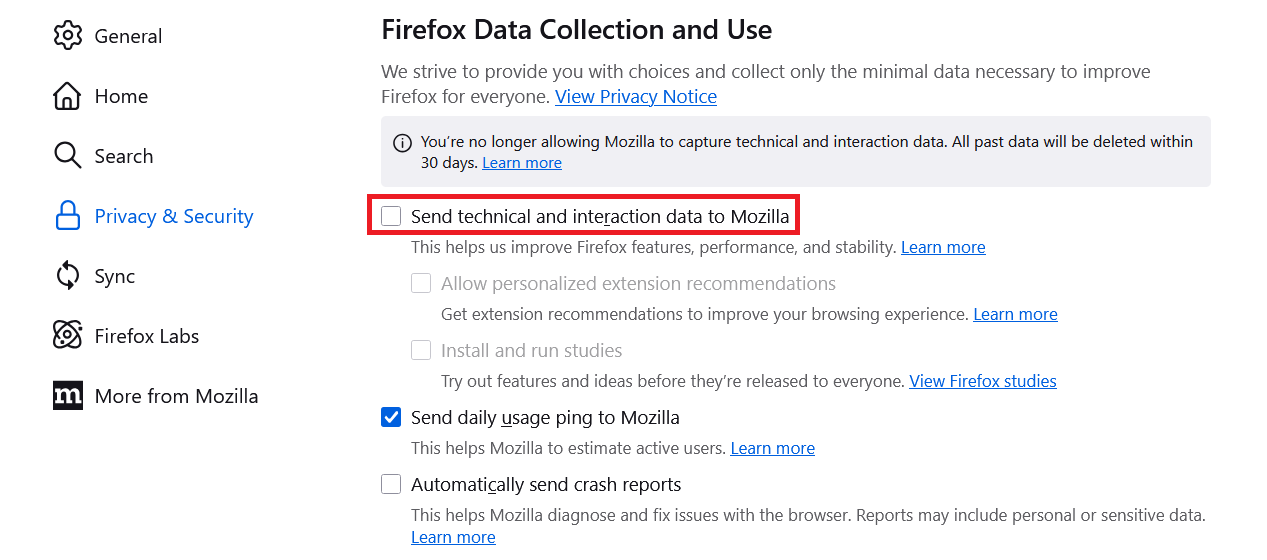
Feb 26, 2025, 4:46:04 AM Approved M Mark Heijl minor edits (added empty lines) and removed defective wikilink (replaced by template at top of article)

Feb 25, 2025, 12:55:09 PM Unreviewed AliceWyman edits for fx135 and below

Feb 25, 2025, 12:45:54 PM Unreviewed AliceWyman URL-> wikilink; Related content; removed unneeded keywords

Feb 25, 2025, 11:22:13 AM Approved M Dayani Lucia G.F. Added keywords

Feb 25, 2025, 10:28:19 AM Approved M Dayani Lucia G.F. Bug 1931072/ Bug 1931077/ Bug 1931075

Dec 13, 2024, 9:58:31 AM Approved Lucas Siebert Adding Bug 1931077/ Bug 1931075 Dec 13, 2024, 9:34:26 AM Approved MT Lucas Siebert Placeholder Bug 1931072

Åben 3

Sync problem between firefox on iOS and desktop

Hi everyone, I’ve been experiencing synchronization issues with Firefox lately. Current situation: Tabs sync correctly between devices, but bookmarks and passwords no lon… (læs mere)

Hi everyone,

I’ve been experiencing synchronization issues with Firefox lately.

Current situation: Tabs sync correctly between devices, but bookmarks and passwords no longer sync between my iPhone and my computer.

I’ve also considered an issue with profiles, I currently have three Firefox profiles:

  • default-release (currently in use)
  • default
  • default-release-1

I also used Firefox Troubleshoot Mode (restart with add-ons disabled) to test the issue.

sync-log : The sync-logs show many success-sync entries and only a couple of error-syncs. There are no obvious connection issues (I’m using a shared connection in a rural area). However, bookmarks and passwords are still not syncing properly across devices.

Observed behavior: Sync is active and "functional" Only specific data types (bookmarks and passwords) are affected The issue persists even after signing out and back into Sync, and restarting Firefox on both devices

Checks already done: Sync is enabled for bookmarks and passwords Sync logs mostly show successful operations rather than errors

Hypothesis: A Firefox profile conflict

Question: How can I restore Sync properly without losing my bookmarks, passwords, or other data?

Thank you for your help.

Åben 2

Firefox Unusable Because of Excessive CPU Usage

I've just opened one simple Web site (in addition to Mozilla), and already CPU usage sits at about 20%! Please refer to my recent posts here at "Why is Firefox Suddenly … (læs mere)

I've just opened one simple Web site (in addition to Mozilla), and already CPU usage sits at about 20%! Please refer to my recent posts here at "Why is Firefox Suddenly Taking Over my CPU?" for the problem description. I'm re-posting simply in hopes that I can "send data" on this one from outside my sandbox. Regards -- jclarkw

Åben 3 17

Recently Firefox refuses to load full page or some elements

As of recently, I have problems with Firefox that do not happen in other browsers. But Firefox is my favorite, and I'd like to have this solved so I can keep using it. In… (læs mere)

As of recently, I have problems with Firefox that do not happen in other browsers. But Firefox is my favorite, and I'd like to have this solved so I can keep using it.

In Zendesk, there is an option "Print ticket" which should open Print dialog and we then can print whole email to PDF. This worked for years, but as of recently that dialog simply does not show. I tried change Firefox settings for printing, but problem remains. Attached is a screenshot how it looks in chrome, and how it used to work in firefox.

As from yesterday, April 17, Firefox will not load correctly https://m365.cloud.microsoft page. It loads, but no element reacts when clicked. I cleared cache, cookies, removed extensions, refreshed firefox, but to no avail.

Thanks for the help!

Åben 6 7 32

search page completion will no longer open with enter button but requires go back to search and hit glass

suddenly a month after going to windows 11 when i go to firefox home page and try to search for something it loads a clean page but never goes to the page after I have hi… (læs mere)

suddenly a month after going to windows 11 when i go to firefox home page and try to search for something it loads a clean page but never goes to the page after I have hit enter. Causes me to go back to search page and then hit magnify icon to get to page I am looking for. This causes an extra stroke and is causing me to think about a new home page rather than firefox. Any help would be appreicated.

Vintaglime

Åben

Trouble with Chase Bank

With Mozilla Firefox for Linux Mint 150.0 after logging into Chase Bank , when trying to pay off my credit card, I get a message: "It looks like this part of our site is … (læs mere)

With Mozilla Firefox for Linux Mint 150.0 after logging into Chase Bank , when trying to pay off my credit card, I get a message: "It looks like this part of our site is not working right now". However the site works perfectly with Chrome, thus the problem must be with Firefox. I have cleared the Chase cookies and still getting the same result.

Åben 2

Can I delete the browser data i imported from a different search engine?

I imported my browser data,Import browser data - bookmarks, passwords, history, extensions, and auto fill data from another browser - mistakenly. Can this action be undon… (læs mere)

I imported my browser data,Import browser data - bookmarks, passwords, history, extensions, and auto fill data from another browser - mistakenly. Can this action be undone?

Thank you

~ Lanae

Åben 1 17

Unable to restore bookmarks in Linux Mint 22

Dell desktop running Mint Mate 22. Bookmarks missing about 50% of bootups. Saved bookmarks to both HTML and JSON during an occasion they did appear, when they next were… (læs mere)

Dell desktop running Mint Mate 22. Bookmarks missing about 50% of bootups. Saved bookmarks to both HTML and JSON during an occasion they did appear, when they next were missing attempted to restore them via Library pop-up (Manage bookmarks). I could not determine a path to direct the system to either locally saved file. In Library, selected Restore, which then asks me to choose file, but none of the data fields accepted or acted upon input. re-installed Firefox but same result. Then clicked on the saved HTML file, multiple screens flashed on the display, with multiple items in the tray. The final result was the bookmarks were all displayed as expected, but since the problem has been inconsistent, unknown whether they will display on future bootups.

Wish to have guidance on using the Library pop-up to restore saved bookmarks when they are missing. Perhaps some knowledgeable user could post a step-by-step through the restore process.

Åben 8 1 5

how do i remove the profile icon from the toolbar and all the ai stuff?

i have no use for the 'profile' tab on the tool bar, how do i perminately remove it? i can not drag it to overflow, it drags the entire toolbar. very frustrationg. also i… (læs mere)

i have no use for the 'profile' tab on the tool bar, how do i perminately remove it? i can not drag it to overflow, it drags the entire toolbar. very frustrationg. also i have no need or use for 'open in split view' in the right click menu. all both of these things do is clutter up the tool bars. please make it easier to remove these things.

Åben 4

Directions to get to my original question - to enter a reply

I posted a question about 6-7 days ago and received a couple of replies. The last one (from DENYS) sent me to an article that guided me to a resolution to my problem. I h… (læs mere)

I posted a question about 6-7 days ago and received a couple of replies. The last one (from DENYS) sent me to an article that guided me to a resolution to my problem. I had to wait a couple of days to assure me that the fix worked. I now wish to reply to the last answer (to DENYS) to let him know he helped me. I logged into Mozilla.support and found the Community Forums and scanned the entered 'asked' questions but could not find my first question (got tired of scanning forever). How do I go DIRECTLY to my first entered question? Or is there even a way? After 30 minutes of this, I can see there are a zillion questions in this support file and wonder that anyone finds time to answer them all (kudos) to you all. But I want to acknowledge that DENYS did, in fact, help me. How do I do that - DIRECTLY? Now I've put another question into the long question file (sorry). Jim Bigger

Løst 3 7

remove recent browsing button from tab bar

'bold textHow do I remove the recent browsing button from tab bar. I get shaky hand sometimes and this annoying button messes Firefox up. It is the most annoying new fea… (læs mere)

'bold textHow do I remove the recent browsing button from tab bar. I get shaky hand sometimes and this annoying button messes Firefox up. It is the most annoying new feature ever.

Løst 6 9

When will the VPN extension be available on macOS?

When will the VPN extension be available on macOS? It seems counterintuitive to leave out a growing user base who want better privacy on Mac. I want to use Mozilla’s VPN … (læs mere)

When will the VPN extension be available on macOS? It seems counterintuitive to leave out a growing user base who want better privacy on Mac. I want to use Mozilla’s VPN but need website exclusion because I like to stream movies.

Åben 1