Windows 10 reached EOS (end of support) on October 14, 2025. If you are on Windows 10, see this article.

Søg i Support

Avoid support scams. We will never ask you to call or text a phone number or share personal information. Please report suspicious activity using the “Report Abuse” option.

Læs mere
Åben

Why my email have disappear?

Victor

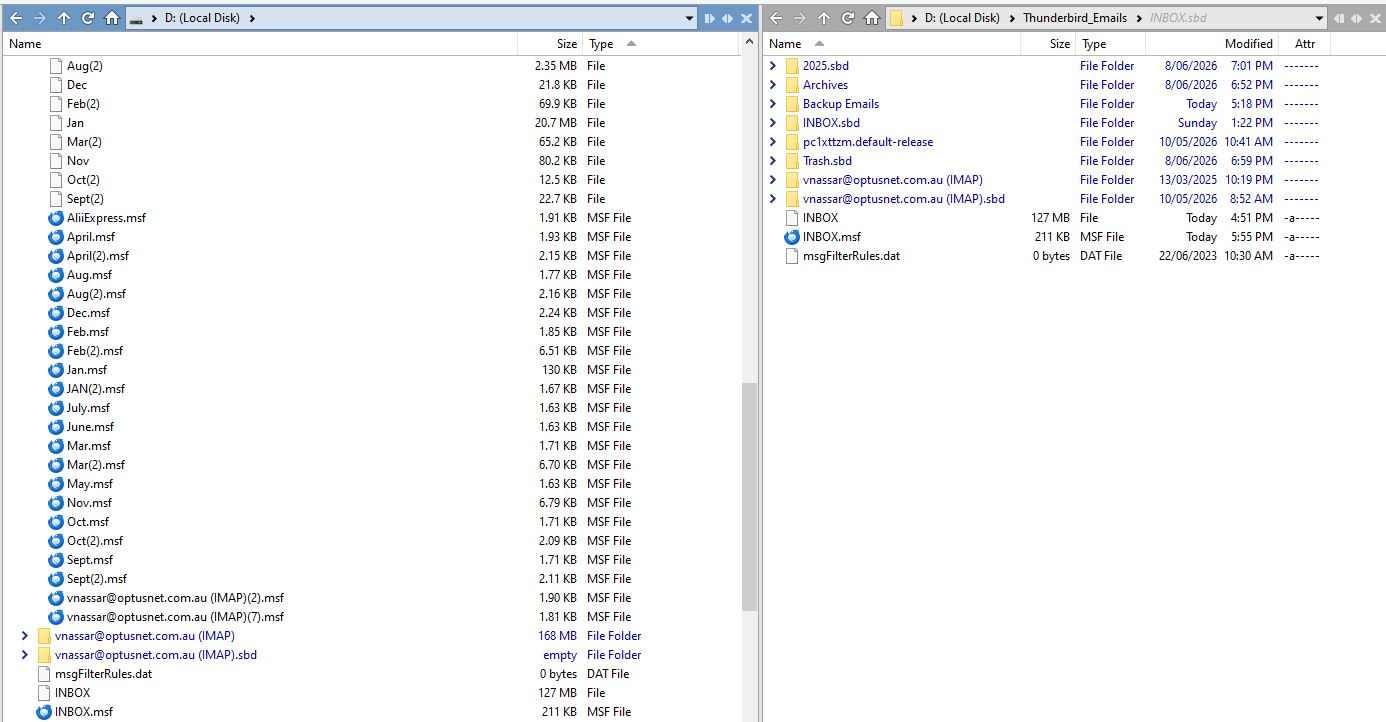
I have saved my emails in the local folders, which is in my second drive (D Drive), I added extra folders named them as per year and in those folders per month. It shows the size of each folder amount of data but, nothing is there. I notice this when my C drive got corrupted and I had to reinstall windows 10 again. I did not reformat the D: Drive because there was nothing wrong with the drive. It used to be so easy in the pass to save emails. What is happening?

Thank you for any assistants in the future.

Victor Nassar
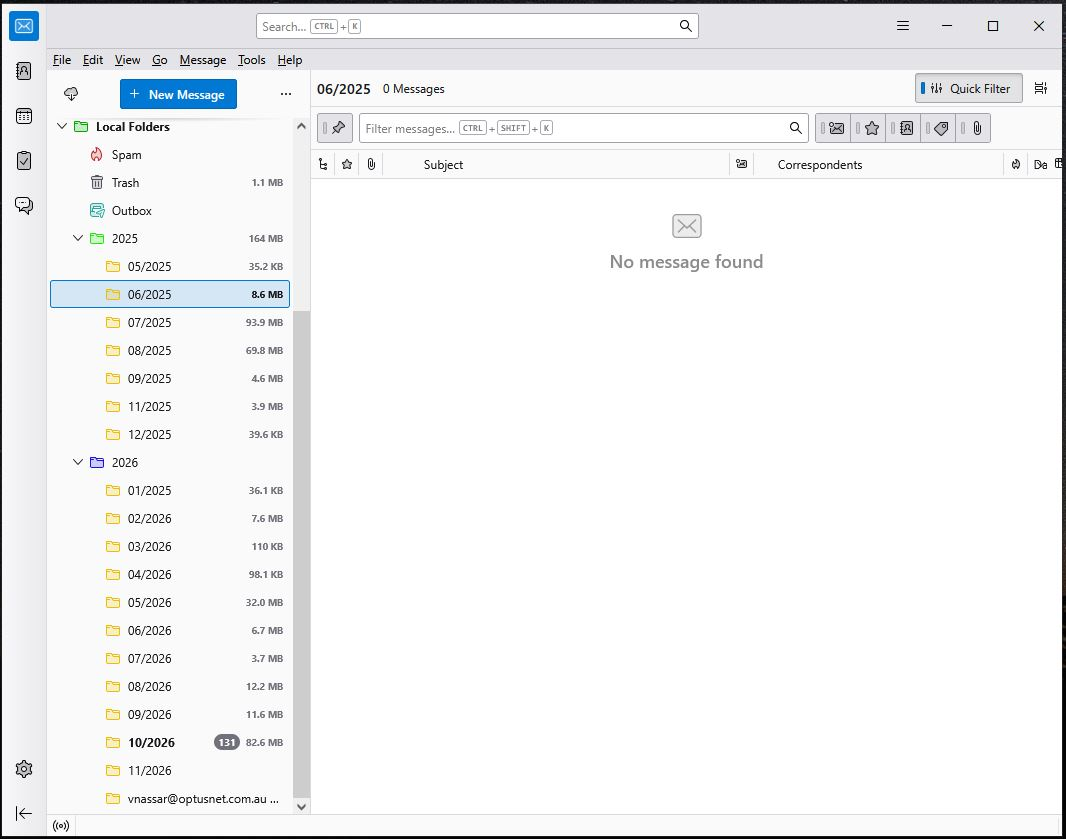
I have saved my emails in the local folders, which is in my second drive '''(D Drive)''', I added extra folders named them as per year and in those folders per month. It shows the size of each folder amount of data but, nothing is there. I notice this when my C drive got corrupted and I had to reinstall windows 10 again. I did not reformat the D: Drive because there was nothing wrong with the drive. It used to be so easy in the pass to save emails. What is happening? Thank you for any assistants in the future. Victor Nassar
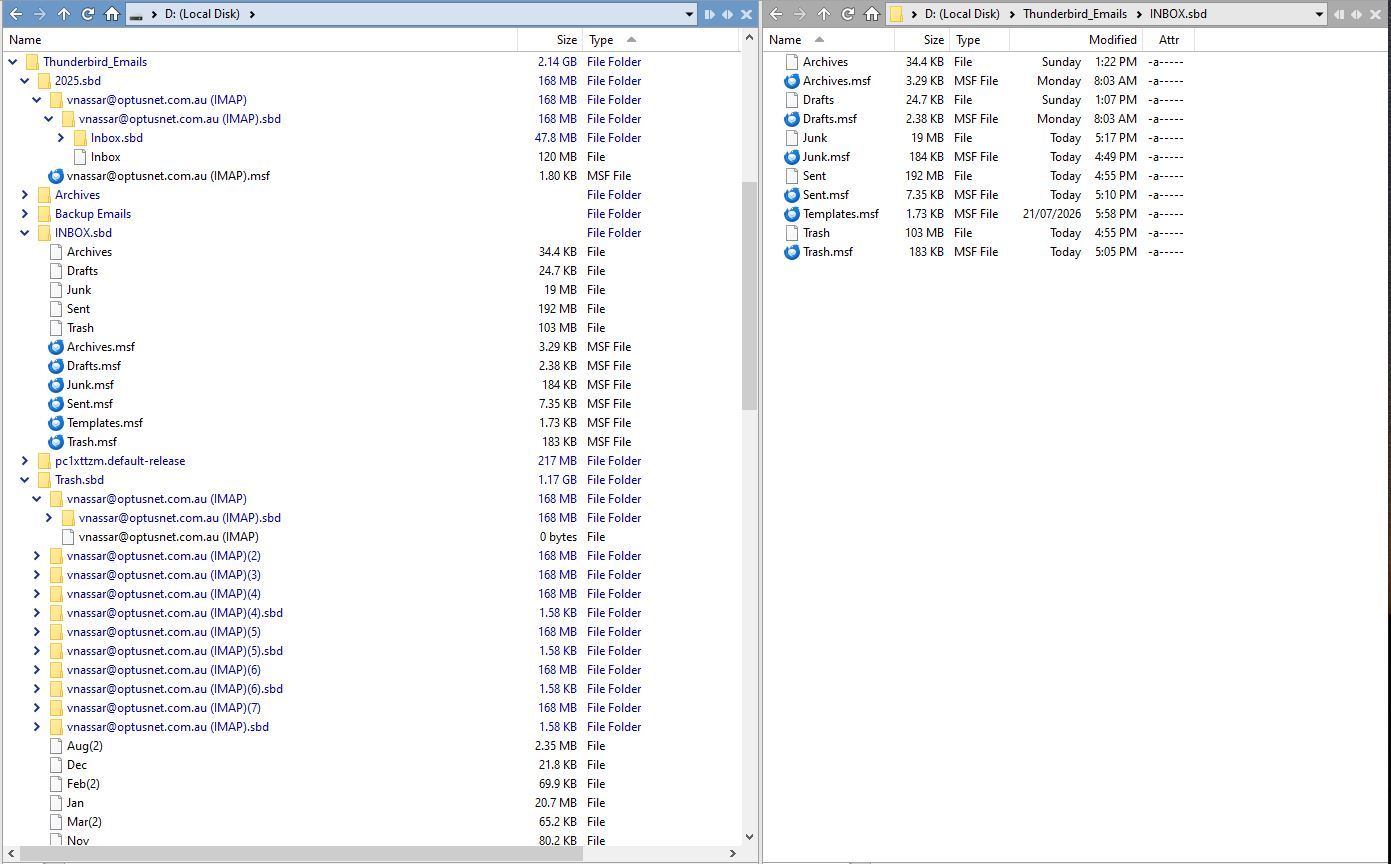
Vedhæftede skærmbilleder

Alle svar (2)

You do not apply any filters, do you?

You can try to start Thunderbird from Troubleshoot mode to check. https://support.mozilla.org/en-US/kb/troubleshoot-mode-thunderbird

After re-installing Windows, did you also re-install Thunderbird, started with a new profile, and re-created your account(s) in Thunderbird?

Stil et spørgsmål

Du skal logge ind på din konto for at svare på et indlæg. Start et nyt spørgsmål, hvis du ikke har en konto endnu.