Signature line no return

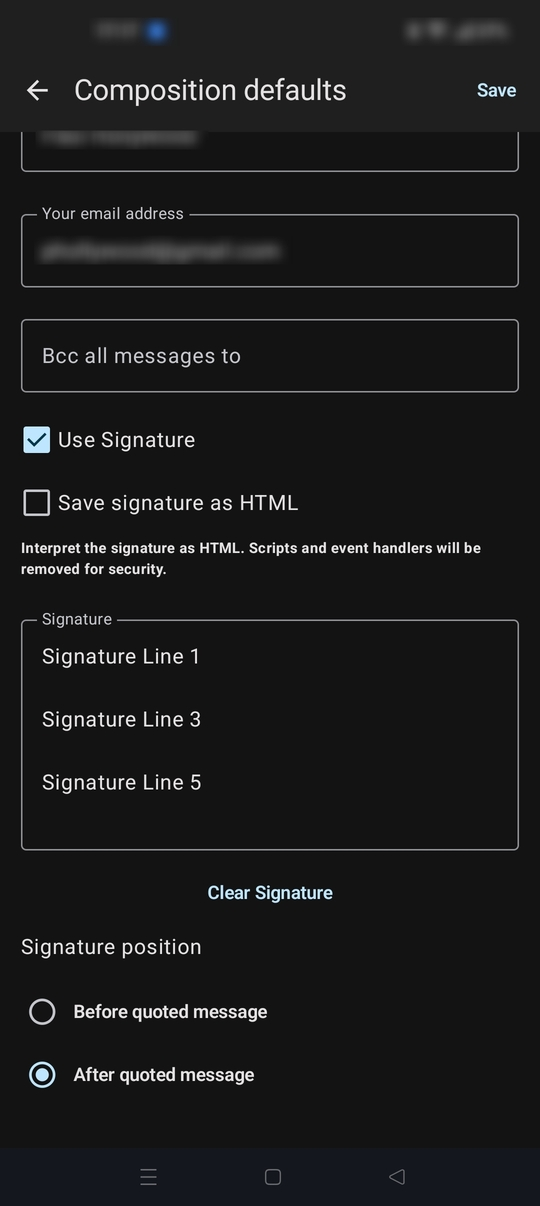
In the recent version (24.0) the signature line option is no longer respecting a carriage return at the end of a line. When entering more than one line for a signature, you cannot enter a return and start a second line.
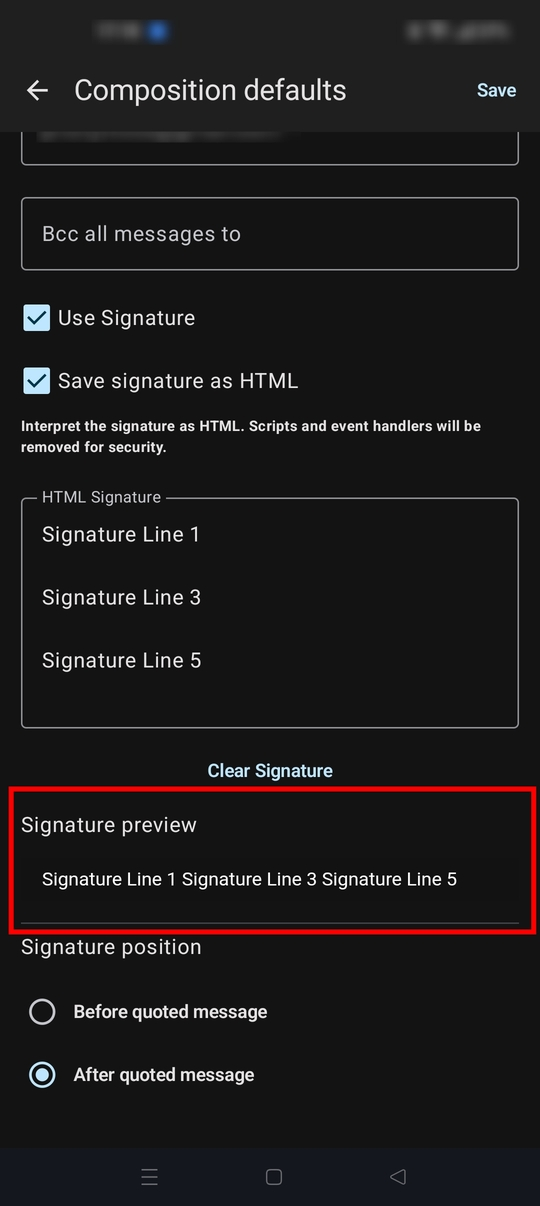
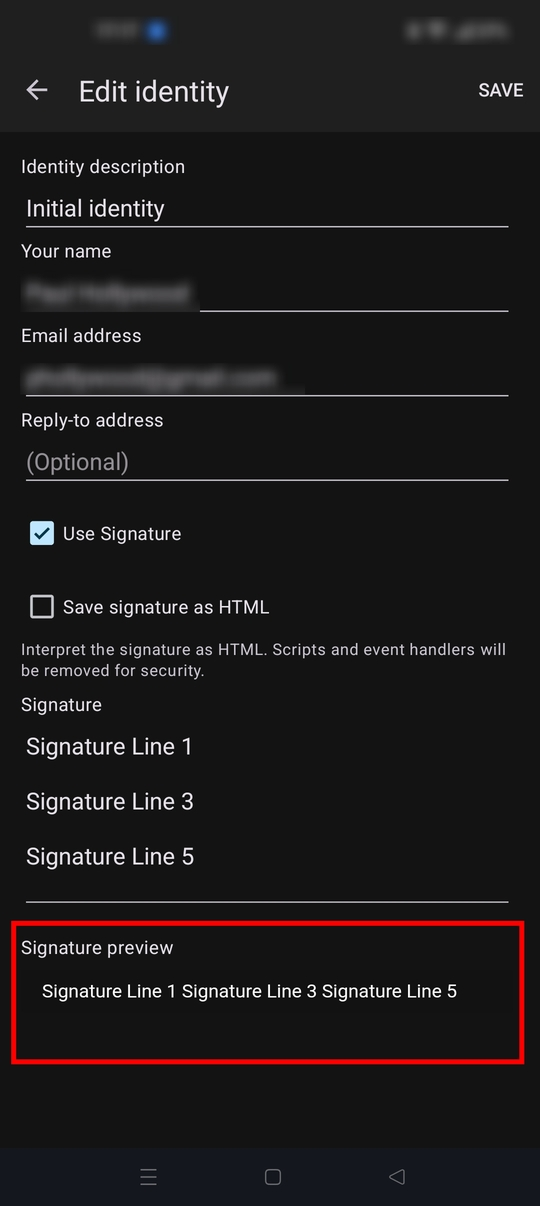
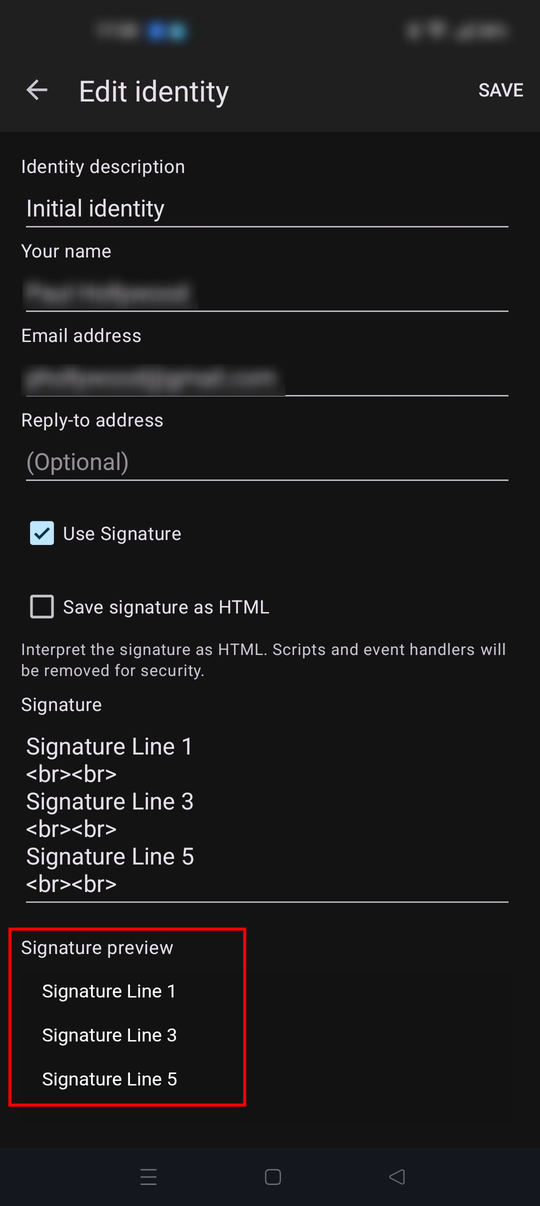
While the editor accepts this the preview pane and the final result does not respect the return and the lines wrap together. This did not happen with earlier versions. Signatures created with earlier versions continue to operate okay. Only the effort to add a new signature line or edit an existing one is being impacted.
It appears the CR is not being entered or read.
Ændret af D. Kirkpatrick (Dennis K.) den
Alle svar (3)

Please open a github issue ticket to report the bug at https://github.com/thunderbird/thunderbird-android/issues
Logged in and filed at Github. Pending review.
I wonder if anyone else has experienced this. The sig line composition and save was working fine but seems to have stopped working properly with the latest release.
Thanks.
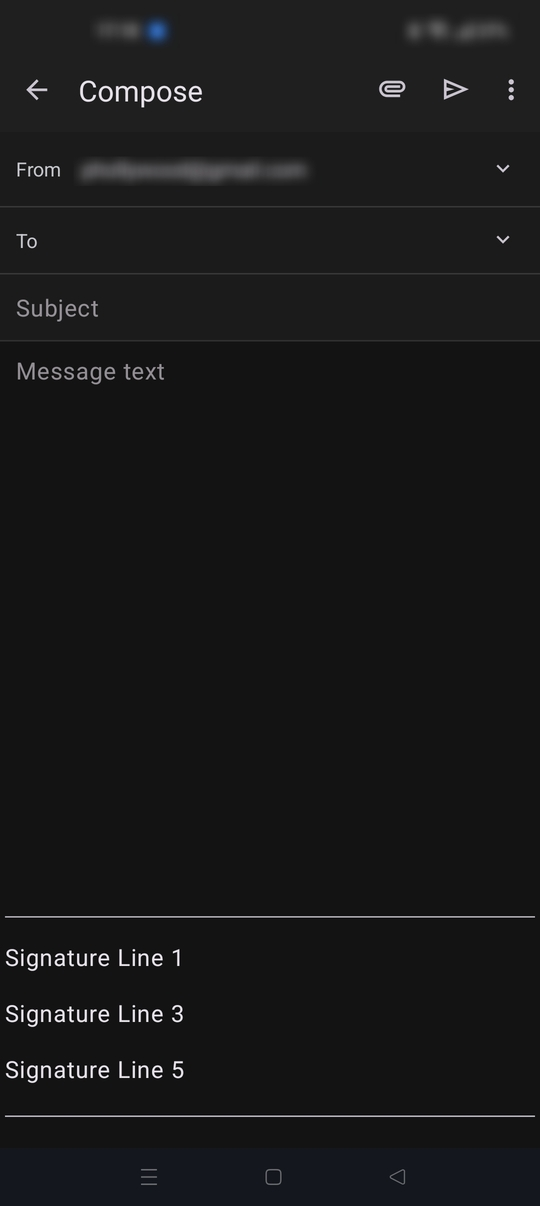
I do observe plain text multi-line signatures being previewed on only one line The signature is displaying correctly for me within the edit box and during email compositions. I didn't experience any issue adding carriage returns.
Version 24 added support for HTML signatures. https://github.com/thunderbird/thunderbird-android/releases/tag/THUNDERBIRD_24_0
It seems like the preview is always treating text in the signature edit box as HTML. It doesn't seem to render a plain text preview when the HTML signature checkbox is disabled.
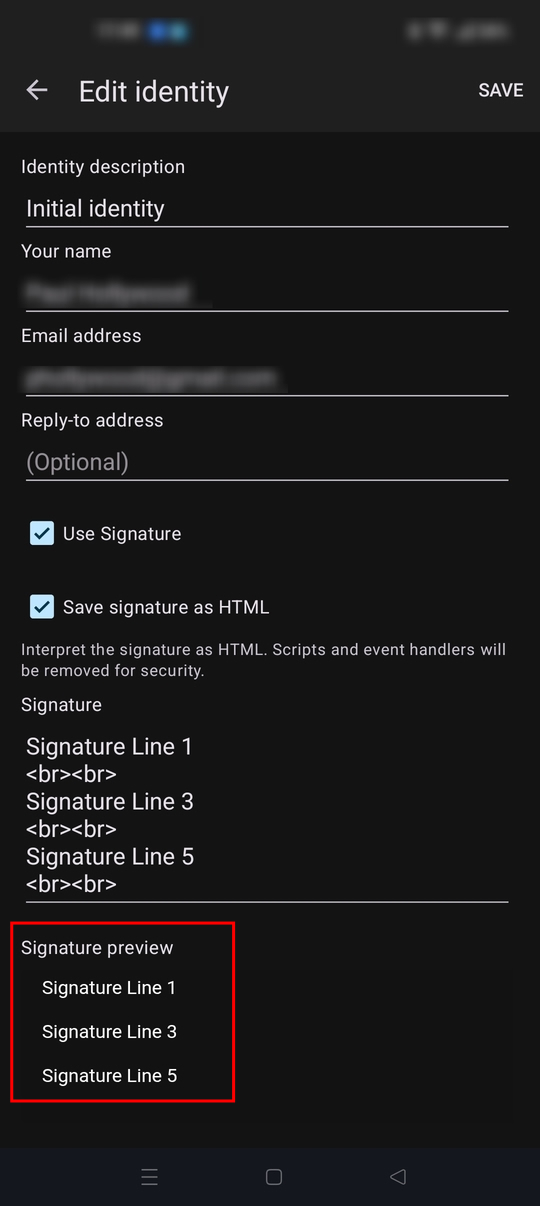
The carriage returns are correctly displayed when HTML line break tags are entered. See screen shots