


Løst
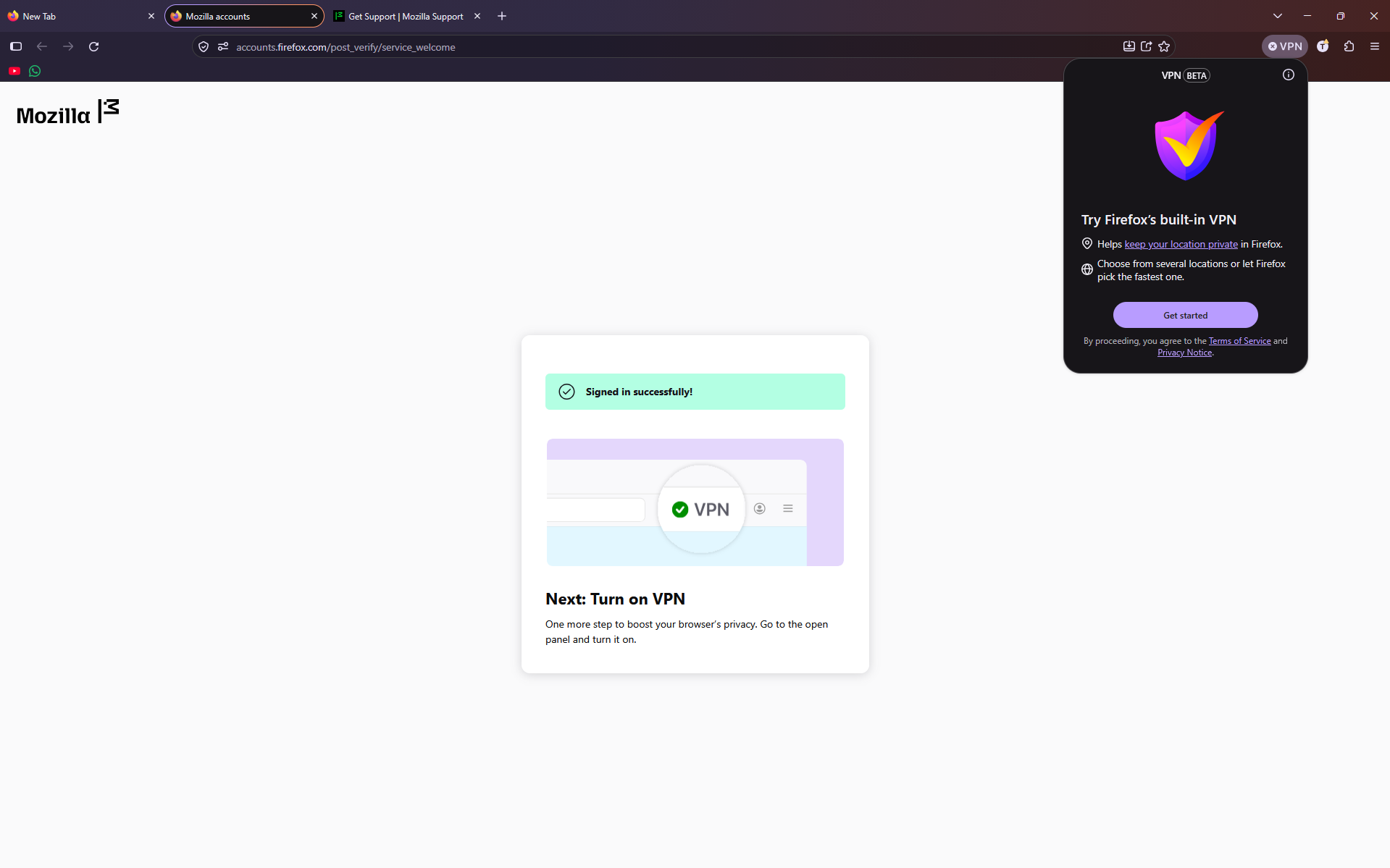
i try to make the vpn work, i click on get started sign in and it shows me this

i try to make the vpn work, i click on get started sign in and it shows me this
i try to make the vpn work, i click on get started sign in and it shows me this
Alle svar (3)
Valgt løsning
Hi there Tony, could you click on your account icon next to your vpn ico (to the right) and verify your account? Once you do, sign off and sign in back and check if the issue with vpn remains.
Let us know
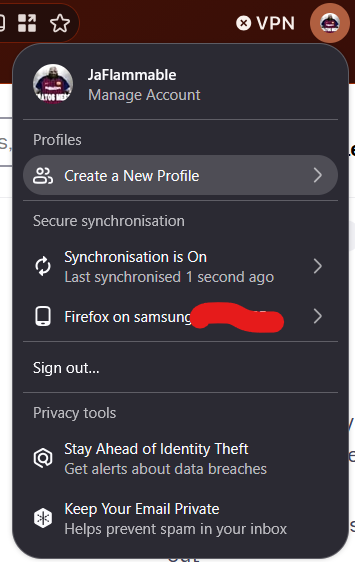
I have the same issue? but there's no account verification prompt? I did feel like when I made the account, I verified it with the one-time code no?
JaFlammable said
I have the same issue? but there's no account verification prompt? I did feel like when I made the account, I verified it with the one-time code no?
Hey there, in which version of Firefox are you?