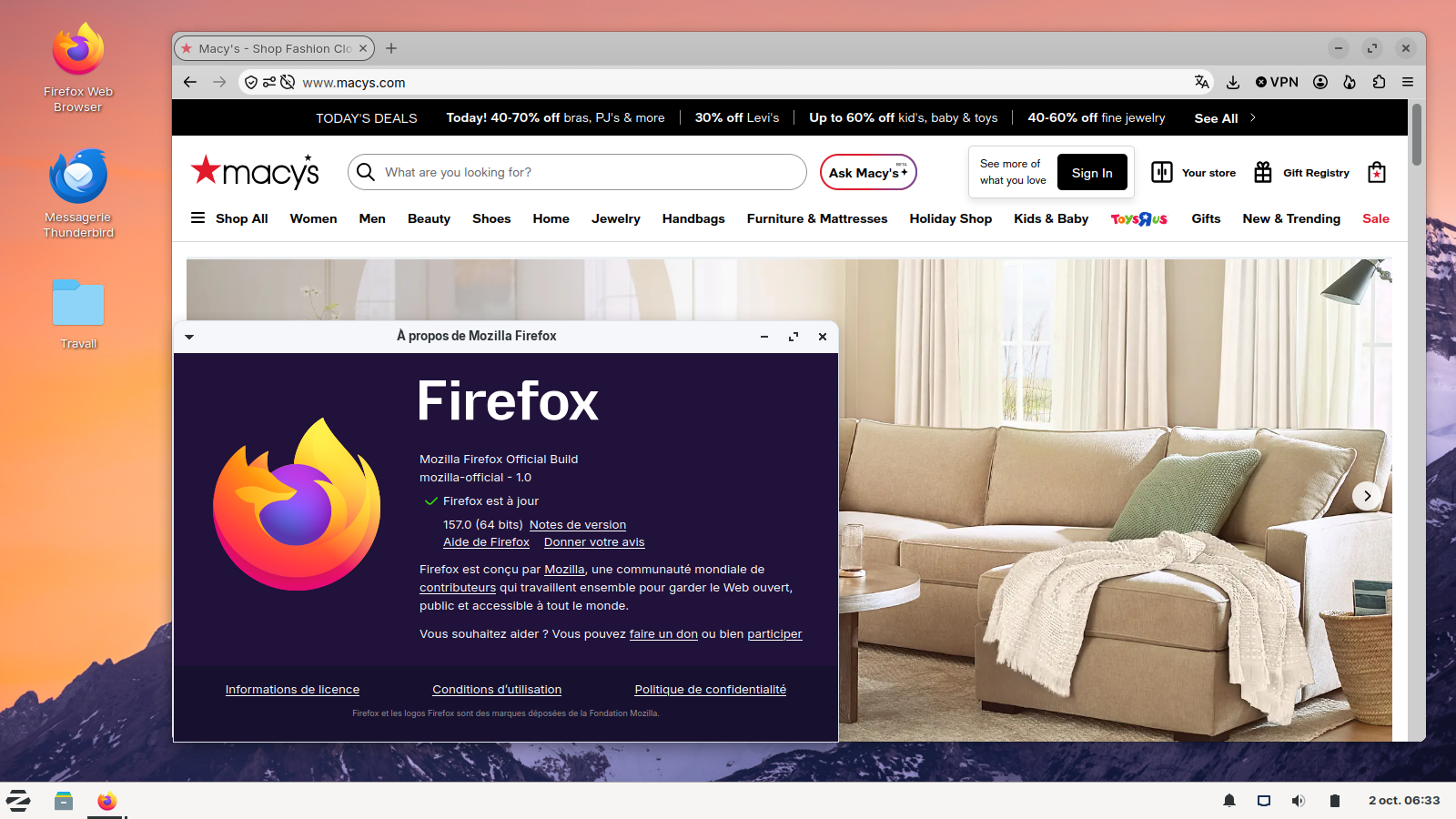
Some sites won't let me in because my browser needs updating but it is updated

When I click on some sites (like Macy's) in a google search, I get a message that I can't access it because I need to update my browser
Alle svar (3)
The Firefox UserAgent or UA you used to post this thread appears as Mozilla/5.0 (Windows NT 6.1; Win64; x64; rv:109.0) Gecko/20100101 Firefox/115.0
It does not show the minor updates (like Fx 115.42.0esr) so it appears as if you are using the old Firefox 115.0 Release which is what the Firefox 115.0 ESR is based on. It only gets security and or stability fixes.
Mozilla is being generous in keeping a version updated so the EOL Windows 7, 8, 8.1 and macOS 12.12, 10.13, 10.14 OS users have a secure web browser to use for a while as Chrome/Chromium based browsers dropped support of Windows 7, 8, 8.1 back in Jan/Feb 2023. https://support.mozilla.org/en-US/kb/firefox-users-windows-7-8-and-81-moving-extended-support
Many current websites are kept updated to needing more current versions of web browsers including with Firefox to use the web site.
To use a current version of Firefox 116.0 and later including Fx 157.0 Release and 153.4.0 ESR you need Windows 10, 11 to run. Alternatively you could use a current Linux distro either in replacement or dual boot with Win7. Though I sugest using the Linux tarballs from Mozilla to get internal updates as versions of Linux distros can be made EOL in package updates.
Bonjour
To complement,
A similar discussion thread https://support.mozilla.org/en-US/questions/1608750
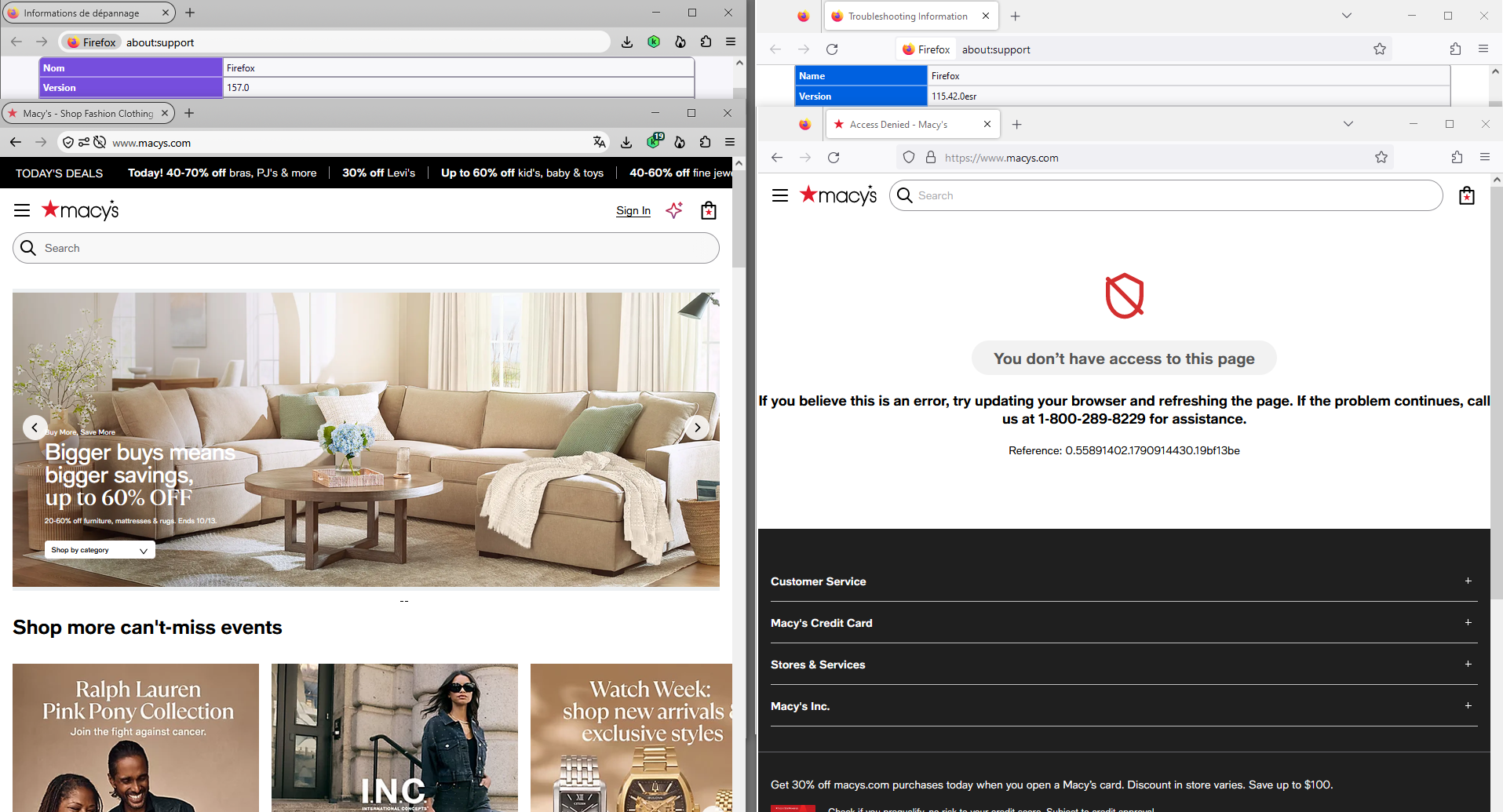
Ændret af Agent virtuel den
J'ai installé Linux, en double-démarrage avec Windows7.
Install Firefox on Linux https://support.mozilla.org/en-US/kb/install-firefox-linux
As for me, System Firefox installation (for advanced users) that's my installation.