How to use Mac OS Contacts for my email addresses on Thunderbird

Instead of the Thunderbird Address Book, I'd like to use my Mac OS Contacts. How may I do this?
Alle svar (1)
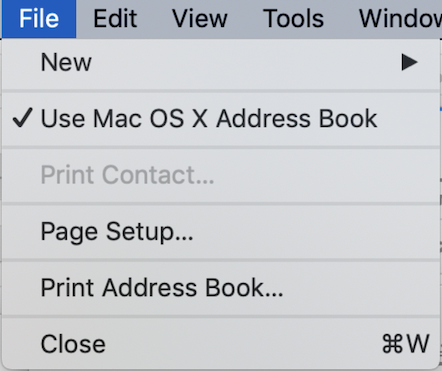
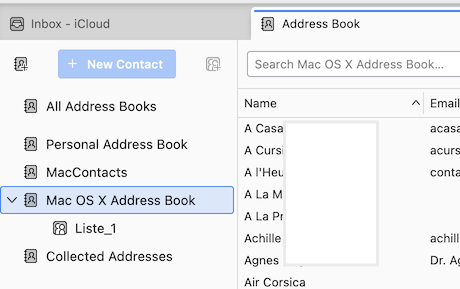
I am not able to propose a simple solution. In earlier Thunderbird macOS versions the File menu contained an item "Use Mac OS X Address Book" (see 1st picture). This item no longer exists in the File menu of modern Thunderbird macOS versions, however if you create a first Thunderbird installation or an new profile in a modern version the Mac OS X Address Book is displayed by default in the Thunderbird Address Book (2nd image)
The Mac OS X Address Book is "read-only", so you cannot add, delete or modify any contacts. You'll always have to do this in the Mac Contacts.app. For this reason in Thunderbird I have created a CardDav address book for my "Contacts" which is automatically synchronized with my Mac Contacts.