


Løst
how to block google sign in pop up

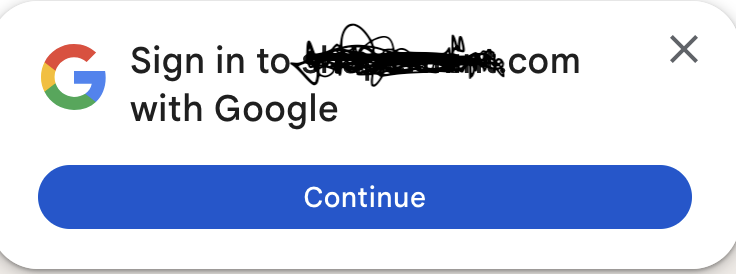
I have a new mac air and I had to set up a new Firefox/Mozzila account. Since then, I keep getting a Google sign in request. I have a Google email for websites that I don't really use, so am effectively a Google customer, but I prefer to not have this pop up every time I go to a website that has a sign in. How to I get rid of these pop-ups? Thank you, Fi
I have a new mac air and I had to set up a new Firefox/Mozzila account. Since then, I keep getting a Google sign in request. I have a Google email for websites that I don't really use, so am effectively a Google customer, but I prefer to not have this pop up every time I go to a website that has a sign in. How to I get rid of these pop-ups?
Thank you,
Fi
Alle svar (2)
You can control which popups to allow:
Settings > Privacy and security > Permissions and data
Valgt løsning
Thank you. After looking again, I found the correct place to add it. In earlier searches, it appears that I could only add ones I wanted to allow. I hope I found the right setting now. Thank you Amoun! Fi