Thunderbird won't accept my password so I can open my email

Have a new computer and when they transfered my information they didn't do my email. I finally got found it an downloaded it but now it won't accept my password. Plese help I'm getting desperate. Thank you Mary Ward
Have a new computer and when they transfered my information they didn't do my email. I finally got found it an downloaded it but now it won't accept my password. Plese help I'm getting desperate.
Thank you
Mary Ward
Alle svar (1)
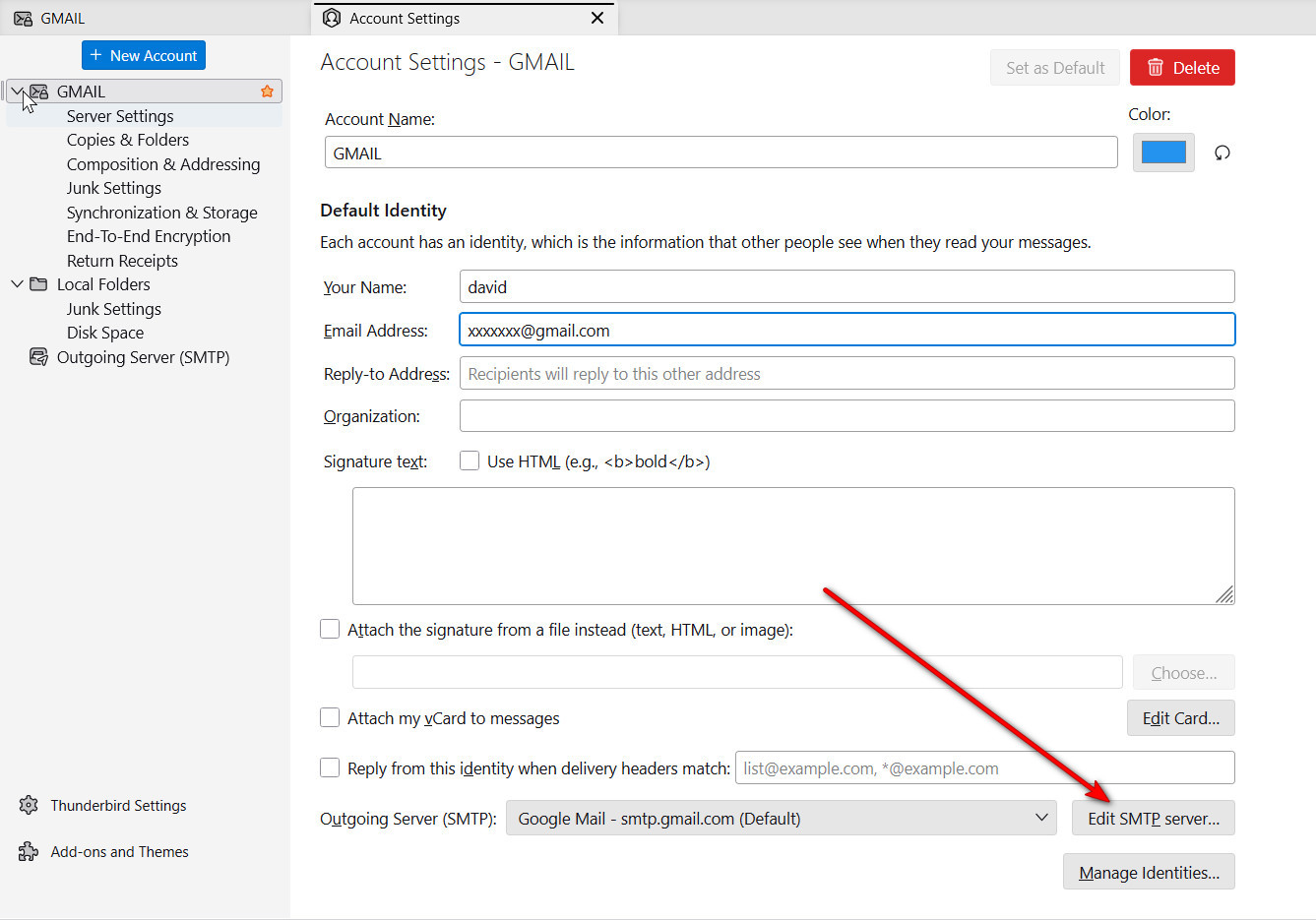
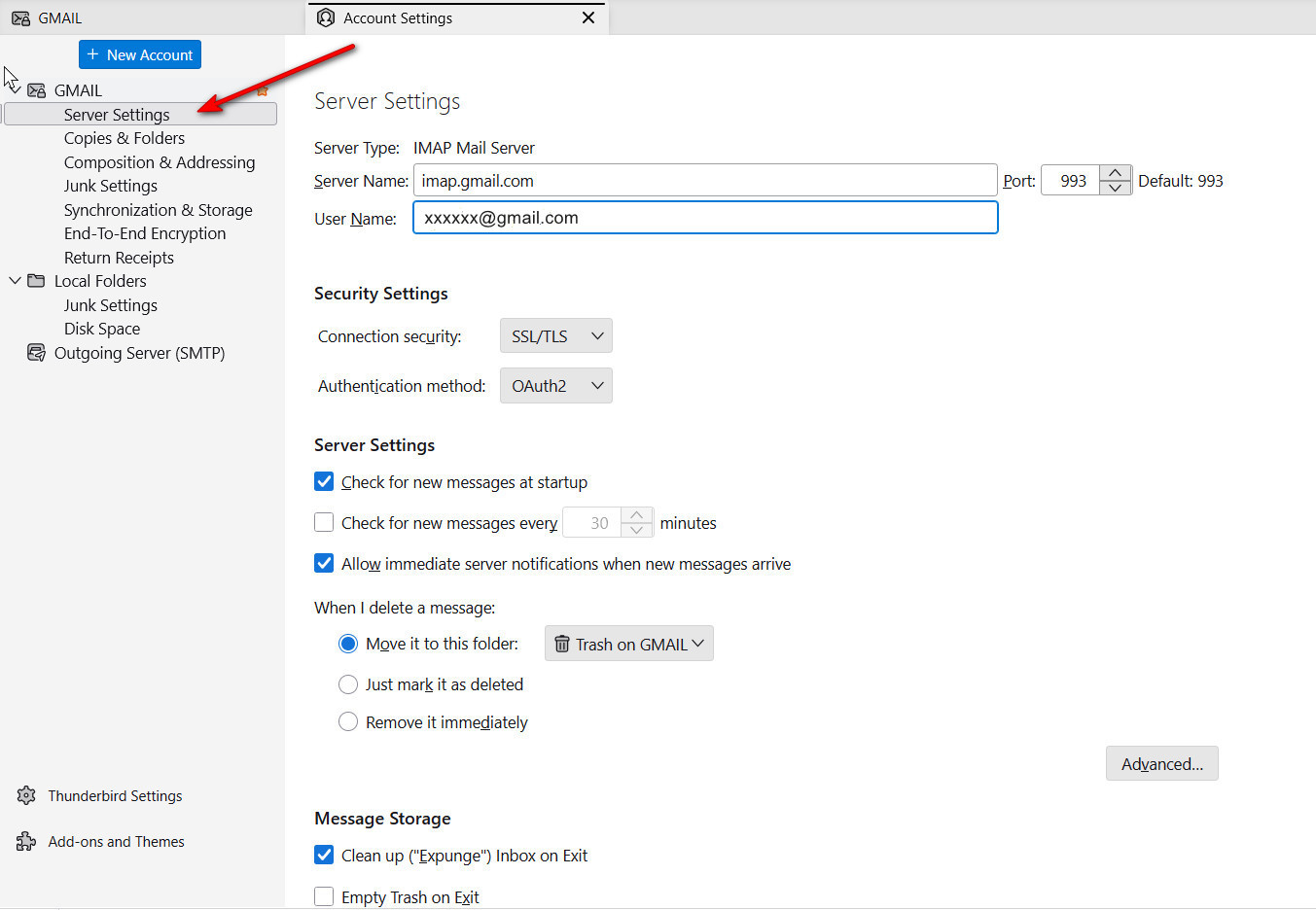
The issue is that Thunderbird isn't rejecting you, your email provider is. That can be because the password is truly wrong, or that your setup is incorrect. So, if you post screenshots of your error messsages, your server settings pane, and your SMTP server settings pane, someone here may have suggestions. If you are unfamiliar with locating those panes, I attached screenshots of where to look.
If you are unfamiliar with creating screenshots, Windows has a tool for that.
- click the Windows key and the shift key and the letter 's' - a window opens over what is on screen
- leftclick mouse and drag down and to right to highlight the area
- when you release the mouse button, the screen will be in windows clipboard
- on the forum page where you respond, press cntl and 'v' to paste in