


website access problem "error 403 forbidden" from Firefox 115.35.1ESR on W7 x64

Hi, since some weeks I'm unable to access some websites with Firefox, cause I get 403 errors, for instance https://www.bexley.fr/. It works well with Chrome on the same computer+same OS, or with a newer version of Firefox on W10 (same computer, dual boot), but with my W7 and Firefox 115.35.1esr I can't access them because of that error. Any idea how I could fix that ? All my computers on W7 and the same version of Firefox are concerned. Thank you.
Alle svar (6)
Hello
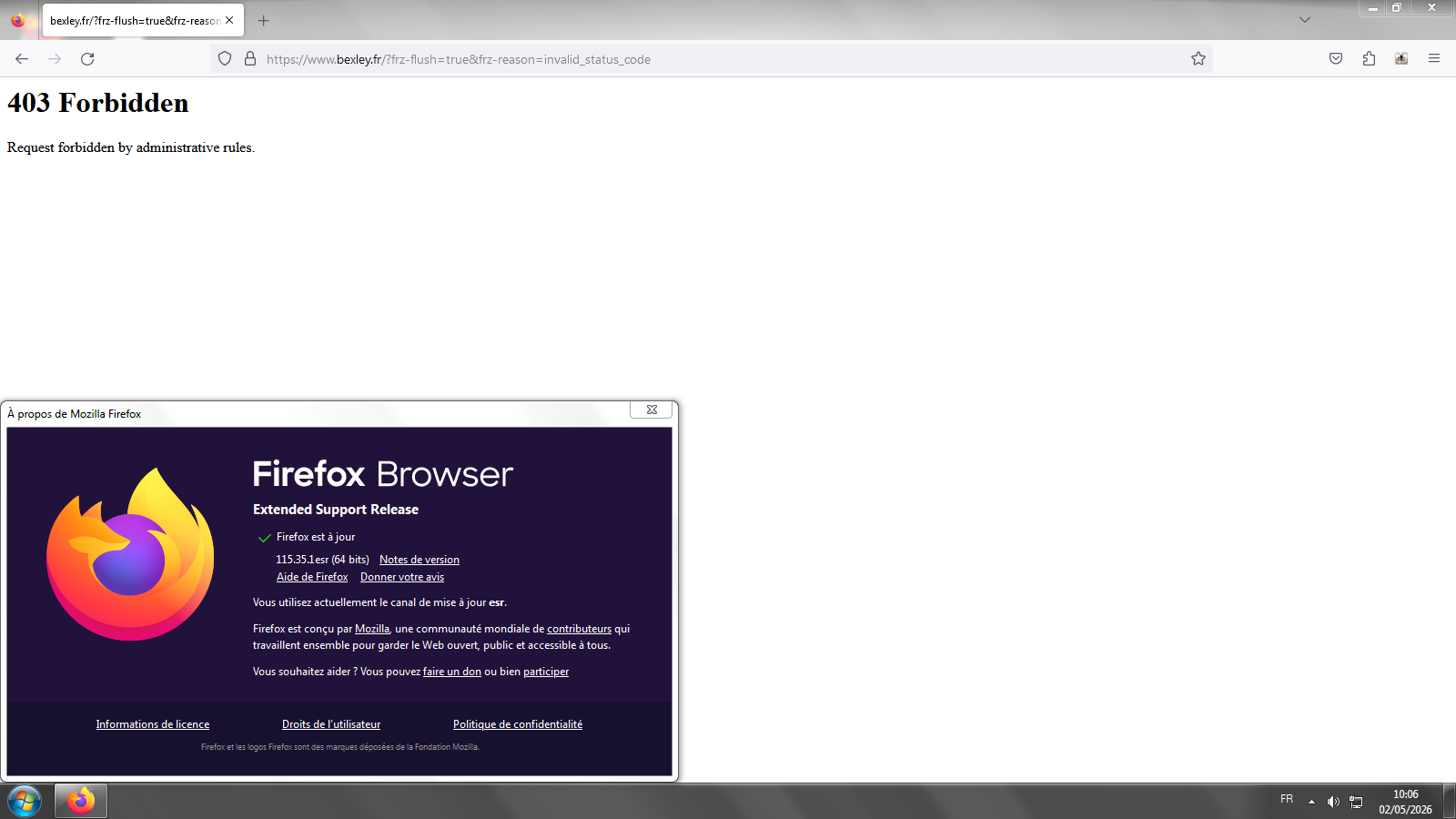
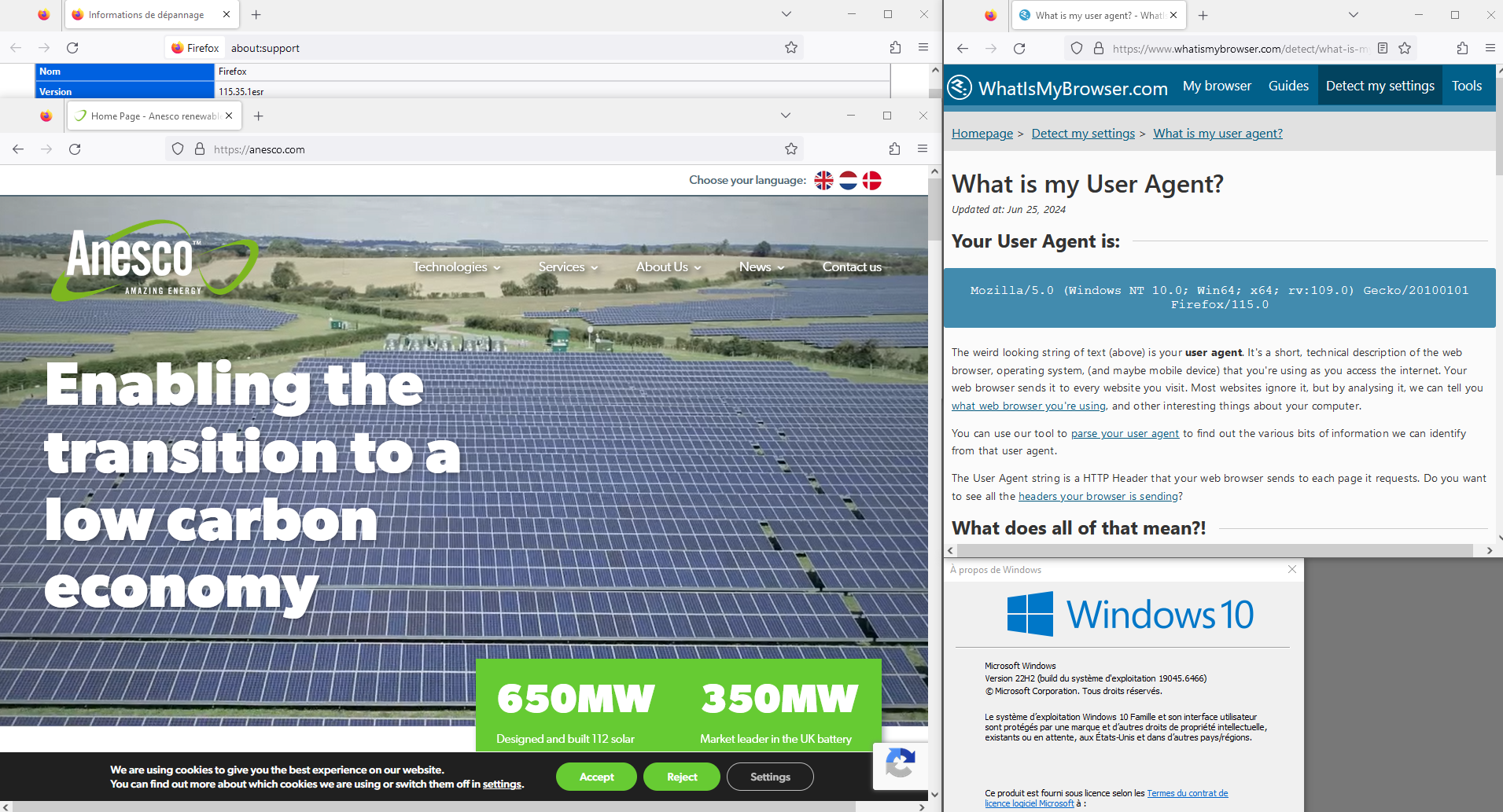
Screenshots 1,2 Windows7. Maybe, a test, if you wish to test User Agent Switcher https://addons.mozilla.org/firefox/addon/uaswitcher Screenshot 3, as far as i'm concerned, i installed Linux in dual-boot with Windows7


Ændret af Agent virtuel den
Thank you, yes I got the exact same thing as your first screenshot, I'll test the addon you proposed but I would like to understand what's wrong and if possible a solution that doesn't requires an addon.
Hi
While we are continuing to stretch support of Firefox 115, it may be the case that various websites will not support a version of Firefox that old.
https://support.mozilla.org/en-US/questions/1576403
Take a look at this other question https://connect.mozilla.org/t5/discussions/windows-7-support-with-firefox-esr-115-x/m-p/115038/highlight/true#M44880
https://support.mozilla.org/en-US/kb/firefox-users-windows-7-8-and-81-moving-extended-support
Maybe, the reason, Firefox 115, and, operating system.
Below, a test.
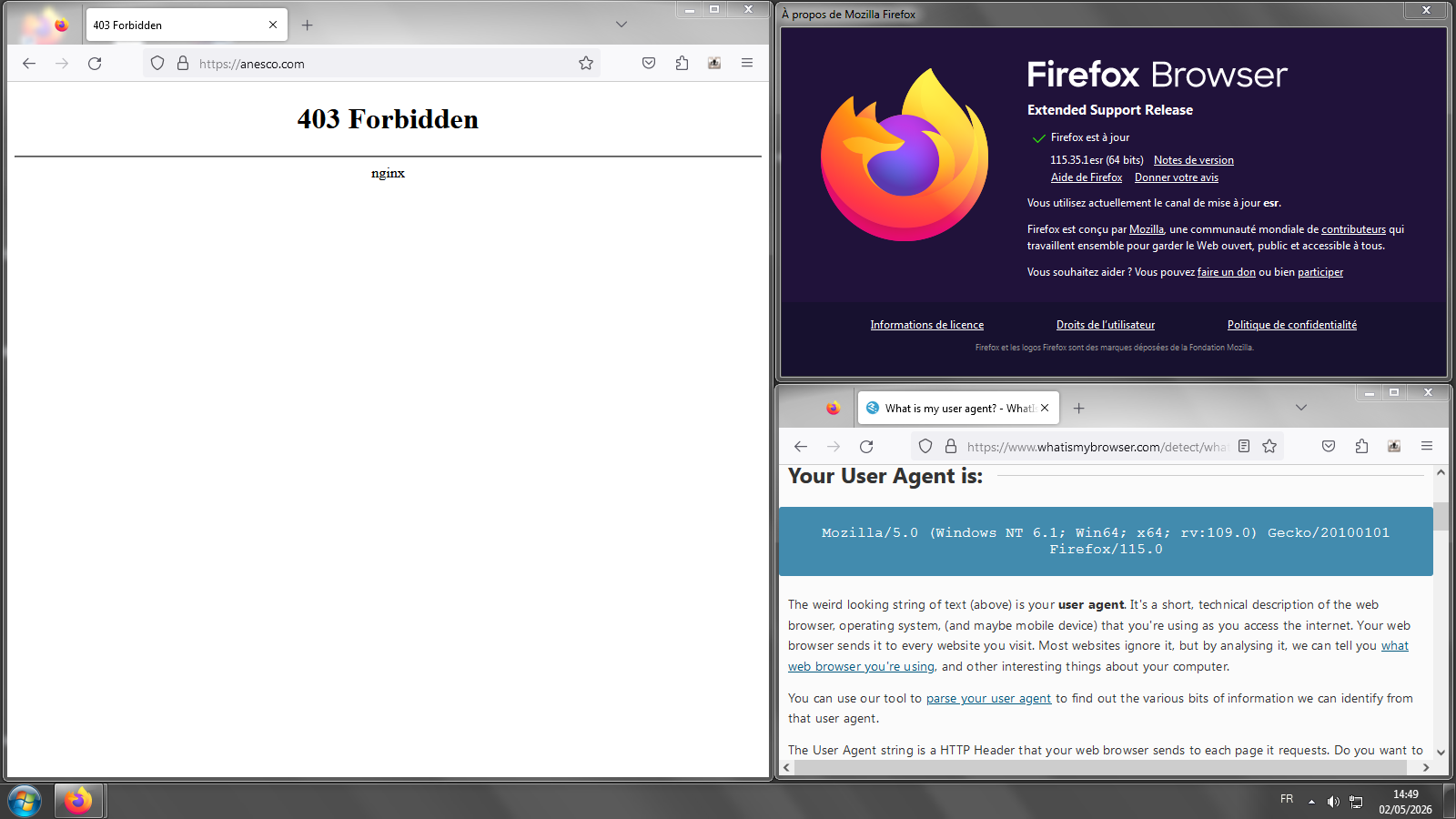
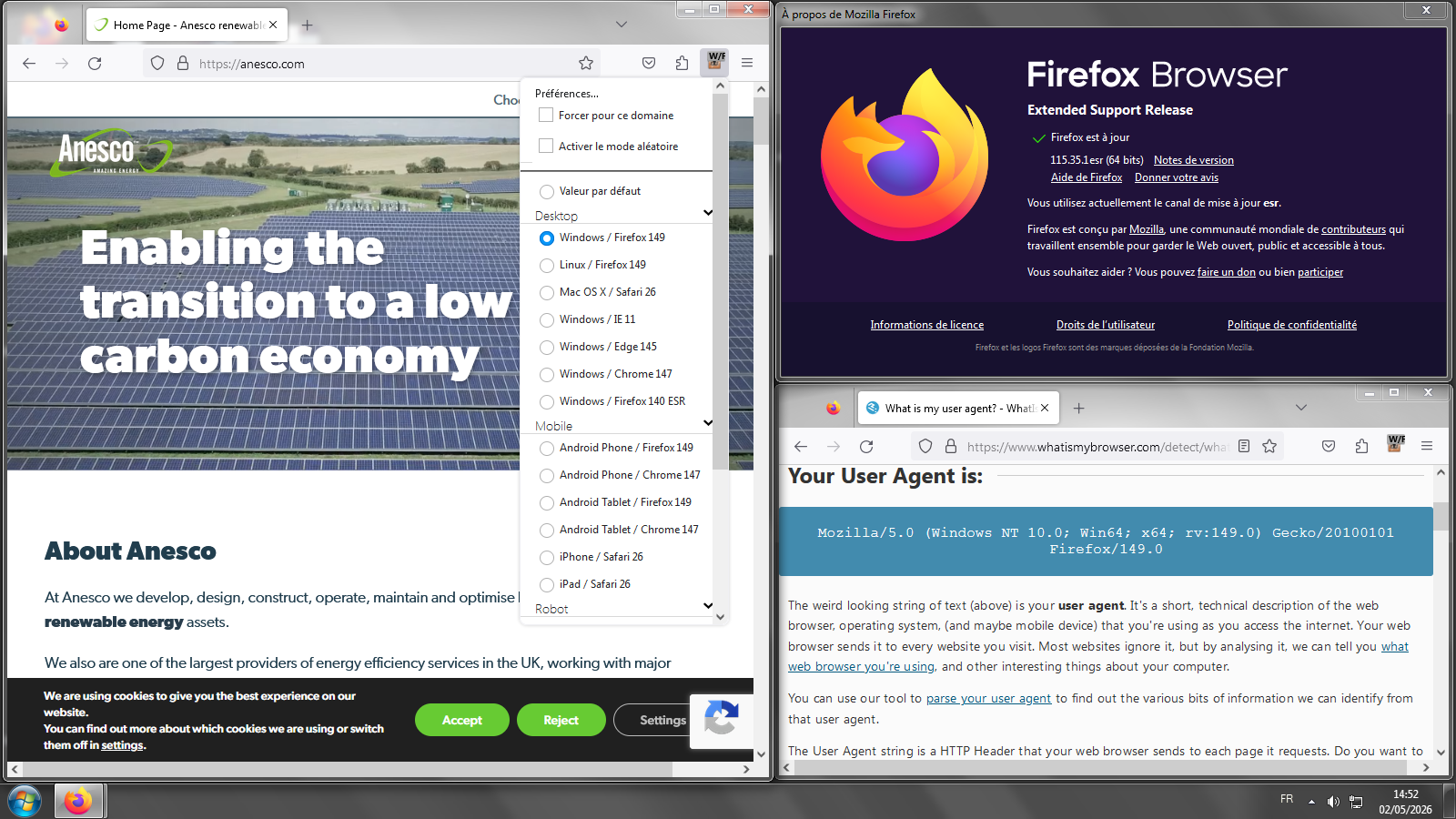
Thank you, the useragent string override fixes the issue, I'll stick to that for now.