


stting up Firefxox VPN

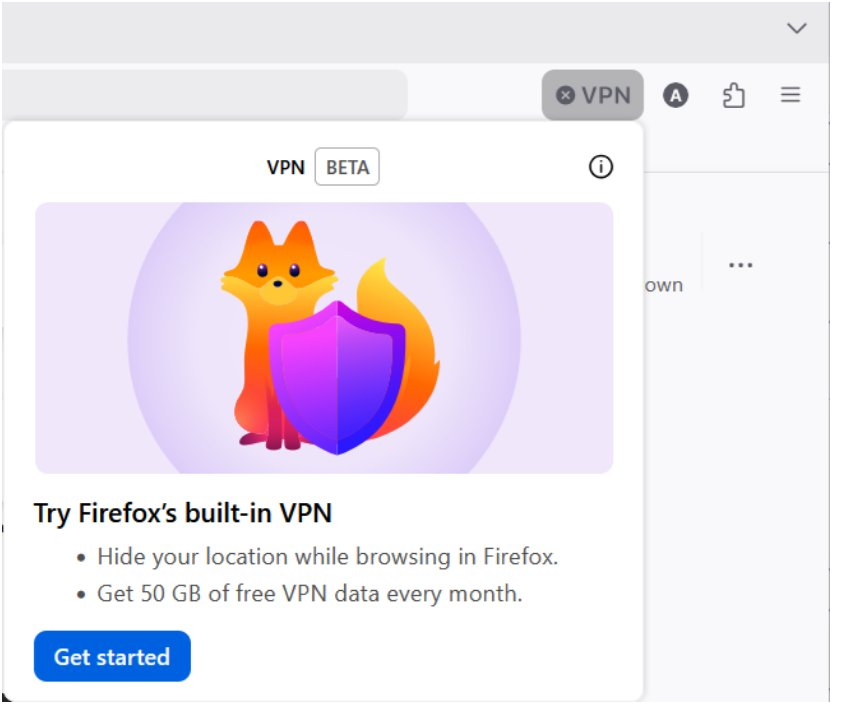
Hello Firefox VPN installatiion starts with the instructions etc as shown in the image attached Slight problem in that the VPN Icon doesn't appear on the toolbar How do I load it?
cheers
john
Alle svar (1)
Hi,
The Firefox built-in VPN is offered in stages to users in the US, UK, Germany and France (starting with Firefox version 149), and in Canada starting with Firefox version 150. It may not be available to you yet, even if you’re in one of these locales, as the staged rollout takes time to reach everyone.
If the built-in VPN is available, you would see a VPN icon in the top-right corner of the toolbar, which opens a prompt to turn on the VPN. You would also need to sign in to a Mozilla account. For more information, see the Use built-in VPN in Firefox article.
If you wish, you can post your feedback about the Firefox built-in VPN to the Mozilla Connect thread.