


Make firefox users with random or non-unique fingerprints.
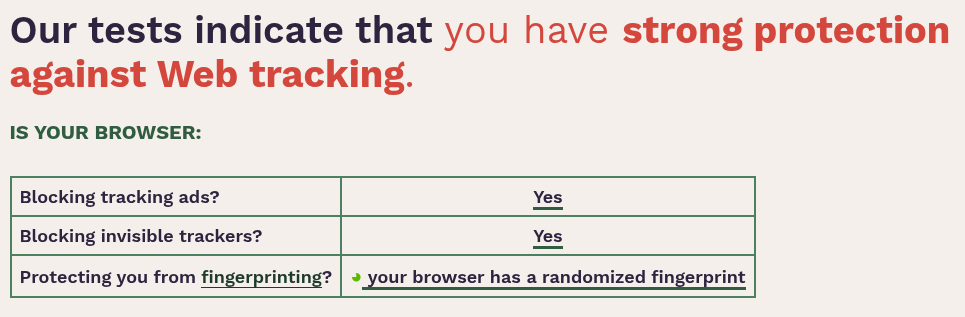
Some users are abandoning Firefox because of the difficulty of protecting against Firefox fingerprinting. Therefore, I strongly recommend adding an option in the settings that allows the digital fingerprints to be made random, or at least, if it is difficult, to make the fingerprints indistinguishable. This will help improve Firefox’s reputation and the privacy of its users. Love you all 3:
Alle svar (3)
I don't think it's a good idea. Users that turned it on are usually surprised when it causes problems. Then they end up here asking why Firefox isn't working the way they expected. Power users know, how to turn it on, but I wouldn't add that option for normal users.
But I said adding an option that is inactive by default so that anyone who wants to use Firefox with high privacy can activate this option with the click of a button, instead of activating many settings and entering about:config and delving into it. And if you seriously care about user experience, putting a warning notice when this feature is activated is also excellent.
Hi,
The people who answer questions here, for the most part, are other users volunteering their time (like me), not Mozilla employees or developers. When a Mozilla employee jumps into a discussion, you'll see the Mozilla Staff label next to their name.
If you wish, you can leave feedback for developers on the Mozilla Connect website. Click the Firefox Menu  button in the toolbar, click Help and select Share ideas and feedback…. Alternatively, you can use this link. Your feedback is collected by a team that reads it and gathers data on the most common issues.
You can also file a bug report or feature request. See File a bug report or feature request for Mozilla products for details.