


free VPN
What are the step-to-step instructions in order to use Free VPN? (see attached image) I did a query on the web and it came back stating that Firefox VPN was not free. I am confused. Thank you for your prompt assistance.
Alle svar (9)
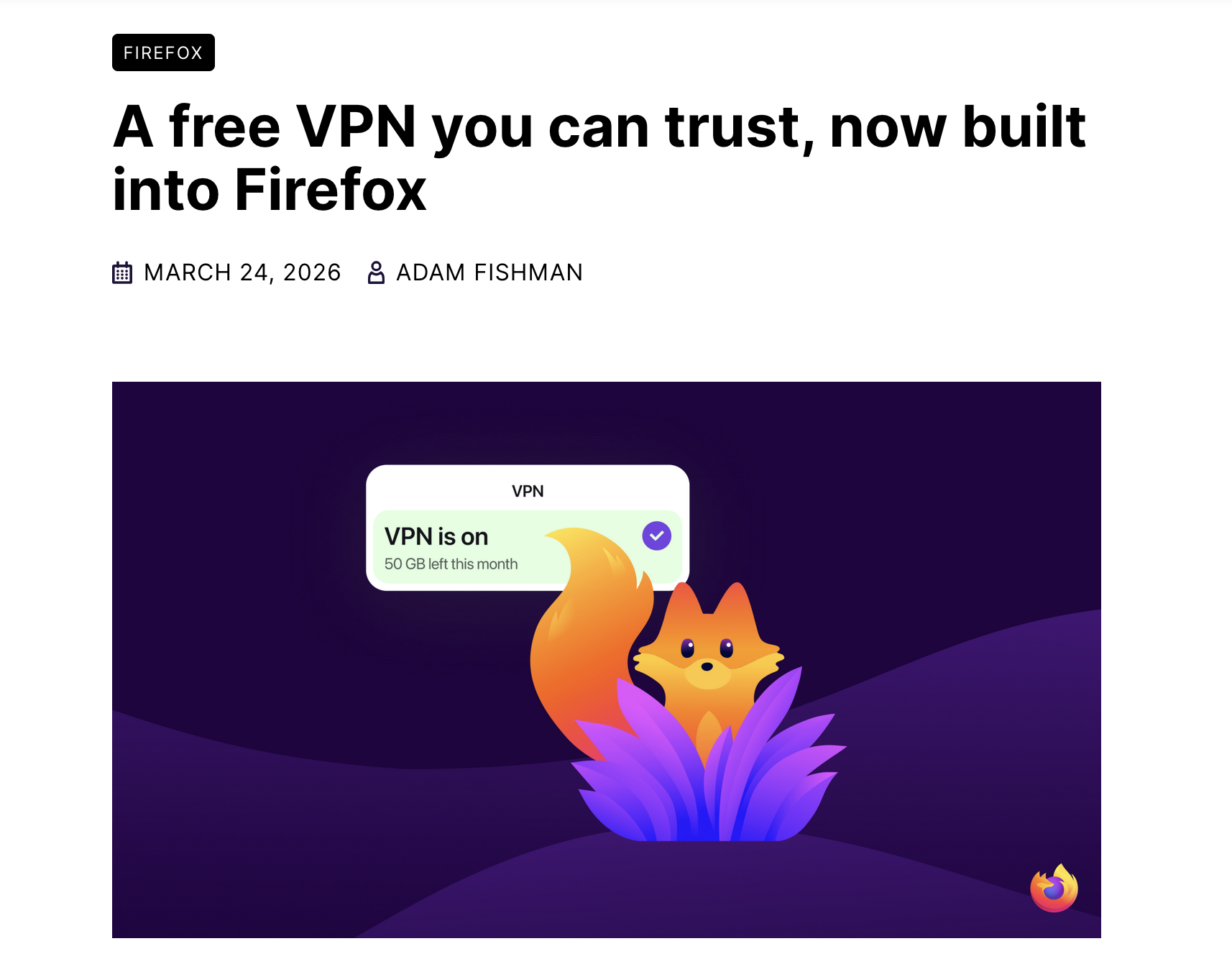
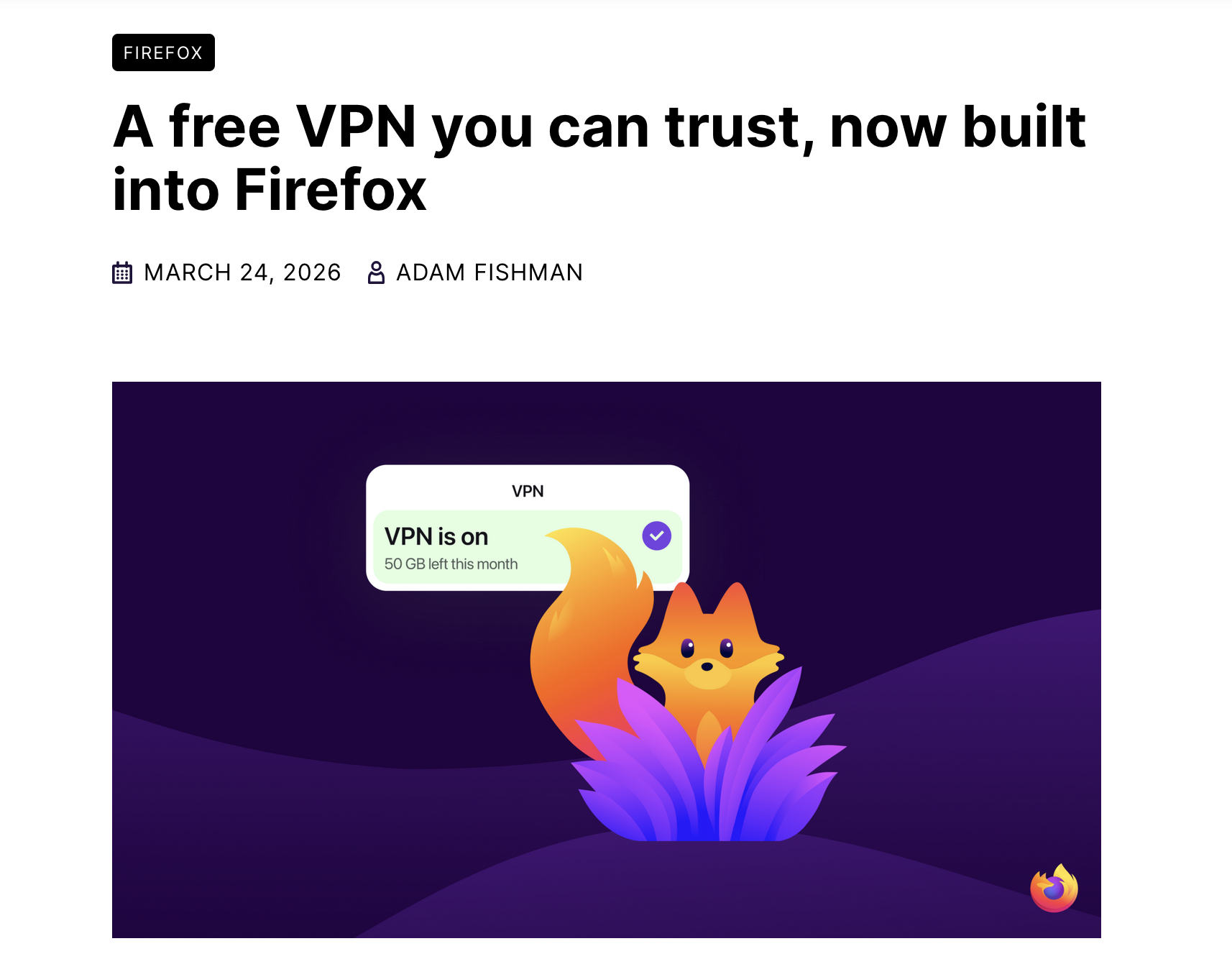
It's free of course. Currently it's gradually rolling out to Firefox desktop users in the United States, the United Kingdom, Germany and France, so it may not be available for you yet.
I am in the USA. How would I know when the service is available to me?
You should see a button on a toolbar and VPN section in Settings-> Privacy and Security.
https://support.mozilla.org/en-US/kb/built-in-vpn https://blog.mozilla.org/en/firefox/built-in-vpn/ https://blog.mozilla.org/en/firefox/firefox-148-149-new-features/
This "built-in VPN" in Firefox feature is experimental and is being introduced to the Firefox user base through a progressive rollout starting in Fx 149.0. It may not yet be available to all users.
Users will have 50 gigabytes of data monthly in the U.S., France, Germany and U.K. to start. Available in Firefox 149 starting March 24.
In the KB article
To use VPN, you need to sign in with a Mozilla account. If you’re eligible, you’ll see a prompt in the Firefox toolbar inviting you to set up the feature.
It is the standalone subscription based "Mozilla VPN" app that is not free. https://www.mozilla.org/products/vpn/
I followed these steps, but all I found is the information included in the attached image. Please, let me know what to do next.
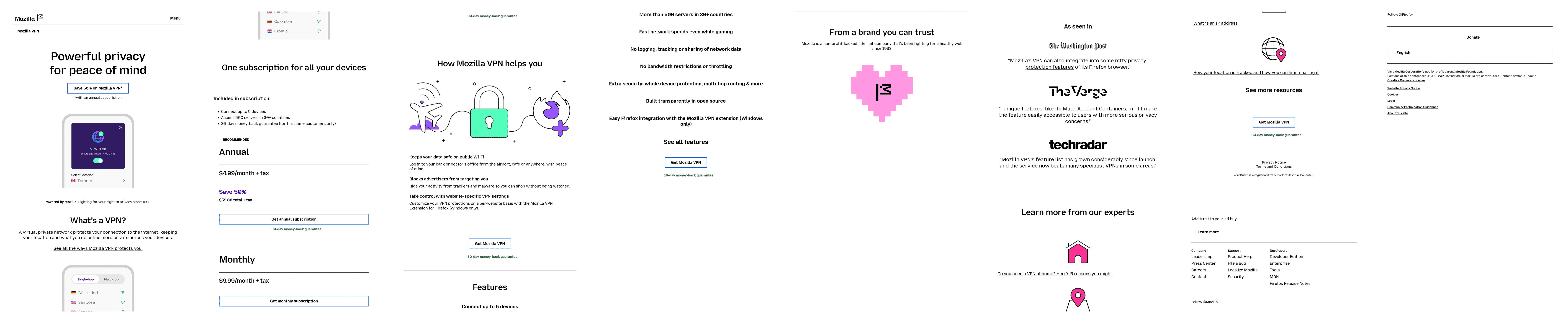
These are the steps I followed: Check Inside Firefox Browser
Firefox Private Network (FPN) Proxy:
Open Firefox. Click the menu button (☰) in the top-right corner. Go to Settings > Privacy & Security. Look for a section called "Firefox Private Network" or "VPN". If you see an option to enable a proxy or VPN, it may be the older Firefox Private Network (not the full Mozilla VPN).
The attached image is a screenshot of the options that I have when it comes to customizing my toolbar. Does this disply reflects that I do not have access to the free version of Firefox vpn?
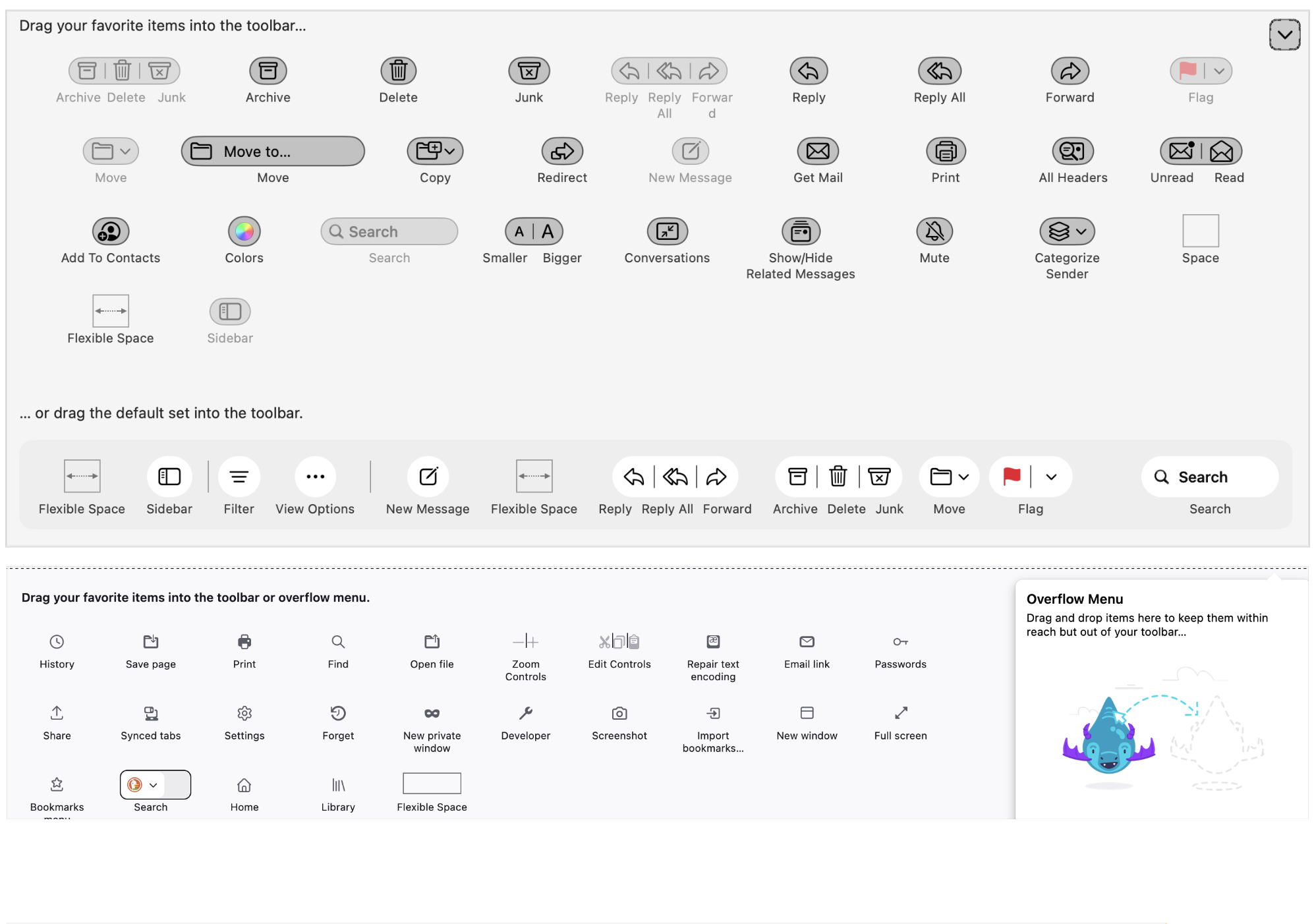
Why send to me in Australia, if this is not available here as yet? There was no VPN icon, and I was unable to follow instructions given because they didn't match up.
However, I could have purchased a monthly or yearly subscription. This doesn't make sense, if it's not available here in Australia BUT I can buy it - I just can't avail myself of the free version......