


Firefox can't load Outlook

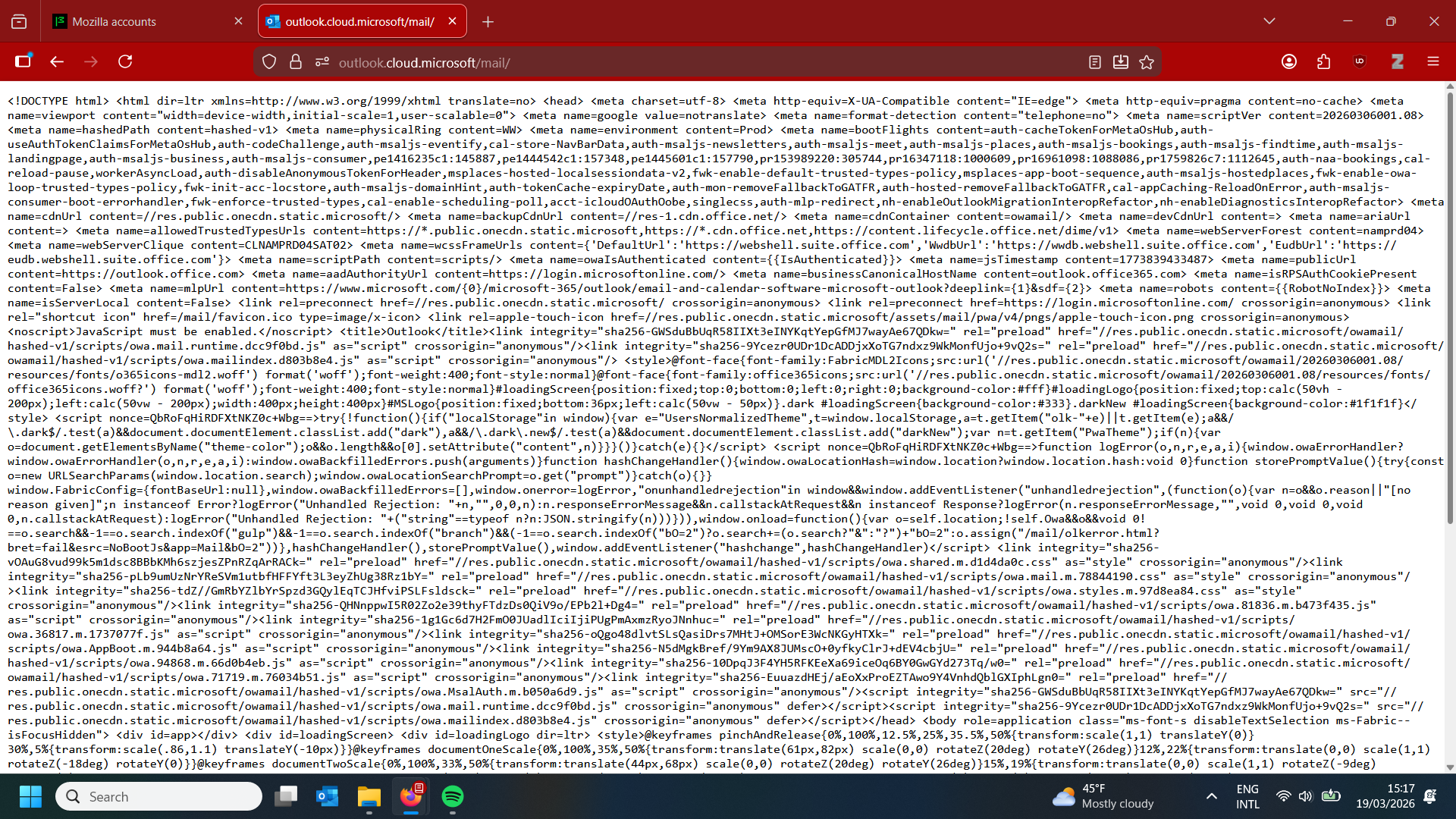
I use the web client of Outlook for my work email. However, I've run into an issue: while I can log in through Firefox, every so often (and lately it's been quite often) I launch the Outlook webpage, and all I get is just a bunch of code (see image). The only thing I've found that makes the page work again is to clear all cookies and cache, and clear the start-up cache, and then launch Firefox again. Obviously, this is very annoying, since I have to log in anew every time (and use 2-step verification, etc.). Does anyone know how I might fix this more permanently so I don't have to keep clearing all my cookies and logging in all over multiple times a week?
Alle svar (3)
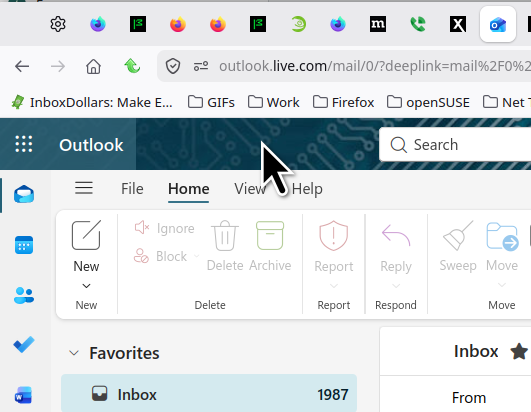
That url looks incorrect. I'm in it everyday. see screenshot https://outlook.live.com/mail
Personal or at work? Did you try with Firefox in Troubleshoot Mode? https://support.mozilla.org/en-US/kb/diagnose-firefox-issues-using-troubleshoot-mode#w_how-to-start-firefox-in-4troubleshoot-modesf5safe-modesf
Did you try clearing the browser cache? https://support.mozilla.org/en-US/kb/how-clear-firefox-cache#
I tried your url and it eventually translated to the one I posted.
Ændret af jonzn4SUSE den
The URL isn't the problem. I've tried many different ways and still it breaks.
This is my personal computer but I use a separate Firefox profile for work things, including logging in to this email.
I tried in troubleshoot mode, but it didn't do anything. Still the same problem.
I've tried clearing just the cache and not cookies, but that doesn't work.
What security software do you have?
Reboot the computer into Windows Safe Mode with network support to see if that has effect.