


Account Folders

I have recently set up this new email address but only Sent and Deleted Folders have loaded - so how do I obtain the missing basic folders?
Valgt løsning
May be we could help you more efficaciously if you showed us a screen shot with the contents of your folder pane. Otherwise it's like searching a needle in a haystack ... or waiting for Madame Soleil!
Læs dette svar i sammenhæng 👍 0Alle svar (18)
Have your account received any messages? That may be a cause. If IMAP, rightclick on account name in folder pane and click 'subscribe' and see if you can set them up there.
Many thanks David for your quick response to my request for help! BUT, when I do as you recommend and tick the boxes nothing happens. Curious - so do you have any further thoughts?
I am unsure on whether the folders appear until there is a message there. And on that, I am tapped out. I wish you well and there are others here with more technical expertise who may respond.

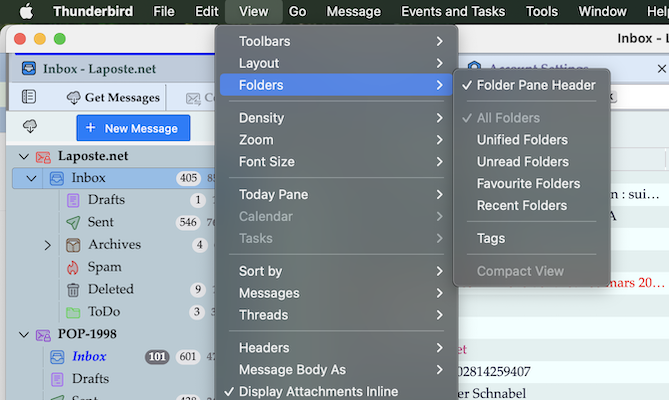
For Windows users the menu bar is hidden by default. Holding the Alt key will display it ... https://support.mozilla.org/en-US/kb/display-thunderbird-menus-and-toolbar#thunderbird:win11:tb147
Well, that gives me Unified Folders but not sub-folders for my new account!
The procedure you suggested does not exhibit either the sub-folders in my Inbox or allow me to add other folders such as Sent. Drafts, Junk etc
Valgt løsning
May be we could help you more efficaciously if you showed us a screen shot with the contents of your folder pane. Otherwise it's like searching a needle in a haystack ... or waiting for Madame Soleil!
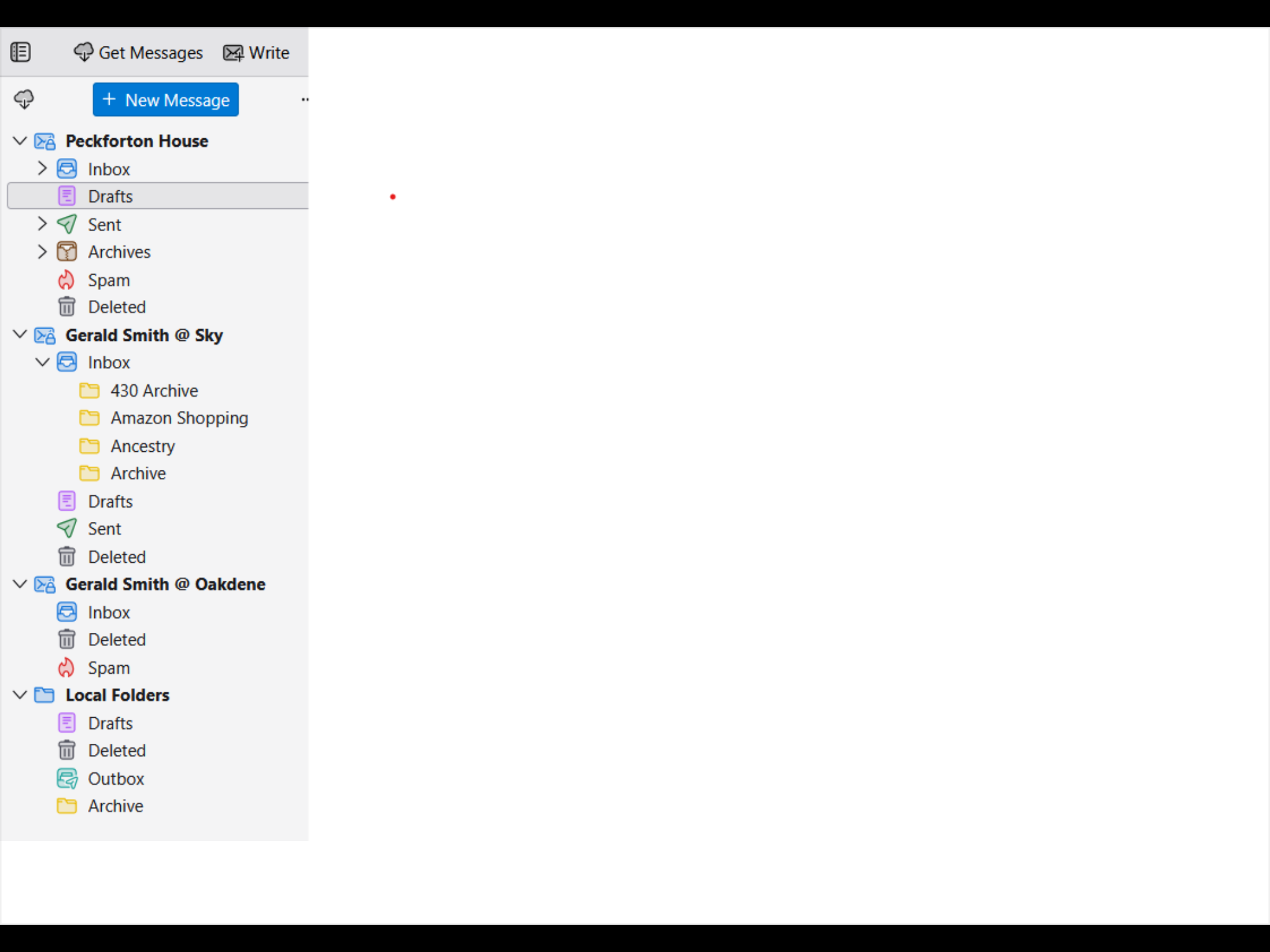
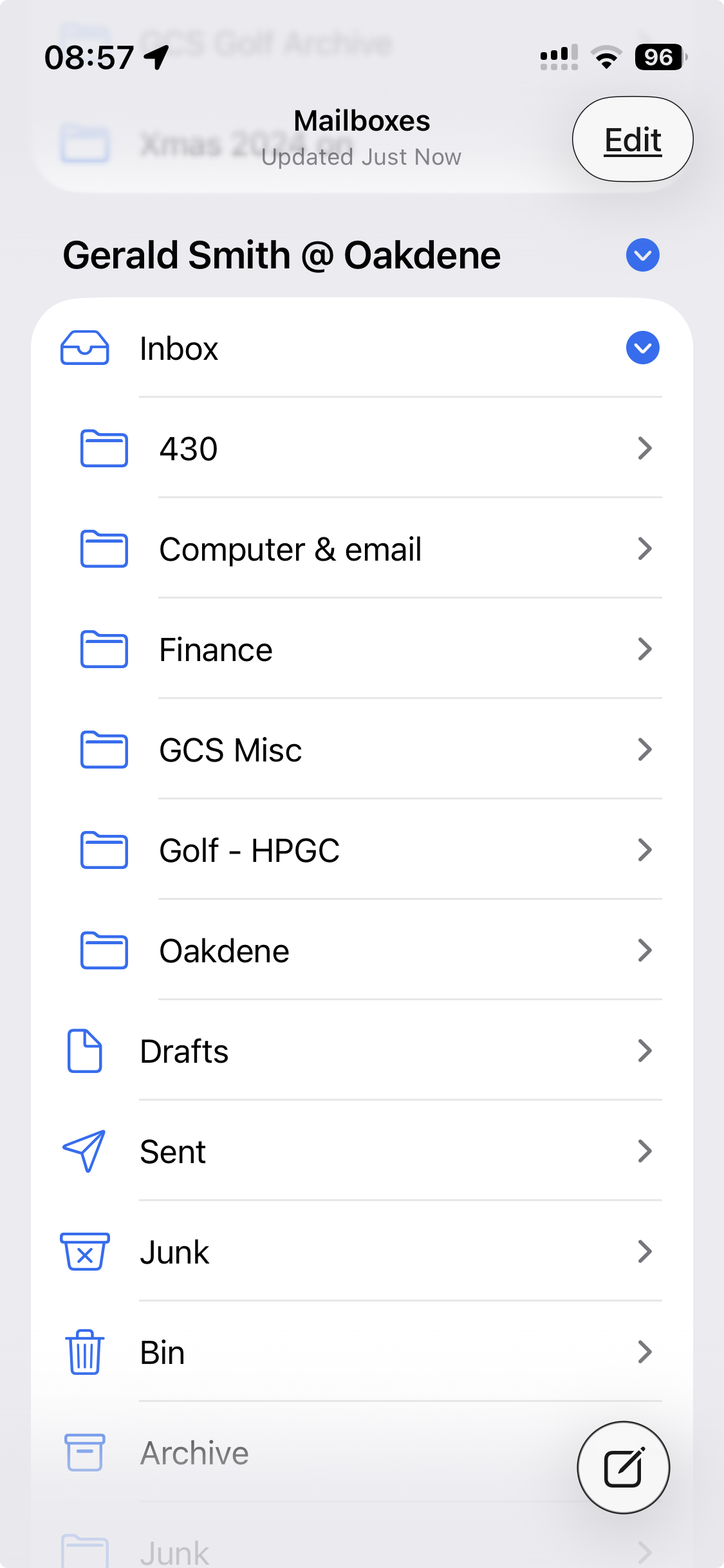
Thanks Mapenzi -attached is screenshot from my laptop which shows the lack of sub-folders and a screenshot from my iPad which correctly displays the sub-folders.
cid:986AD717-0A75-43AC-8950-9FC3173EDB48 blob:null/e65ec441-b7c7-4bec-b673-55e5092c4c80
Hopefully you can open these links?
gerald12 said
Are these attachments better?
Thank you for the screenshots. Yet regarding the screenshot with the Thunderbird folder pane I still wonder which of your accounts displays only "Sent and Deleted Folders" as you stated in your first message. I do see the @Oakdene account which indeed displays only the Inbox, Deleted and Spam folders. If this is the newly created account and if it is a POP account it is normal that in the beginning only Inbox and Deleted will be displayed. That's the default behaviour with new POP accounts in Thunderbird. A Sent folder will be created when you send your first message from this account, the Spam folder is created when you activate the Spam filter in Account Settings, the Drafts folder when you save a message as a draft, the Archives folder when you archive a message, ....etc
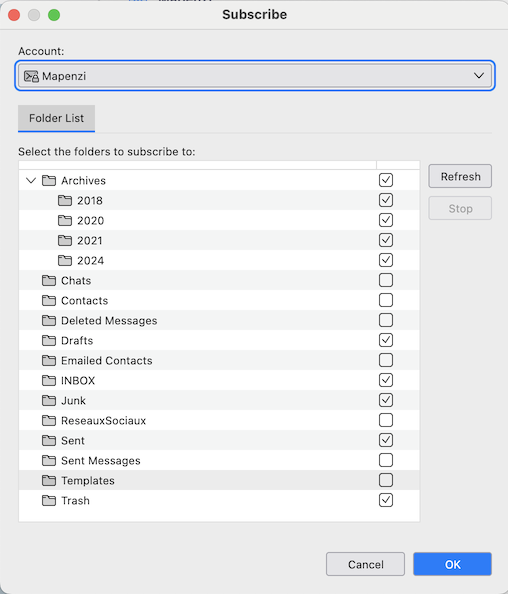
Your second image seems to show the same account set up on your smartphone, and probably it is set up using the IMAP protocol. Now the question is: did you really set up this account in Thunderbird using the IMAP or the POP protocol? If you used POP there will be no automatic synchronisation with the same account on the smartphone. If you used IMAP you'll have to open the "Subscribe" popup - as david already proposed in his first reply - and select the folders to be displayed. You said that you tried but to no avail ... Please show a screen shot with the "Folder list" of your account.
Thanks again for your obervations to which I respond:
- The Oakdene Account is new and set up in IMAP
- I have sent items but only an initial tester email appears
- When I open the Subscribe popup and select the folders none then appear!
Back to the drawing board????
gerald12 said
When I open the Subscribe popup and select the folders none then appear!
This is a mystery for me and I don't know where the error lies. Silly question: did you click the OK button before closing the Subscribe window? Go to Tools > Developer Tools > Error Console and verify if there is any hint. Go to the webmail page for this account and verify if your missing folders are present.
If there is no solution you might delete this account and recreate it.