


Error Message on Auto Update of Firefox

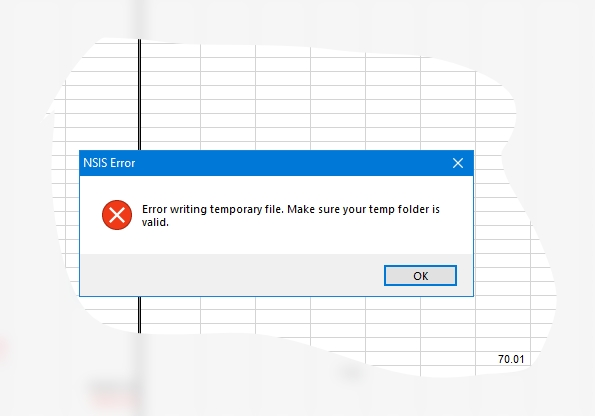
Greetings, Team. When Firefox does an Auto-update while starting, an error message arrives, " NSIS Error:
Error writing temporary file. Make sure your temp folder is valid.
OK " Please, where and what name does this 'temp folder' have?
How may I fix this Error?
Thank y'all in advance. Phil T. ps W10, Chkdsk OK, system appears OK.
Greetings, Team.
When Firefox does an Auto-update while starting, an error message arrives,
"
NSIS Error:
Error writing temporary file. Make sure your temp folder is
valid.
OK
"
Please, where and what name does this 'temp folder' have?
How may I fix this Error?
Thank y'all in advance.
Phil T.
ps W10, Chkdsk OK, system appears OK.
Alle svar (1)

With all apps closed, navigate to C:\Users\YourUsername\AppData\Local\Temp and erase everything in the folder. Then do the same in C:\Windows\Temp in File Explorer, then press Ctrl + A to select all, and delete. Skip any files that are reported as "in use".