


Emojis not showing up/blank
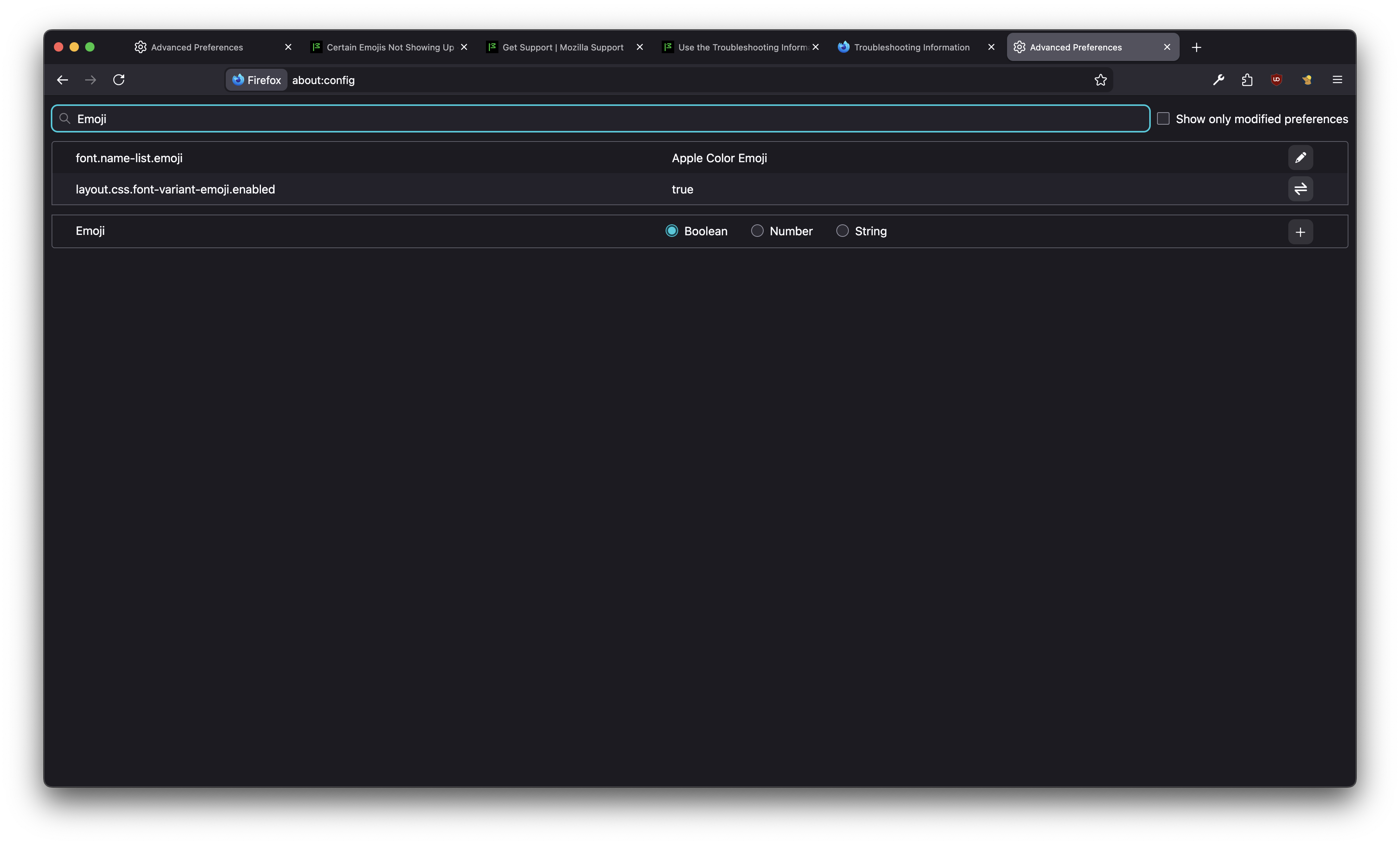
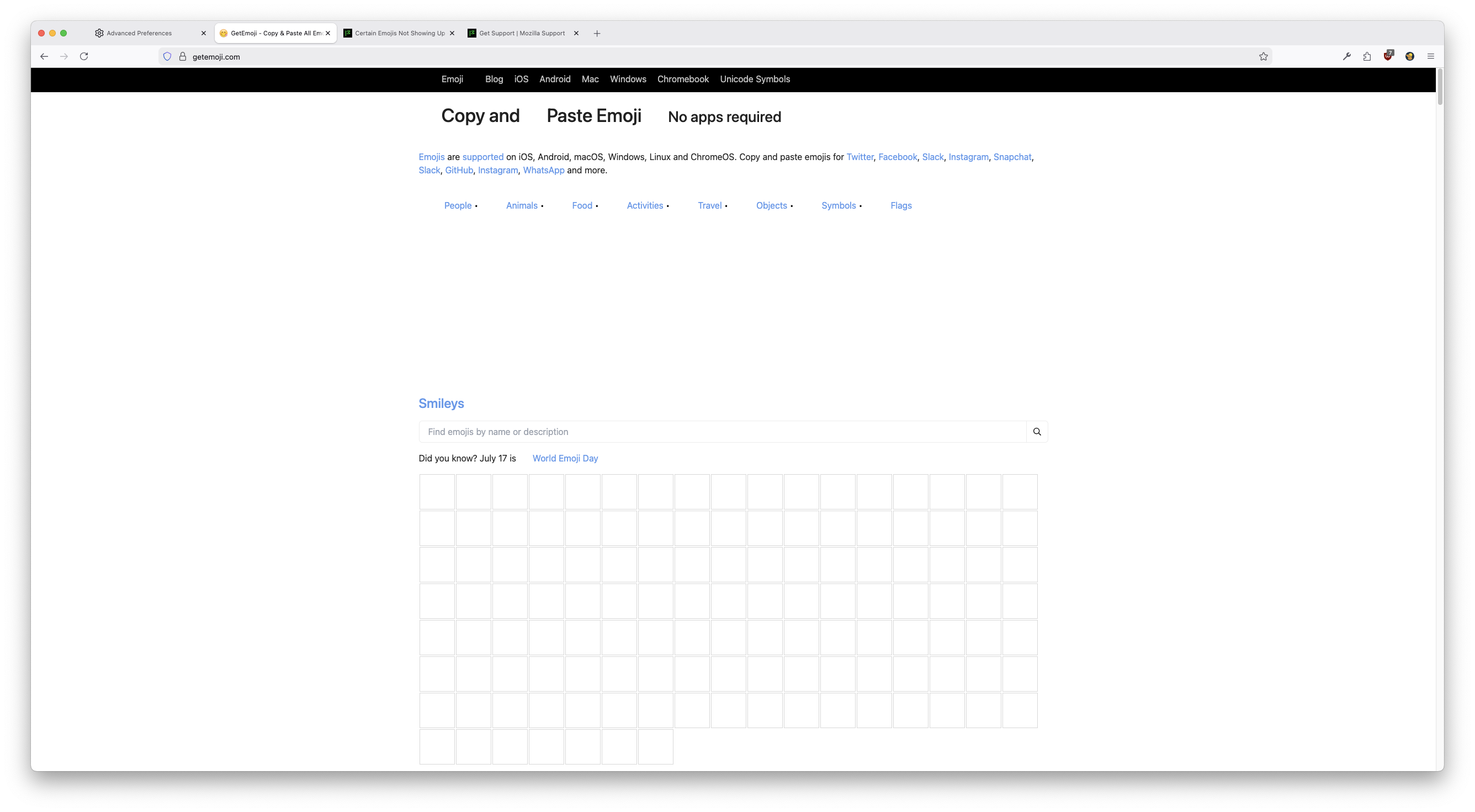
Web pages that are supposed to contain emojis are blank. I can highlight where emojis are supposed to be shown but the actual images of the emojis aren't there. about:config font.name-list.emoji correctly contains "Apple Color Emoji" If it is relevant, this has been a bug/issue that has persisted for a couple of months now (can't name an exact date).
Valgt løsning
Hello
Is it this similar question https://support.mozilla.org/en-US/questions/1555320
Alle svar (5)
My system is running Firefox Developer Edition 147.0b9 on macOS Sequoia 15.7.3
It updated to 148.0b2; still facing the same issue. I tested 148.0b2 (independently from 148.0b2 as branded under "Firefox Developer Edition") as packaged on the FTP downloads server (branded as just "Firefox") and it suffers from the same issue. I tried making new profiles under Firefox Developer Edition and that still suffered from the same issue. So it doesn't seem to be a corrupted profile issue?
Weirdly enough, latest Firefox ESR build for macOS is rendering Emojis.
Ændret af mzf den
Valgt løsning
Hello
Is it this similar question https://support.mozilla.org/en-US/questions/1555320
Hello,
Yes it's related to that. Disabling Lockdown Mode on macOS seems to fix the issue for now.

I had the same issue, i confirm that comes from Lockdown Mode on MacOS. THANK YOU !!!
Ændret af Julien den