


Colors changed on latest update, how to revert

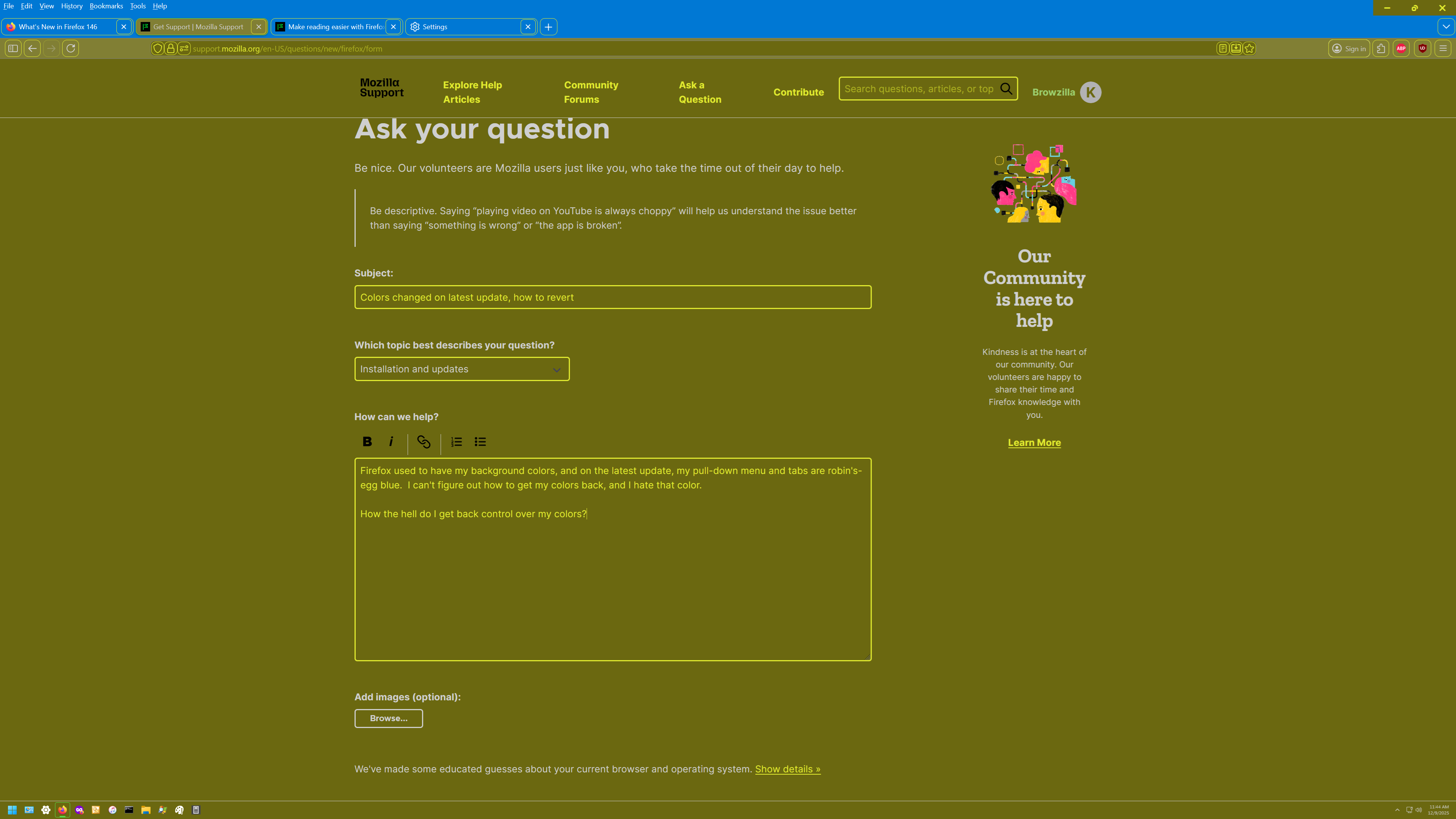
Firefox used to have my background colors, and on the latest update, my pull-down menu and tabs are robin's-egg blue. I can't figure out how to get my colors back, and I hate that color.
How the hell do I get back control over my colors?
Alle svar (7)
There was a section in the release notes about color settings, but I assumed it referred to page colors rather than the UI. https://www.firefox.com/en-US/firefox/146.0/releasenotes/#changed
Which theme are you using? If it's the "System" or "Default" theme, Firefox may have changed how it detects system colors. You can switch among themes on the Add-ons page. See: Use themes to change the look of Firefox.
Or... do you use the Firefox Color extension? Maybe something broke in the extension settings or saved data.
I was using "DarkTheme" in Add-ons Manager at the time of the Update. My yellow colors are okay, but the blue is totally out of control. I have no idea how to fix it.
When I look in Contrast Control->Custom->Manage Colors, there is no way to change the pull-down and tab menu colors. The only things you can change are Text, Background, Visited Links and Unvisited Links, not the UI.
That's very weird for a Dark theme. Could you go to the Add-ons page (Ctrl+Shift+A), Themes list, and click the title. Who is the author? That would help in finding it among the numerous dark themes over on the Add-ons site (https://addons.mozilla.org/en-US/firefox/search/?q=darktheme&type=statictheme).
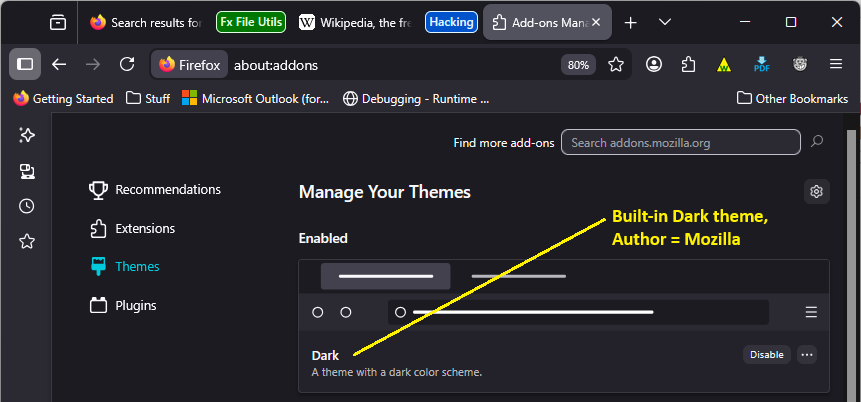
It's by Nicothin, but I have contrast control set to automatic (use system settings). I think long ago, I downloaded DarkTheme, but on playing with it, I got my original Windows colors back (white on dull gold). It's much easier for me to read, and doesn't cause eyeball burn like white on blue does (that's why I switched from WordPerfect to MS Word decades ago, because WP was white on blue).
Browzilla said
It's by Nicothin, but I have contrast control set to automatic (use system settings). I think long ago, I downloaded DarkTheme, but on playing with it, I got my original Windows colors back (white on dull gold).
Hmm, were you using the author's "Theme Creator: Lite" extension to adjust the colors? https://addons.mozilla.org/firefox/user/12632157/ (or Theme Creator, which is no longer available?)
I can't tell whether you solved the problem now, or still need a solution.
No, I still need a solution, my screen is still robin-blue at the top, and that must go - I can't read the text.
And no, I don't have any other themes installed.