


Is there a focused inbox in Thunderbird

Is there a way to turn on focused inbox, in Thunderbird, for multiple email accounts?
Valgt løsning
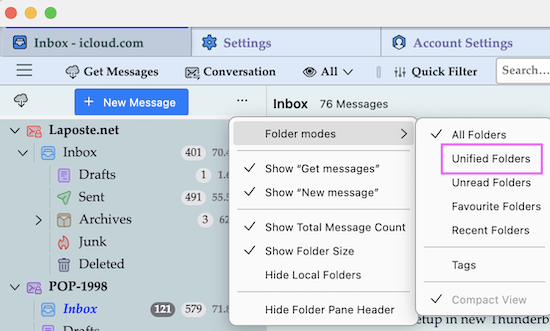
English is not my mother language. Concerning Thunderbird I have never read the term "focused inbox". As an exemple: in my understanding a focused folder in the folder pane is a selected folder which at the same time is in the foreground, but you may have a completely different interpretation. I have never used Oulook nor Gmail nor Airmail (but from Netscape to Mozilla) but "Combined Inbox" tells me something. Thunderbird uses two expressions: • when you have POP accounts you can combine them in the Global Inbox generally in the Local Folders • many users choose "Unified Folders" which allows you to combine POP and IMAP accounts
Læs dette svar i sammenhæng 👍 0Alle svar (6)

Do you want to select (focus) a particular Inbox folder automatically on Thunderbird startup? You can do this easily with the add-on "Start with Inbox" https://services.addons.thunderbird.net/en-Gb/thunderbird/addon/start-with-inbox/
No "Start with Inbox does not do what I'm asking. A "Focused" or combined Inbox means that when selected you see all Inbox email from ALL accounts in ONE place. Have you not used Outlook? or AirMail? Both have combined email folders. I use Thunderbird on my Linux machines as the "Better" email clients are not available on Linux...
click view>folders and tick unified folders. then, click the 'inbox' and then rightclick and properties and then choose to confirm that you have selected the desired accounts repeat for sent, trash, etc.
Valgt løsning
English is not my mother language. Concerning Thunderbird I have never read the term "focused inbox". As an exemple: in my understanding a focused folder in the folder pane is a selected folder which at the same time is in the foreground, but you may have a completely different interpretation. I have never used Oulook nor Gmail nor Airmail (but from Netscape to Mozilla) but "Combined Inbox" tells me something. Thunderbird uses two expressions: • when you have POP accounts you can combine them in the Global Inbox generally in the Local Folders • many users choose "Unified Folders" which allows you to combine POP and IMAP accounts

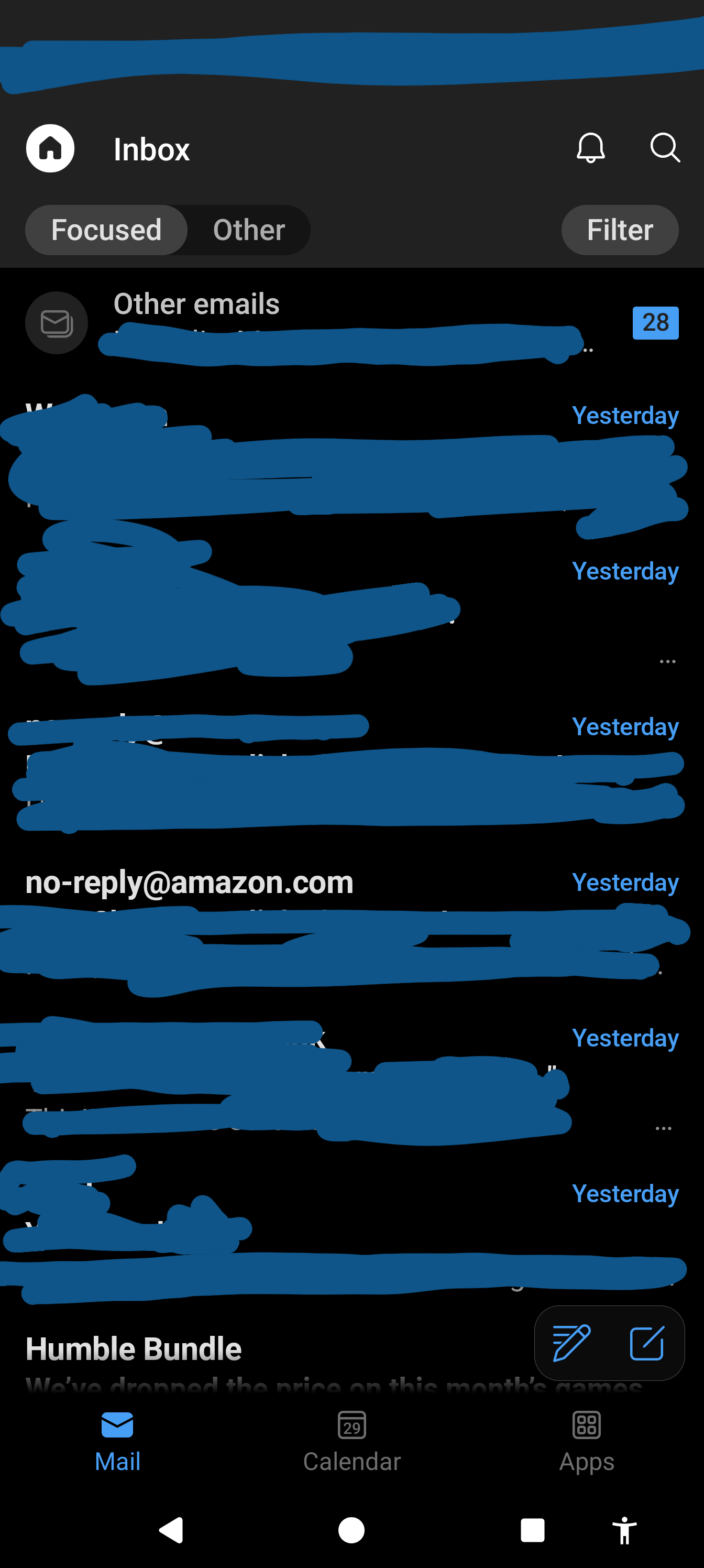
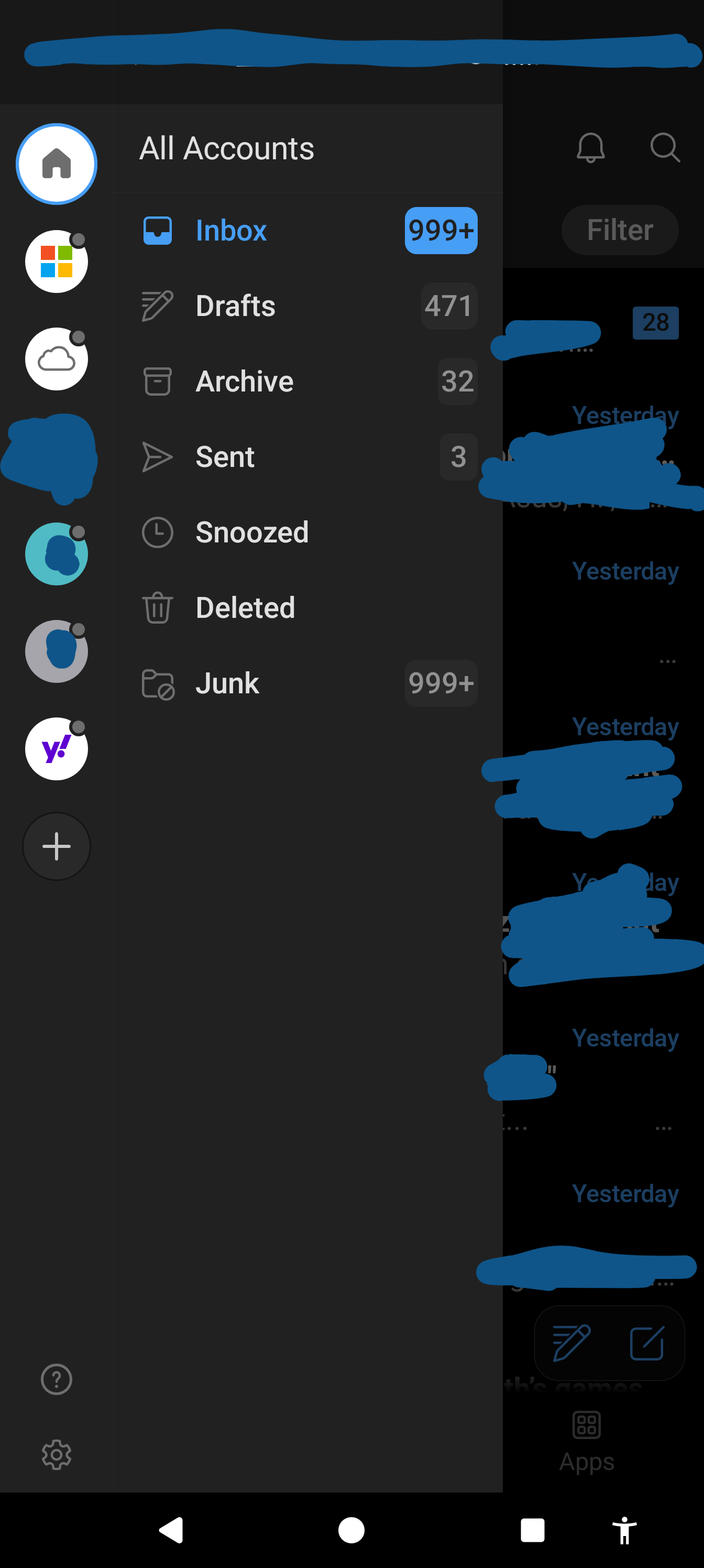
I have this question too. I'll clarify what the focused inbox in outlook is below. The focused inbox is the only reason keeping me using outlook for android. Outlook does have a unified inbox, where you can choose to see mail from all accounts or you can select a specific account and only see mail for that account. But then there are two tabs, Focused and Other. The focused tab is great because that's where most important emails show up. Support tickets, invoices, Amazon orders, stuff like that. Where marketing type stuff usually goes to Other. If something ends up in Other or Focused that I want showing up in the opposite tab, I can long press the mail and choose "Move to Focused" or "Move to Other" and it learns from that. This is separate from Junk folder, too.
Is this something possibly on the roadmap?
The following was generated with Gemini Advanced:
Outlook's Focused Inbox is a smart, optional feature in Microsoft 365, Exchange, and Outlook.com that splits your inbox into two tabs—Focused and Other—to prioritize important emails. It automatically filters messages based on content and sender behavior, placing critical communications in the Focused tab and less important emails in the Other tab.
Key features and functionalities include: Automatic Sorting: The algorithm learns from your interactions (who you reply to, who you ignore) to determine what is important. Two Tabs: Focused holds critical emails, while Other contains lower-priority or, bulk, and automated emails. Customization: You can easily move messages between tabs, training the system to improve accuracy over time. Platform Availability: Supported on Outlook for Windows, Mac, iOS, Android, and Web. Toggle Control: The feature can be enabled or disabled via the "View" tab (on desktop) or within Settings (on mobile).
To my knowledge, there is no default feature in thunderbird, BUT there is an addon that may be useful for you: try at https://services.addons.thunderbird.net/eN-US/thunderbird/addon/priomailbox/