Denne tråd blev arkiveret.
Stil et nyt spørgsmål, hvis du har brug for hjælp.

Arkiveret
Firefox logo on homescreen

Please give me instructions on how to remove that huge firefox logo from my homescreen. If i can't remove it i will use Opera instead of Firefox
Please give me instructions on how to remove that huge firefox logo from my homescreen. If i can't remove it i will use Opera instead of Firefox
Alle svar (2)
Hello
About the subject, logo.
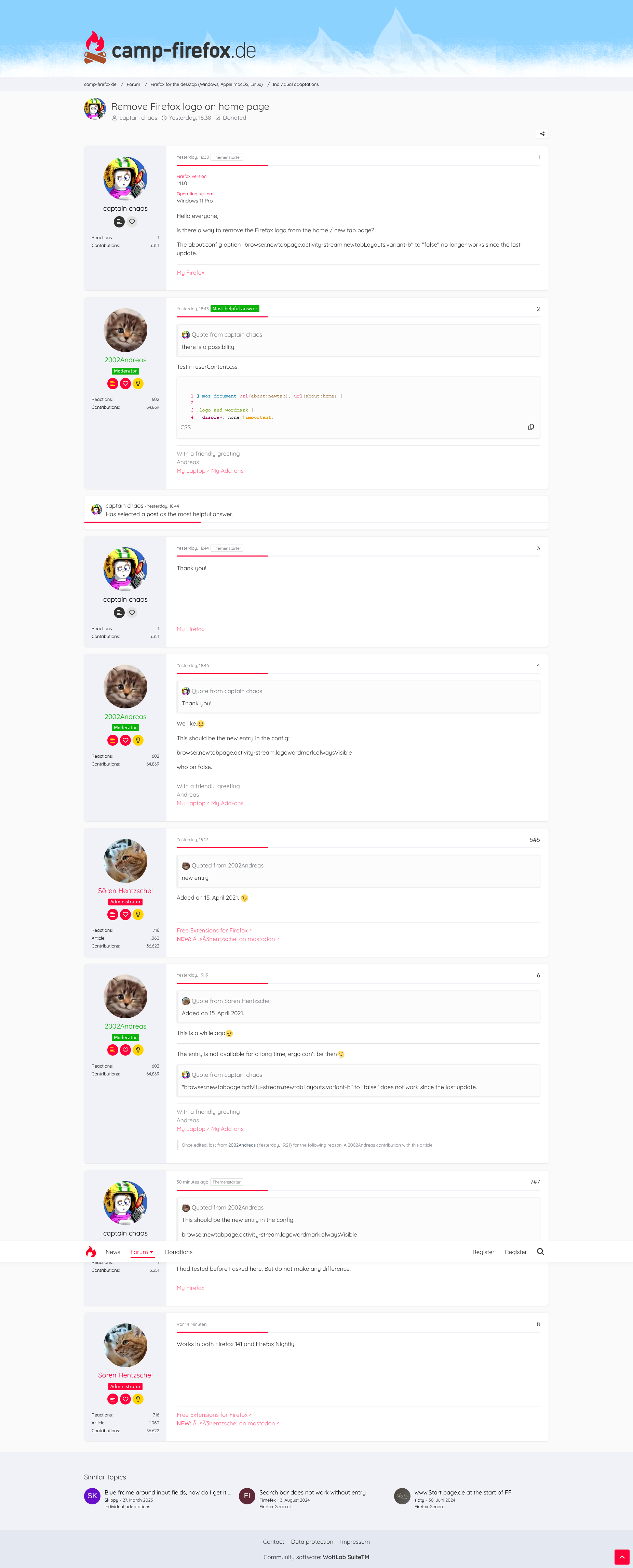
An code userContent.css
@-moz-document url(about:newtab), url(about:home) { .logo-and-wordmark { display: none !important; } }
Other to try
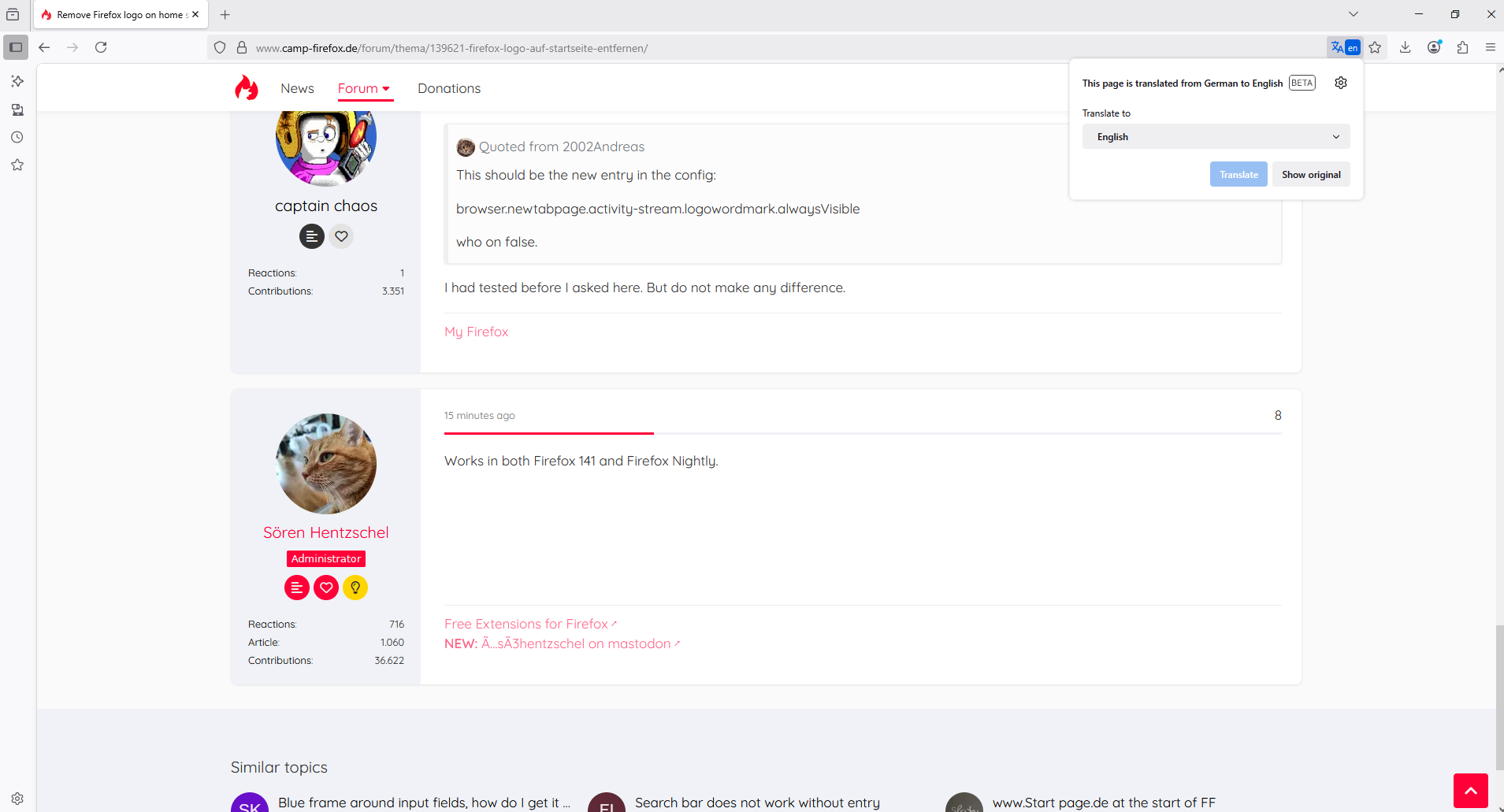
1 - Go to Configuration Editor for Firefox https://support.mozilla.org/en-US/kb/about-config-editor-firefox 2 - Enter a search term browser.newtabpage.activity-stream.logowordmark.alwaysVisible You can try the value false