

Denne tråd blev arkiveret.
Stil et nyt spørgsmål, hvis du har brug for hjælp.

Arkiveret
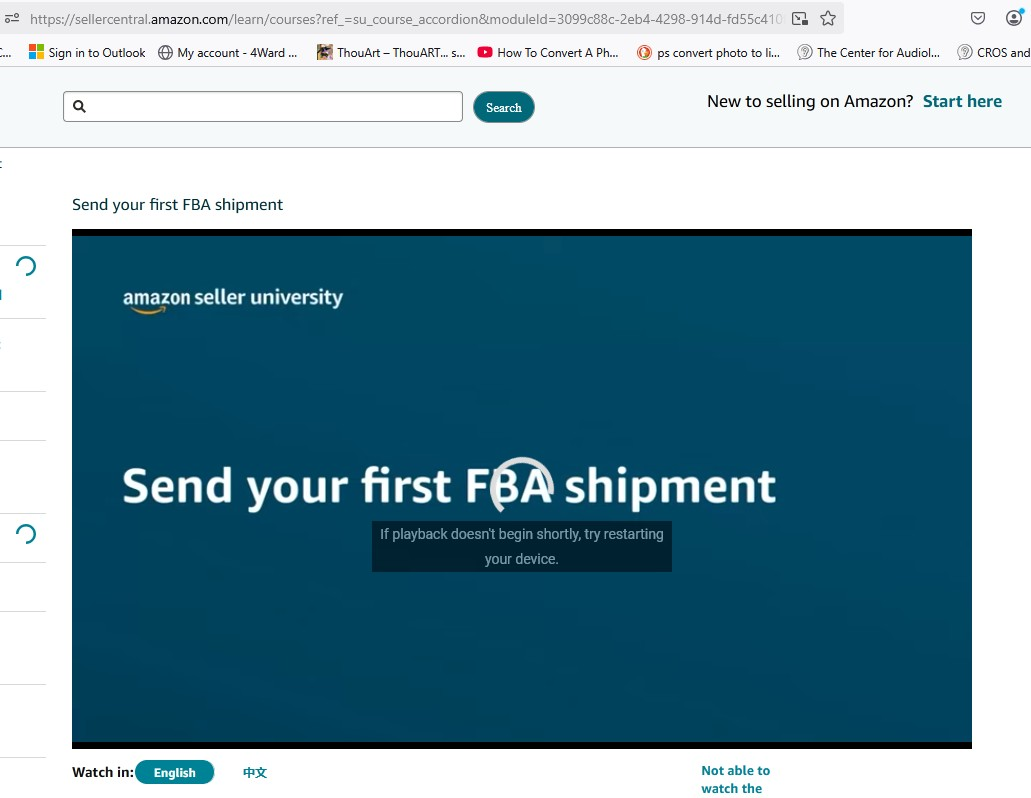
Browser is blocking amazon training videos. how do I reset "settings" to original.

Browser is blocking amazon training videos. how do I reset "settings" to original.
Browser is blocking amazon training videos. how do I reset "settings" to original.
Alle svar (1)
Could you try:
(1) Reload the page bypassing the cache. Either:
- Shift+click the Reload button (if shown on the toolbar)
- Ctrl+Shift+R
- Ctrl+F5
(2) Turn off Tracking Protection on the page
Click the shield icon at the left end of the address bar, next to the lock. On the drop-down, click the blue slider switch to disable protection.
Any improvement so far?
Firefox does have a Reset feature you can read about in the following article: Refresh Firefox - reset add-ons and settings.