


Windows 10 reached EOS (end of support) on October 14, 2025. If you are on Windows 10, see this article.

Søg i Support

Avoid support scams. We will never ask you to call or text a phone number or share personal information. Please report suspicious activity using the “Report Abuse” option.

Læs mere

Update 134.0 has a bugged middle mouse button

  • 2 svar
  • 0 har dette problem
  • 76 visninger
  • Seneste svar af jonzn4SUSE

I always use the middle mouse button (pressing the scroll wheel) to open and close new tabs, but since the update, it doesn't work anymore and now types "=" if the cursor is in a text field. For context, I use an MX Master S3, mapped with Logi Options+.

Anyone else having this issue? How do I roll back to the previous version??

SOLVED: It was a bug with Logi Options+, not Firefox. When I hovered over the tab for the presets I had for CaptureOne, I noticed it also said Firefox. So seems something weird happened there. Deleted that preset and the issue in Firefox went away.

I couldn't find a way to delete this thread, though.

I always use the middle mouse button (pressing the scroll wheel) to open and close new tabs, but since the update, it doesn't work anymore and now types "=" if the cursor is in a text field. For context, I use an MX Master S3, mapped with Logi Options+. Anyone else having this issue? How do I roll back to the previous version?? SOLVED: It was a bug with Logi Options+, not Firefox. When I hovered over the tab for the presets I had for CaptureOne, I noticed it also said Firefox. So seems something weird happened there. Deleted that preset and the issue in Firefox went away. I couldn't find a way to delete this thread, though.

Ændret af FirefoxUserMJ den

Alle svar (2)

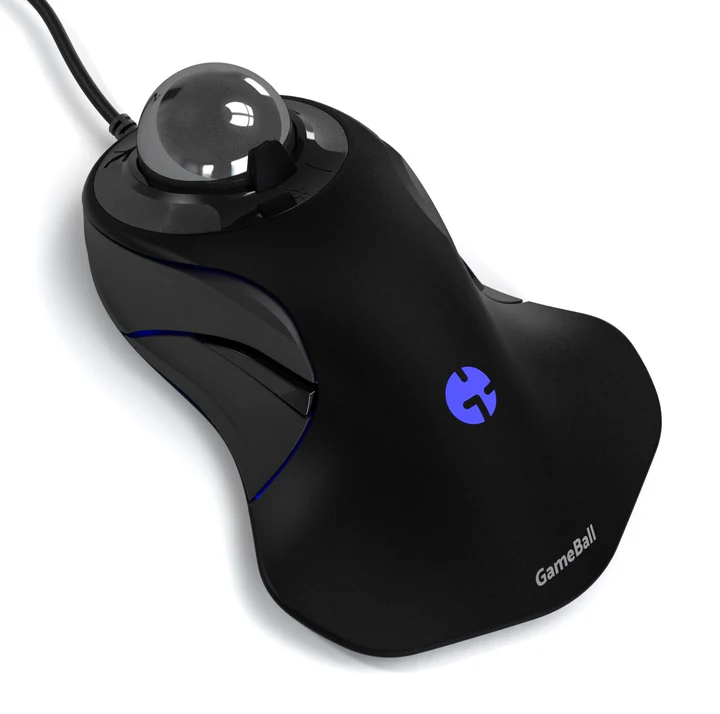
For me on linux, the middle click has only closed tabs, but i use a trackball. see screenshot I'll have to boot windows to see what it does.
Ændret af jonzn4SUSE den

Great. Mark it as resolved.