


Wrong fonts displaying

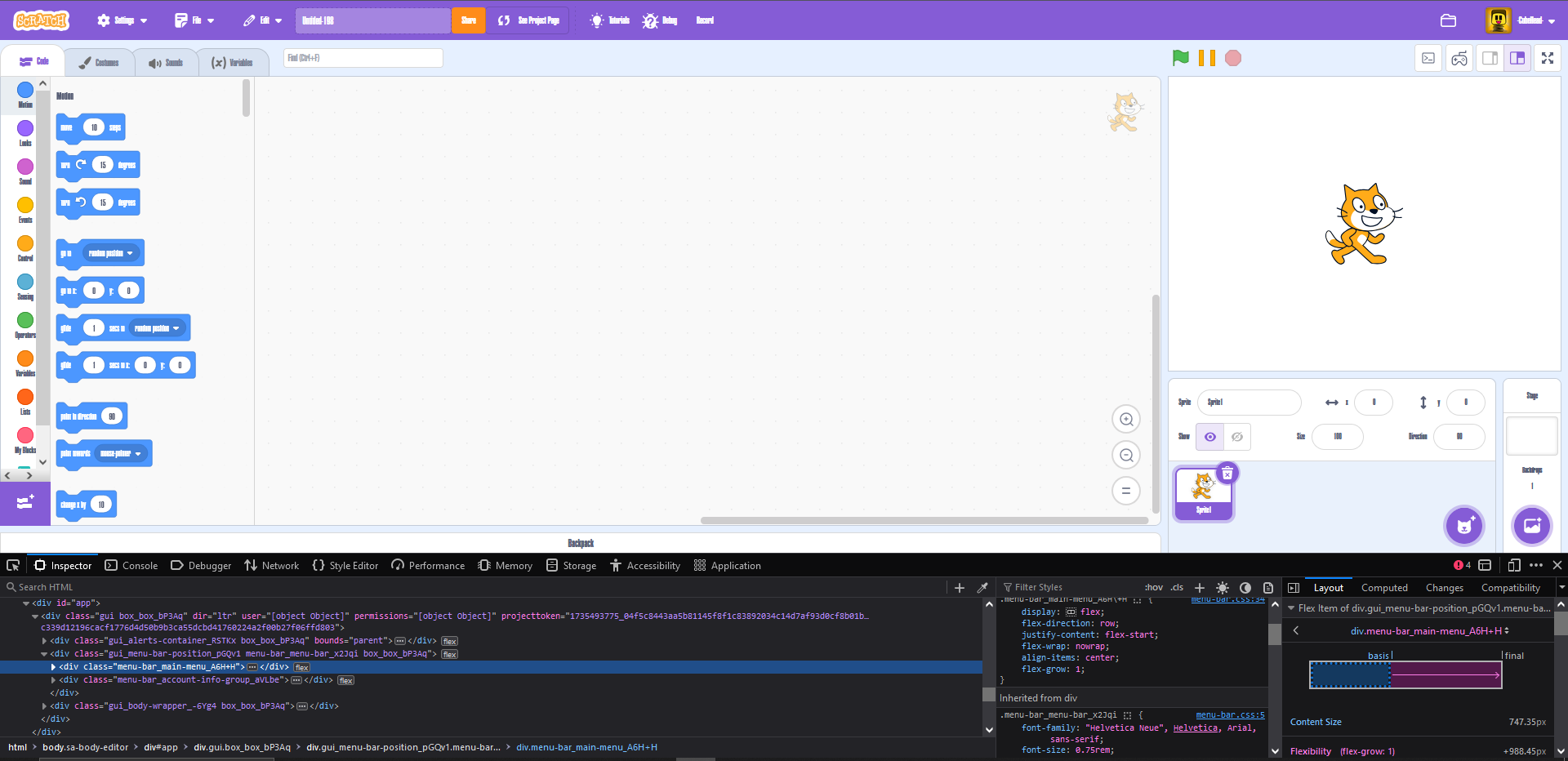
On some websites, such as scratch.mit.edu, the fonts have been displaying as Burbank Big (a font i recently downloaded) instead of the regular font. This happens on other websites that don't use Helvetica Niue as well, so i'm stumped. I checked the styles panel in inspector and it showed the correct names, but when i hovered my cursor over it, it showed a preview of Burbank Big instead. What do i do to fix this?
Valgt løsning
Fixed, Turns out that the font was not Burbank Big but instead was Helvetica Ultra Condensed Bold, which was interfering. I simply deleted the font from C:\Windows\Fonts and it instantly fixed my problem. Does require a page reload, however.
Læs dette svar i sammenhæng 👍 0Alle svar (1)
Valgt løsning
Fixed, Turns out that the font was not Burbank Big but instead was Helvetica Ultra Condensed Bold, which was interfering. I simply deleted the font from C:\Windows\Fonts and it instantly fixed my problem. Does require a page reload, however.