


synchronisation mai comes after 15 minutes how can I synchronize?

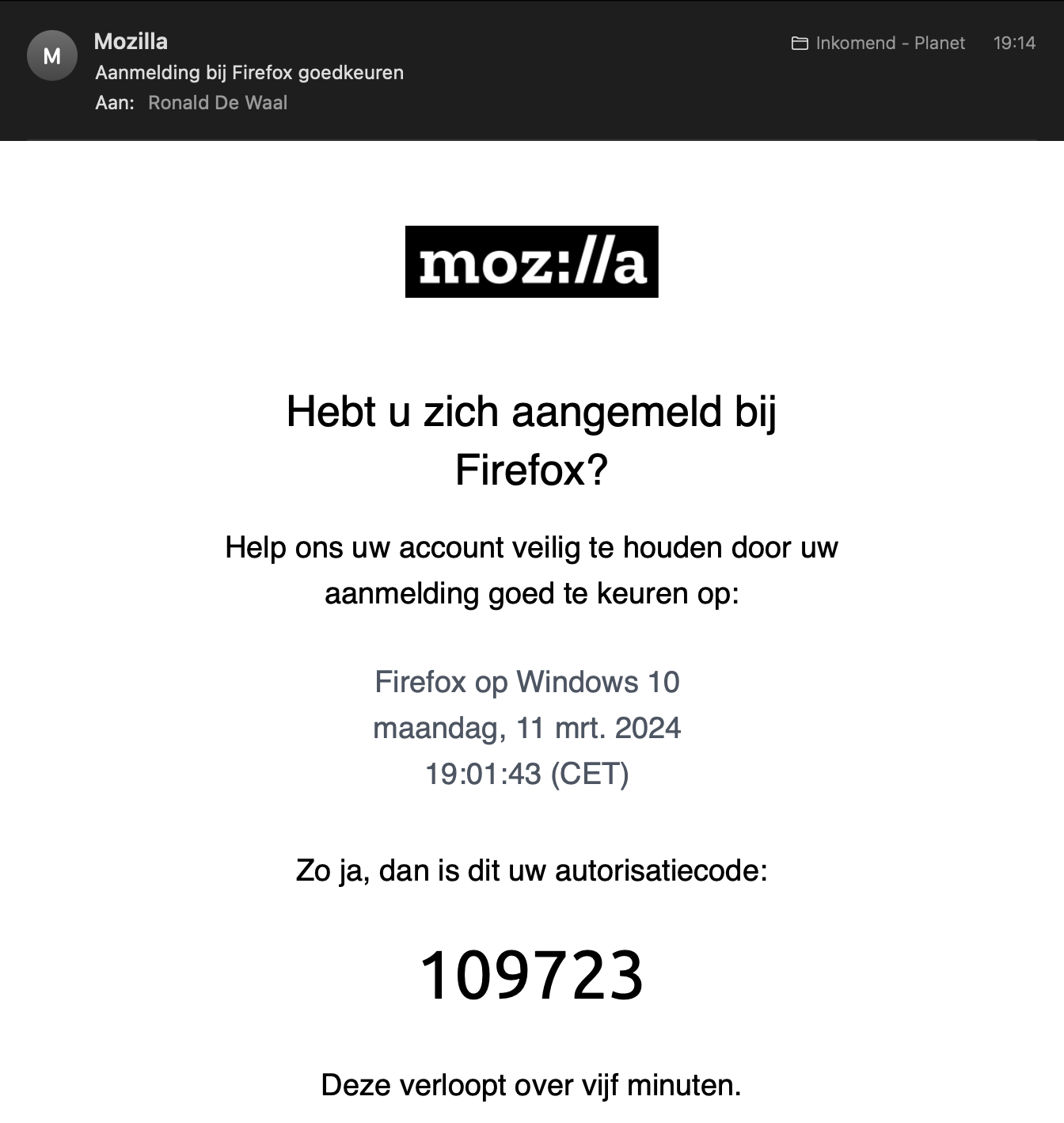
I try to synchronize my firefox on my new laptop but it gives 5 minutes to enter the code, the code arrives afer more than 15 minutes.. The help syggests if it not works to use another mail address but I cannot delete the mail adress, every time I want to synchronize the existing mailadress appears with a password field and the adress cannot be changed. Can someone help me to solve this, is there an other way to synchronize?
I try to synchronize my firefox on my new laptop but it gives 5 minutes to enter the code, the code arrives afer more than 15 minutes..
The help syggests if it not works to use another mail address but I cannot delete the mail adress, every time I want to synchronize the existing mailadress appears with a password field and the adress cannot be changed.
Can someone help me to solve this, is there an other way to synchronize?
Valgt løsning
solved by deleting 5 old connections do not know how they were created
Læs dette svar i sammenhæng 👍 0Alle svar (3)
You can try the code anyway since it should be valid for about 20 minutes.
This did not work, the message is: 'invalid or exired code'
Valgt løsning
solved by deleting 5 old connections do not know how they were created