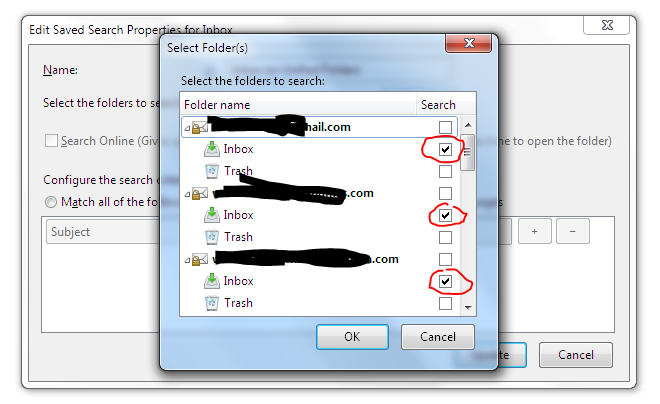
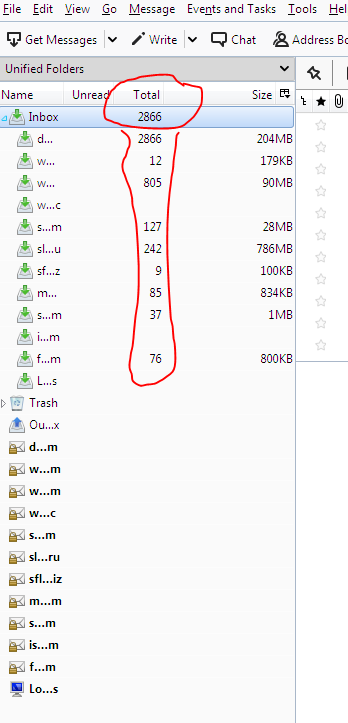
Unified folder do not included messages from all email accounts

Hello! Global Unified Inbox included only emails from first account.
Hello!
Global Unified Inbox included only emails from first account.
Valgt løsning
Fixed: Right click on global Inbox folder in Unified mode. select Properties in context menu, then in new window click on Choose... button and select folders to include in this general Inbox.
Læs dette svar i sammenhæng 👍 0Alle svar (1)
Valgt løsning
Fixed: Right click on global Inbox folder in Unified mode. select Properties in context menu, then in new window click on Choose... button and select folders to include in this general Inbox.