


How do I enable an extension that Firefox says is dangerous?

And yet it worked for this - but it won't work with my other sites...???
And yet it worked for this - but it won't work with my other sites...???
Alle svar (4)
What extension are you talking about?
Is this an extension that is installed globally (i.e. doesn't has a Remove button)?
Can you attach a screenshot?
- http://en.wikipedia.org/wiki/Screenshot
- https://support.mozilla.org/kb/how-do-i-create-screenshot-my-problem
- Use a compressed image type like PNG or JPG to save the screenshot
- Make sure that you do not exceed the maximum size of 1 MB
it's Dashlane...
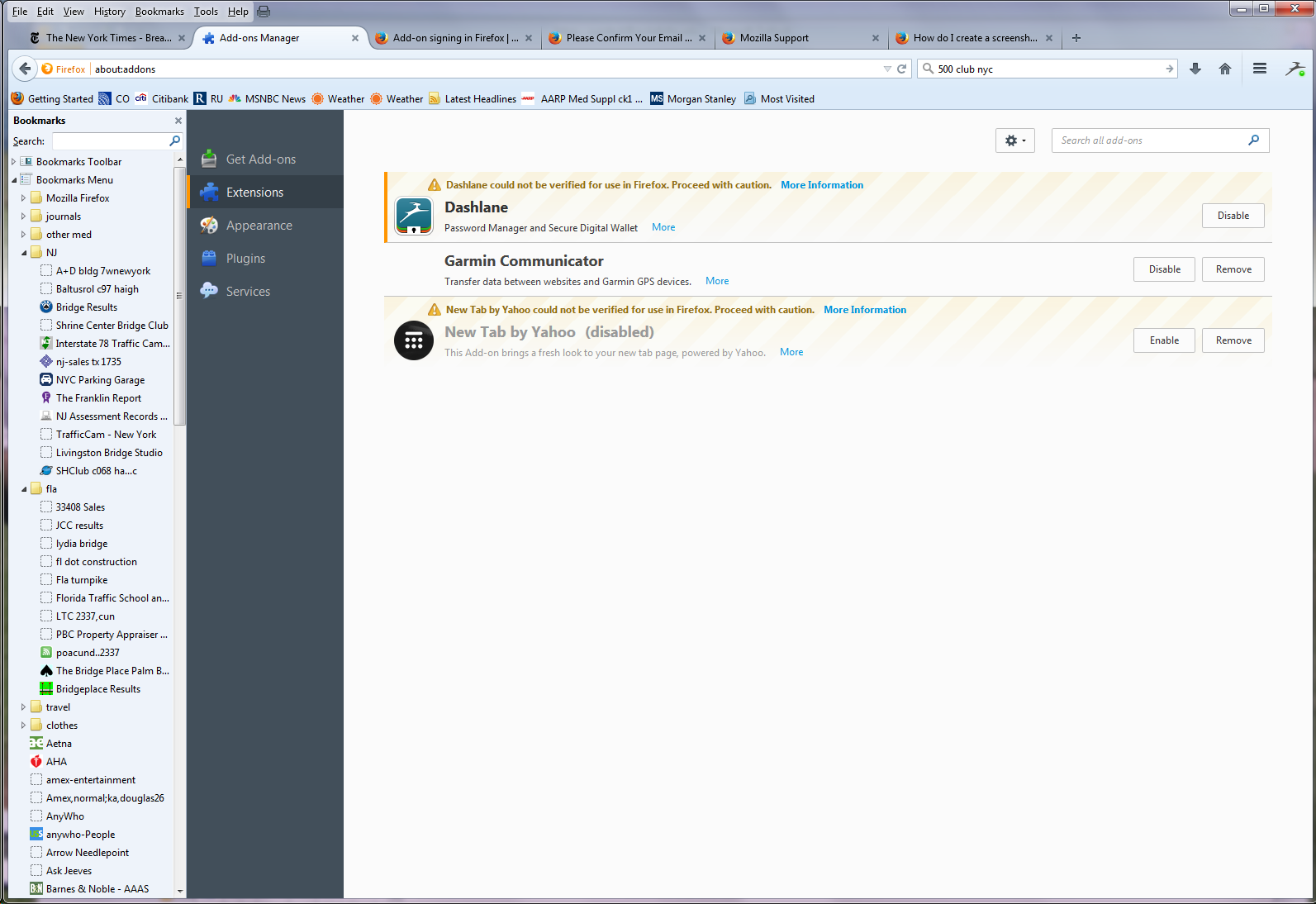
Current Firefox releases require extensions to be signed to prevent abuse. In the current release (40) you only have a warning in about:addons, but in future releases such unsigned extensions will be disabled and you can't override this.
See:
But, as you see, I can't override this - or maybe I just don't know how? Can you help me do this? I use this program a lot and cannot use a browser that won't let me use it... Thanx