


No VPN-Button

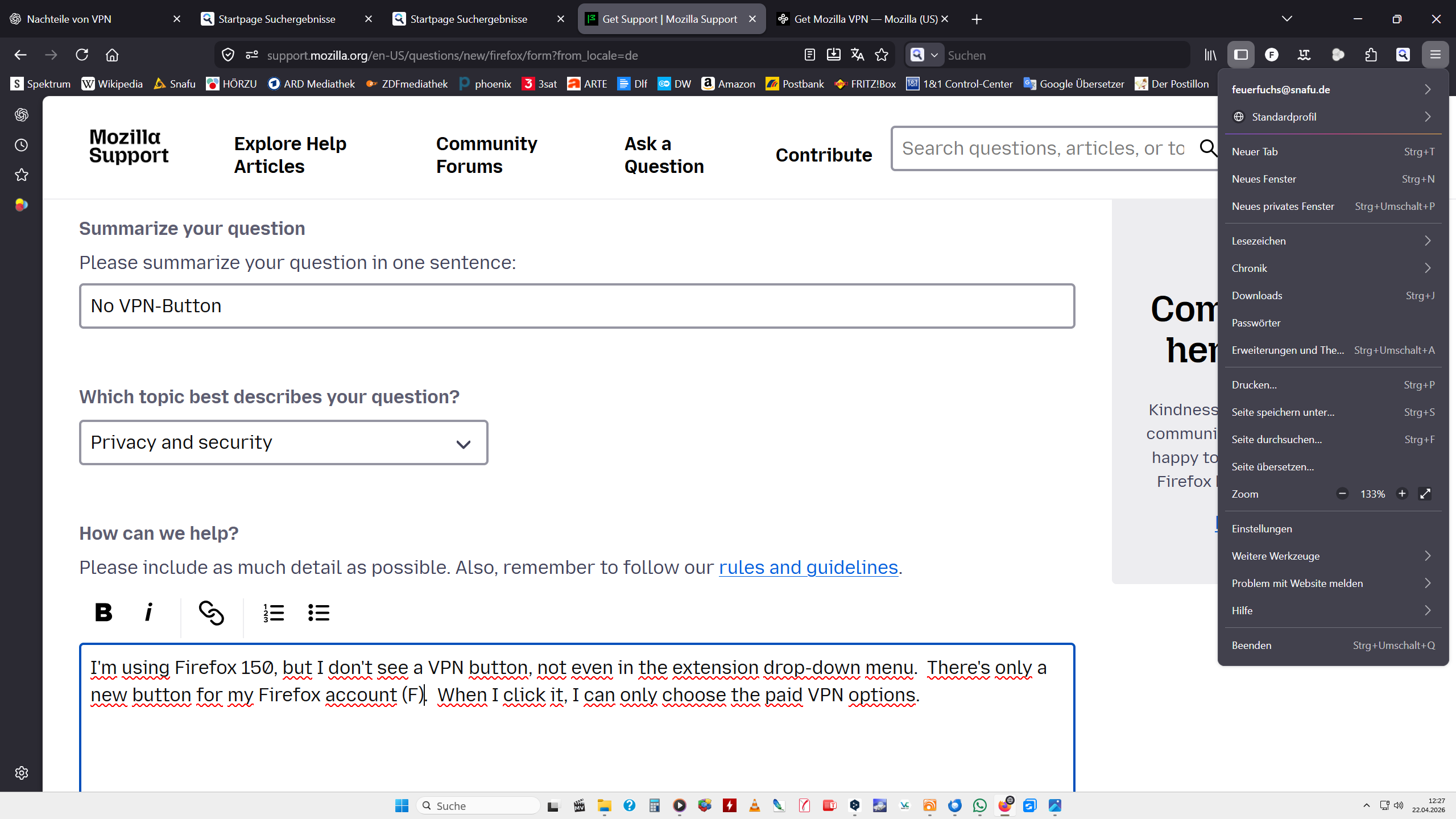
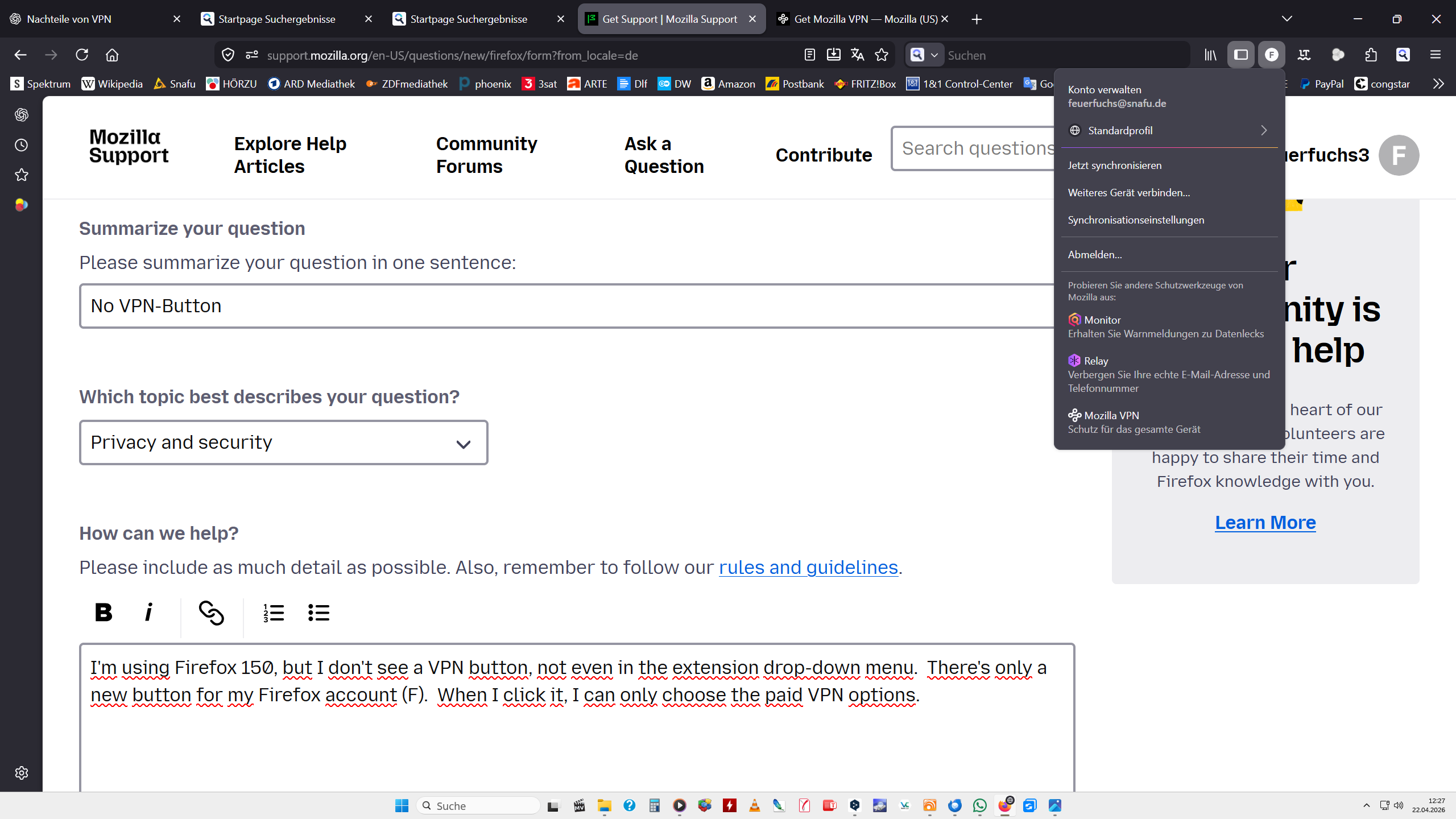
I'm using Firefox 150, but I don't see a VPN button, not even in the extension drop-down menu. There's only a new button for my Firefox account (F). When I click it, I can only choose the paid VPN options.
Chosen solution
Hello
This feature is experimental and is being introduced to the Firefox user base through a progressive rollout. It is being made available for users located in US, UK, Germany, France and Canada. It may not yet be available in all locales.
Read this answer in context 👍 0All Replies (13)
Chosen Solution
Hello
This feature is experimental and is being introduced to the Firefox user base through a progressive rollout. It is being made available for users located in US, UK, Germany, France and Canada. It may not yet be available in all locales.
@ George Kitsoukakis
I'm a user in Germany. The issue seems to be related to the fact that I have two separate Firefox profiles, and the built-in VPN is only available in the most recently created profile (I didn't notice this immediately because I usually use the older profile).
Modified by Mentor54
Then you can drag and drop VPN button
Customize your toolbar
Click the Menu > More tools and choose the Customize toolbar… option.
A special tab will open that allows you to drag and drop items in or out of the overflow menu and the toolbar.
Then you can drag and drop VPN button
Nope! Of course, that was the first thing I tried, but there isn't a VPN button there either. I wouldn't be posting here if the problem was that simple.
Modified by Mentor54
I answered for built-in VPN in Firefox. There is no paid options for that it's free to use and doesn’t require a subscription see here.
Maybe you install Mozilla VPN
Describe your question correctly and in detail to receive the best possible answer.

I found this by searching with google. Using a new tab on your browser type in about:config a search bar comes up, type in browser.ipprotection.enabled if it says false then you should be able to push the button all the way on the right to set it to true.
@ George Kitsoukakis
I've also been talking about the built-in and free VPN all the time!
Quote: "Describe your question correctly and in detail to receive the best possible answer."
It seems you either don't understand my question or don't know the answer. Thanks for your efforts anyway. You also may read dandaman2613's answer because that worked.
Modified by Mentor54
Hello
dandaman2613 said
I found this by searching with google. Using a new tab on your browser type in about:config a search bar comes up, type in browser.ipprotection.enabled if it says false then you should be able to push the button all the way on the right to set it to true.
To complement, these discussions https://support.mozilla.org/en-US/questions/1576925
Modified by Agent virtuel
George Kitsoukakis said
I answered for built-in VPN in Firefox. There is no paid options for that it's free to use and doesn’t require a subscription see here. Maybe you install Mozilla VPN Mozilla VPN main page and Mozilla VPN subscription Describe your question correctly and in detail to receive the best possible answer.
I've also been talking about the built-in and free VPN all the time!!!! It seems you either don't understand my question or don't know the answer. Thanks for your efforts anyway. You also may read dandaman2613's answer because that worked.
Modified by Mentor54
Hello
https://support.mozilla.org/en-US/questions/1577807, a subject, Manage remote improvements settings in Firefox.