Pasting image into Google Image Search results in blank white box

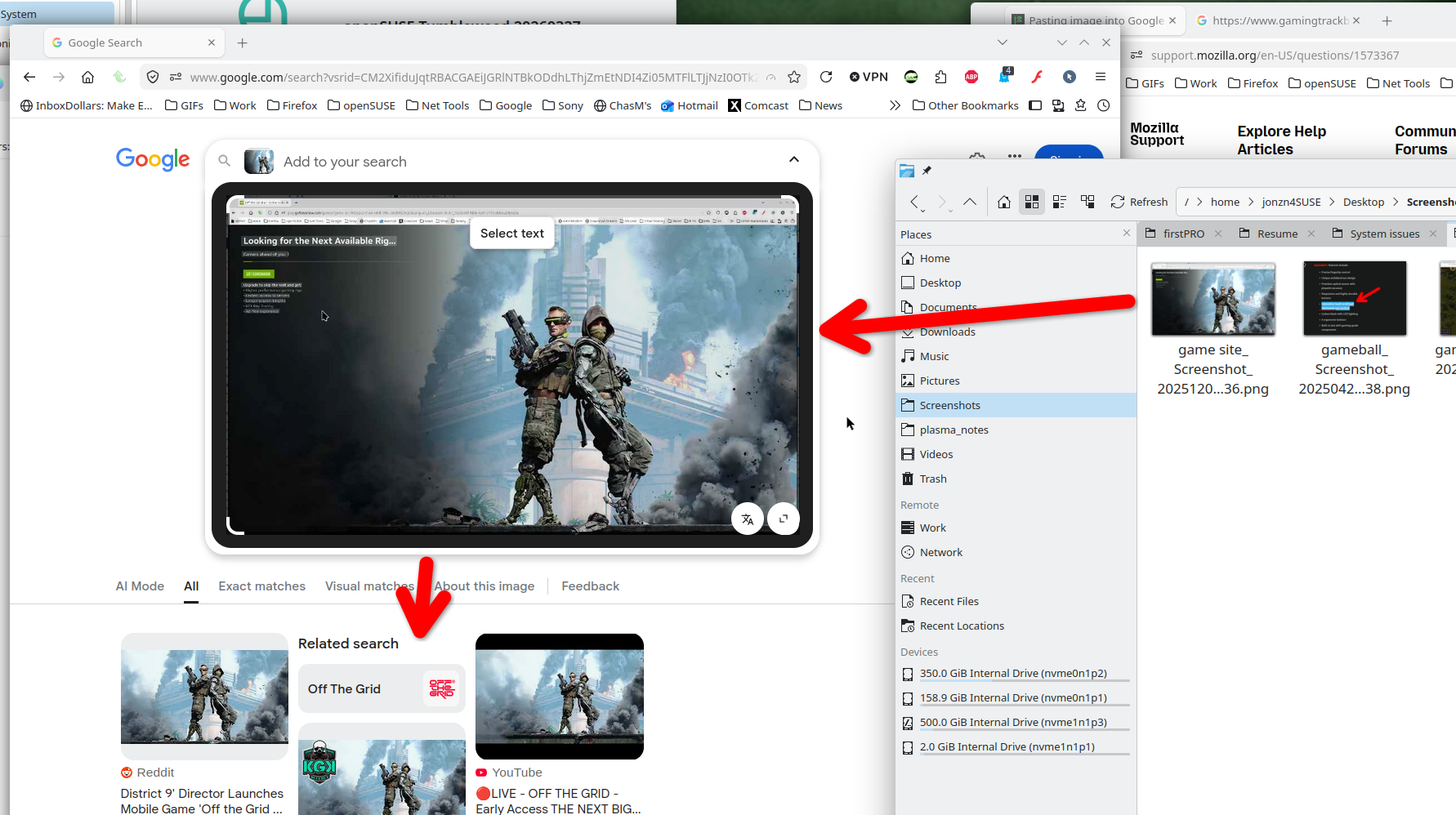
When attempting to reverse-image search an image, Google Image Search replaces the image with a blank white image.
Steps taken: Verified resistFingerprinting is false. Enabled it, got the usual colored crosshatch image. Disabled, got white box. Tested with PhotoPea (works just fine there). Tested with Chrome (works just fine there). Disabled ETP and generic tracking protections. Tested in private window (nope). Pasting to MSPaint, worked. Saving as an image file and trying to upload that way, nope.
Open to trying more things.
146.0.1 (64-bit) Windows 10 Version 10.0.19045 Build 19045 Addons that may have caused issues: UBlock Origin TamperMonkey Disabled both, same results.
All Replies (1)

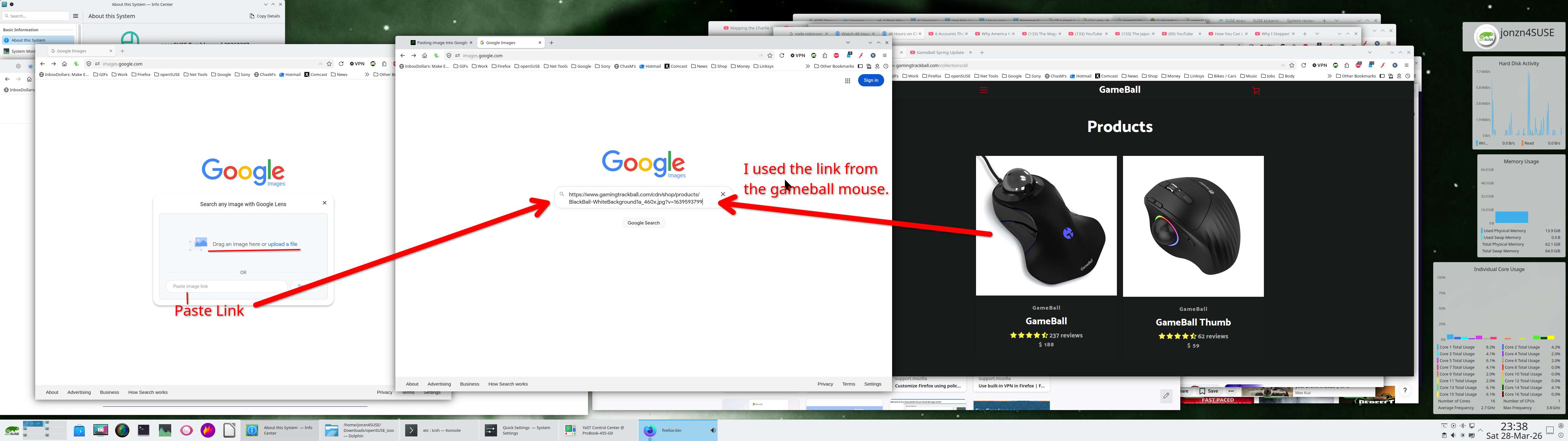
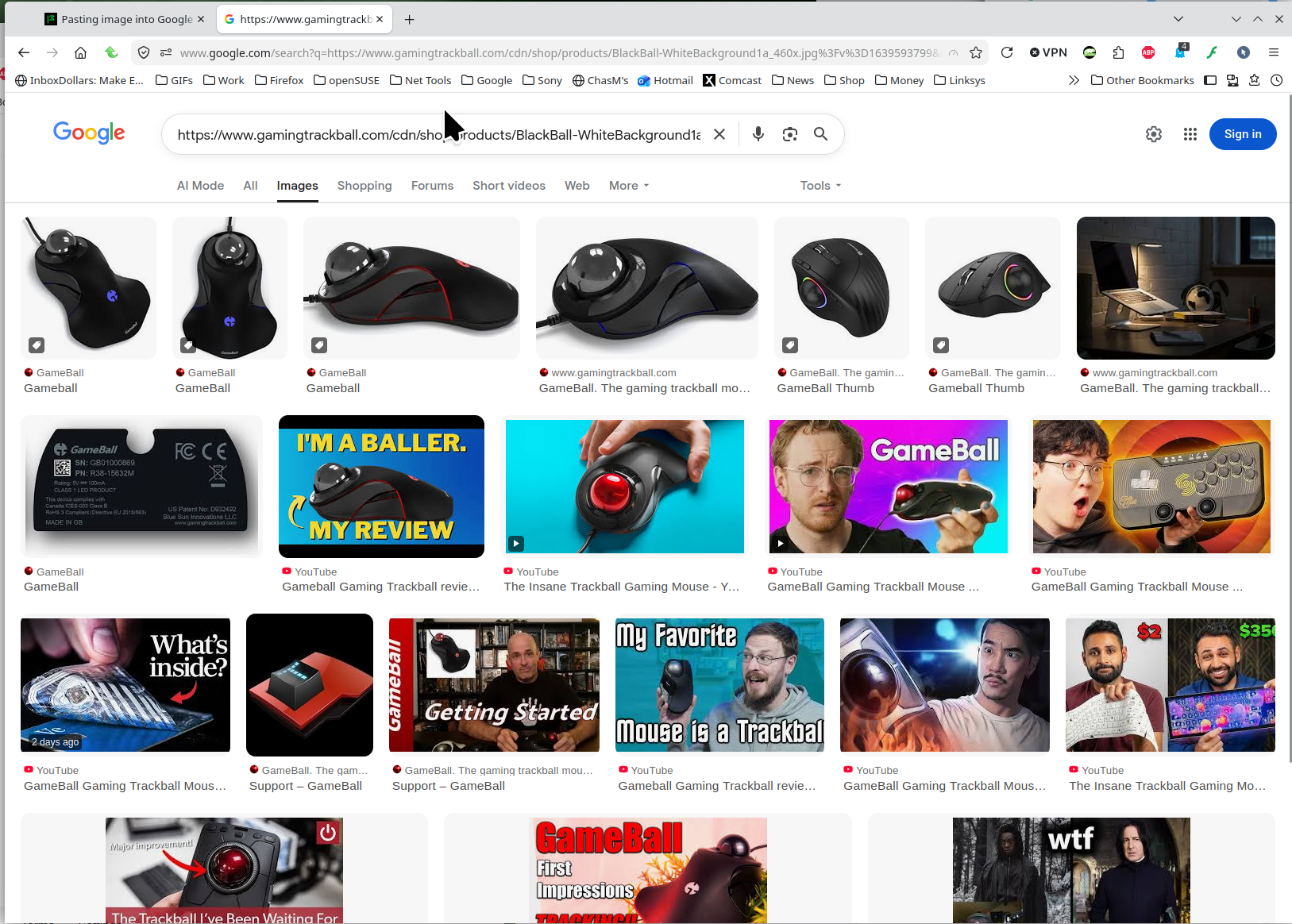
Drag and drop or upload an image or paste image link. I copied the link from the gameball mouse into google image search and it works. Also dragged the image of the mouse to google image search and it also worked. see screenshot