


Google workspace OAuth

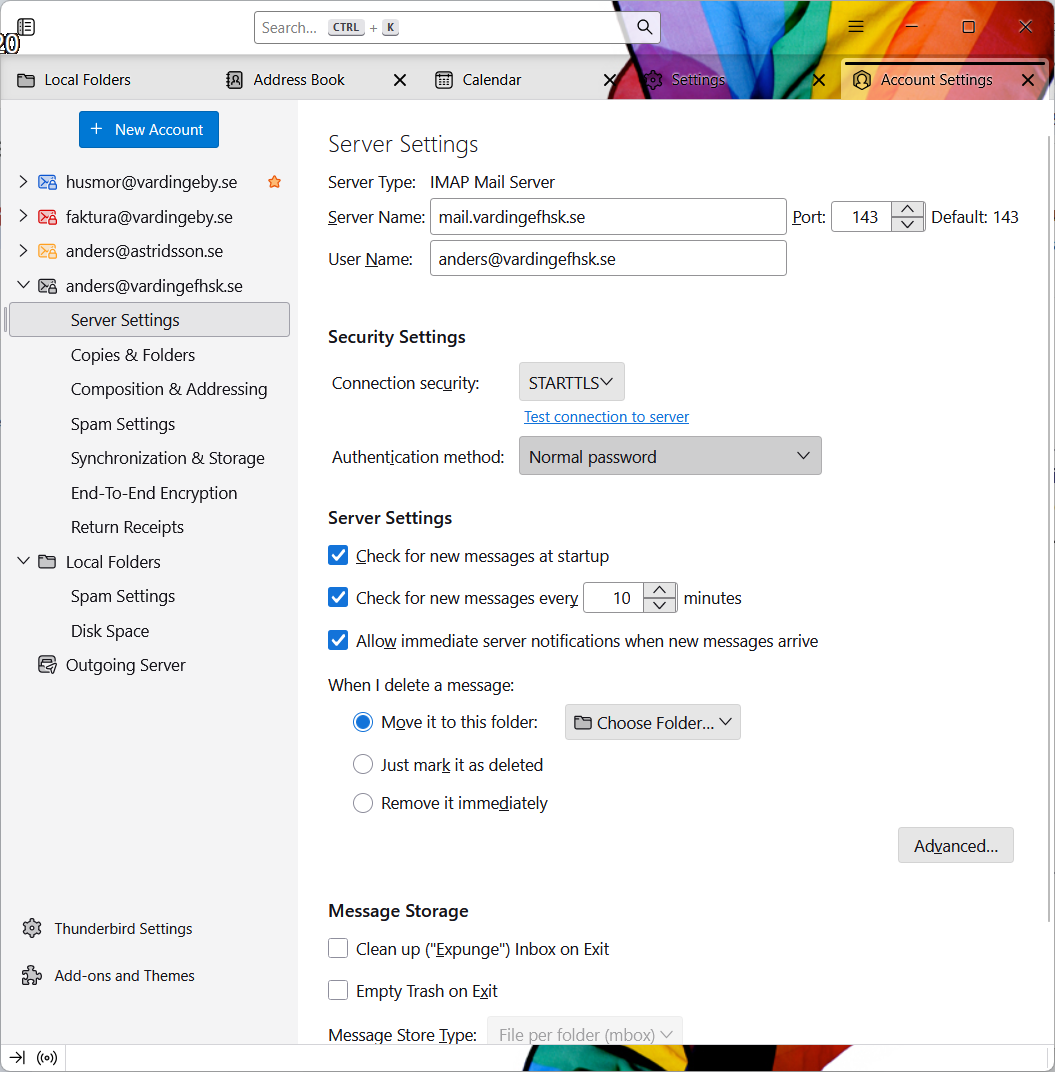
I'm trying to set up my thunderbird client (Version 147.0) to work with my Google Workspace. I understand that I should choose OAuth as the login method. The problem is that the option is not available when I try to create the account. There are only "normal password", "Encrypted password", "Kerberos/GSSAIP", "NTML" and "TLS certificate". What am I doing wrong?
All Replies (6)
Now I find that I can access the calendar. IE. I have set up an account but since I don´t know how to use OAuth, TB doesn't load any emails and I can't access the address book. But... TB shows the calendar!?! Still need help.
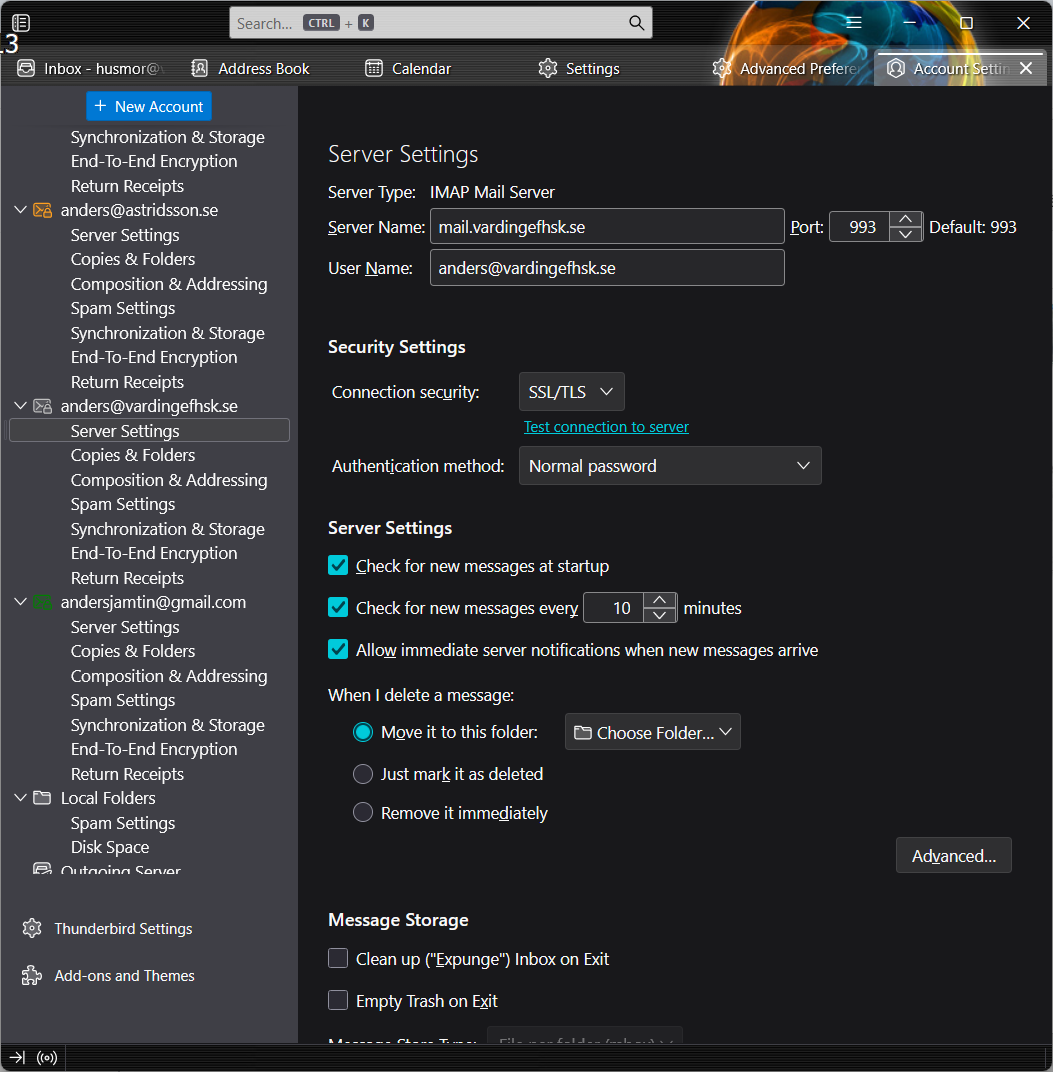
There is a way to force OAuth2 if it doesn't appear in the menu, but I wonder if the issue in your case is tied to using STARTTLS on port 143. That is a standard setting, but as far as I know, Google accounts, certainly the consumer ones, connect on port 993 with SSL/TLS security for IMAP.
https://support.mozilla.org/en-US/questions/1451090#answer-1659631
Hi sfhowes Thanks for your reply and thanks for being so quick. I changed the port to 993, unfortunately it made no difference. In the post you refer to, it's about SMTP, I searched for "mail.imapserver.imap1.authMethod" and then I got what the picture shows. I can't write "10" there to force OAtuh. How do I proceed?
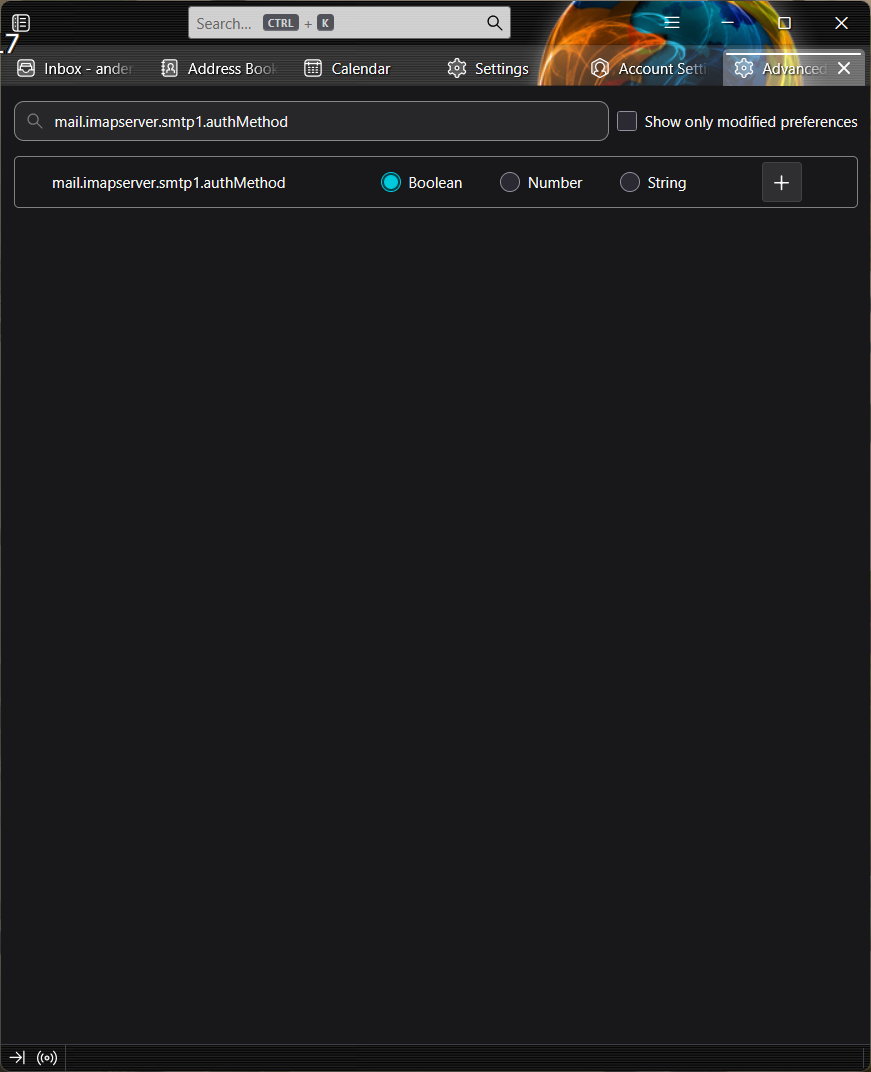
The correct pref. is mail.server.serverN.authMethod, where N = 1,2,3...
mail.server.serverN.hostname shows the server name.
I´m realy greatful for the support. It still don´t work for me. I guess there is somthing i oversee. I ad to screen shot and se if some one have an idéa of what´s missing.
shuld I uninstall TB and install it again (pleas say no)?
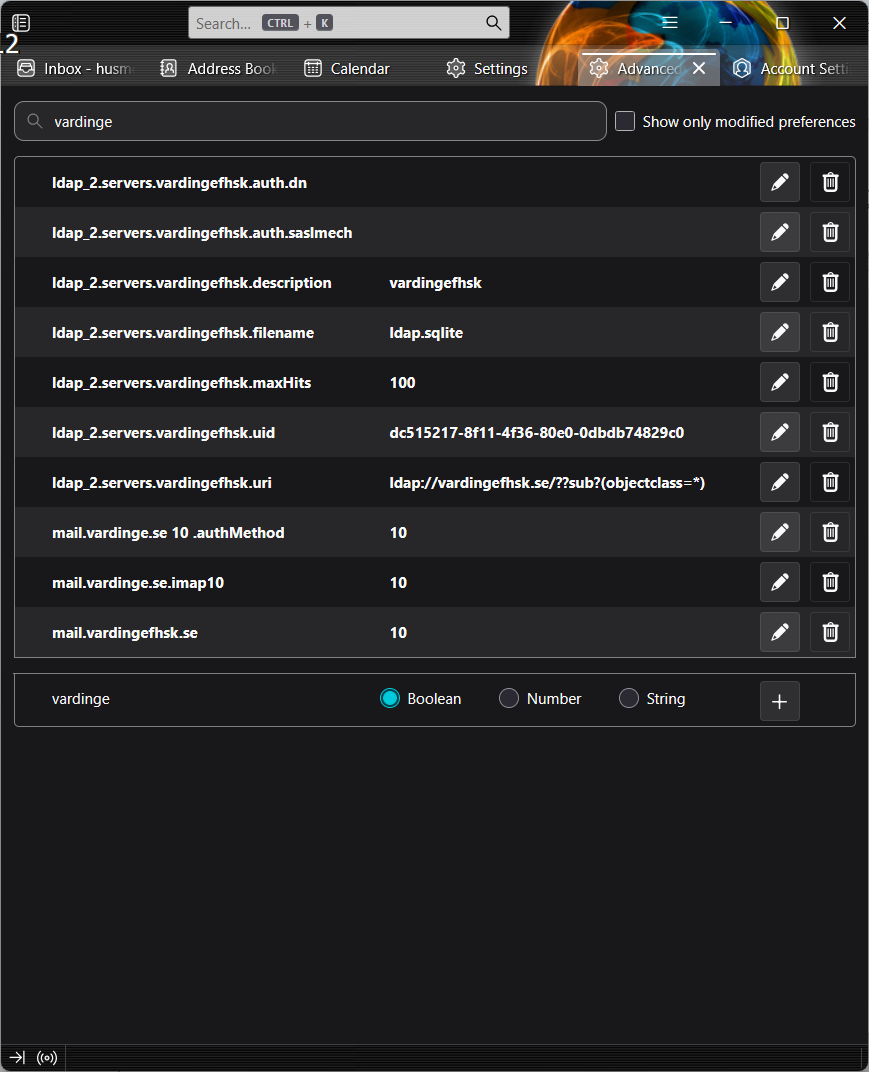
I think the last 3 entries in your first picture are incorrect. On my setup, the gmail account corresponds to N = 5, and these are two of the preferences:
mail.server.server5.hostname has the value imap.gmail.com
mail.server.server5.authMethod has the value 10 (for OAuth2)
Each of your accounts corresponds to a different N = 1,2,3,...
I also have mail.smtpserver.smtp3.hostname with the value smtp.gmail.com and
mail.smtpserver.smtp3.authMethod with the value 10
Yes, it seems complex, but the vast majority of users don't need to do this. You have to match the accounts with the correct prefs in order to set the authentication method.
Uninstalling and reinstalling the program is unnecessary in this case as the user data (profile) is separate from the program folder.