


Firefox crashing and does not open at all.

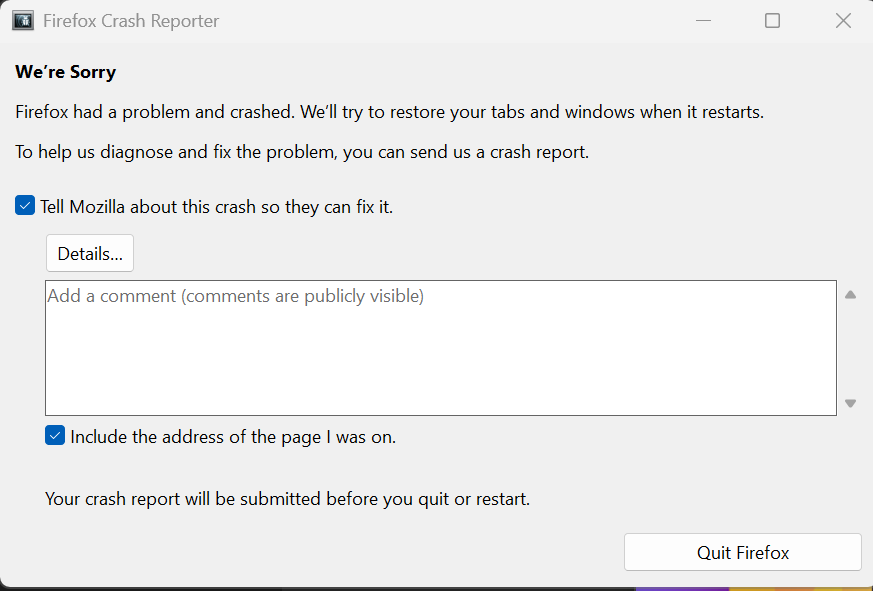
I’m suddenly unable to open Mozilla Firefox at all on my Windows 11 Pro (version 25H2) Surface Laptop. The browser never launches - every attempt immediately crashes and opens the Firefox Crash Reporter.
I tried uninstalling and reinstalling a fresh copy of Firefox (and removing the old application files, though the original Firefox program folder has 13 .tmp files inside a “tobedeleted” folder that I can’t delete), but the issue persists. When I try to install or uninstall Firefox, I get the same behavior: Firefox never opens, and I end up with multiple instances of the Crash Reporter popping up instantly.
Tried renaming firefox.exe as well to no avail. Chrome and Edge are working fine.
Modified by dredwulf
All Replies (4)
Hi Ty - yes, I do have that software. But I have had SentinelOne on this computer since November and only encountered issues with Firefox as of last night. Do you think SentinelOne is the cause?
Yes, it must be it. We're going to block that library in the next version, I guess 146.0.1.