


Trying to configure Thunderbird

I just downloaded and installed Thunderbird.... I fire it up and the "three lines" button I need to click to add my email account details does nothing. So the software is not doing much at the moment. I don't know what to do. I uninstalled. Restarted...and reinstalled...but this did not work. What am I doing wrong here?
Duncan
Chosen Solution
Puzzled how you got there. Try clicking the alt key to bring up main menu. If that happens, click view>toolbars and tick menu bar to keep it up. Then click file>new>email account.
All Replies (5)
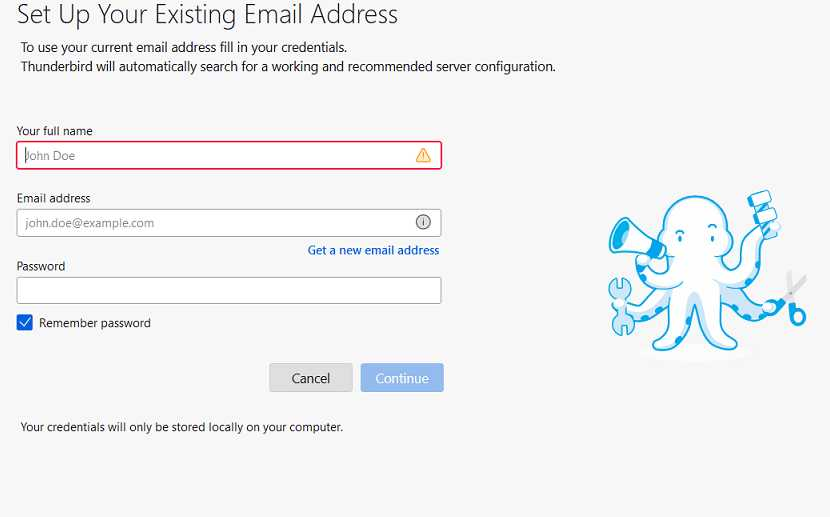
The first pane shown is usually the attached screenshot. I am not sure what you are referring to.
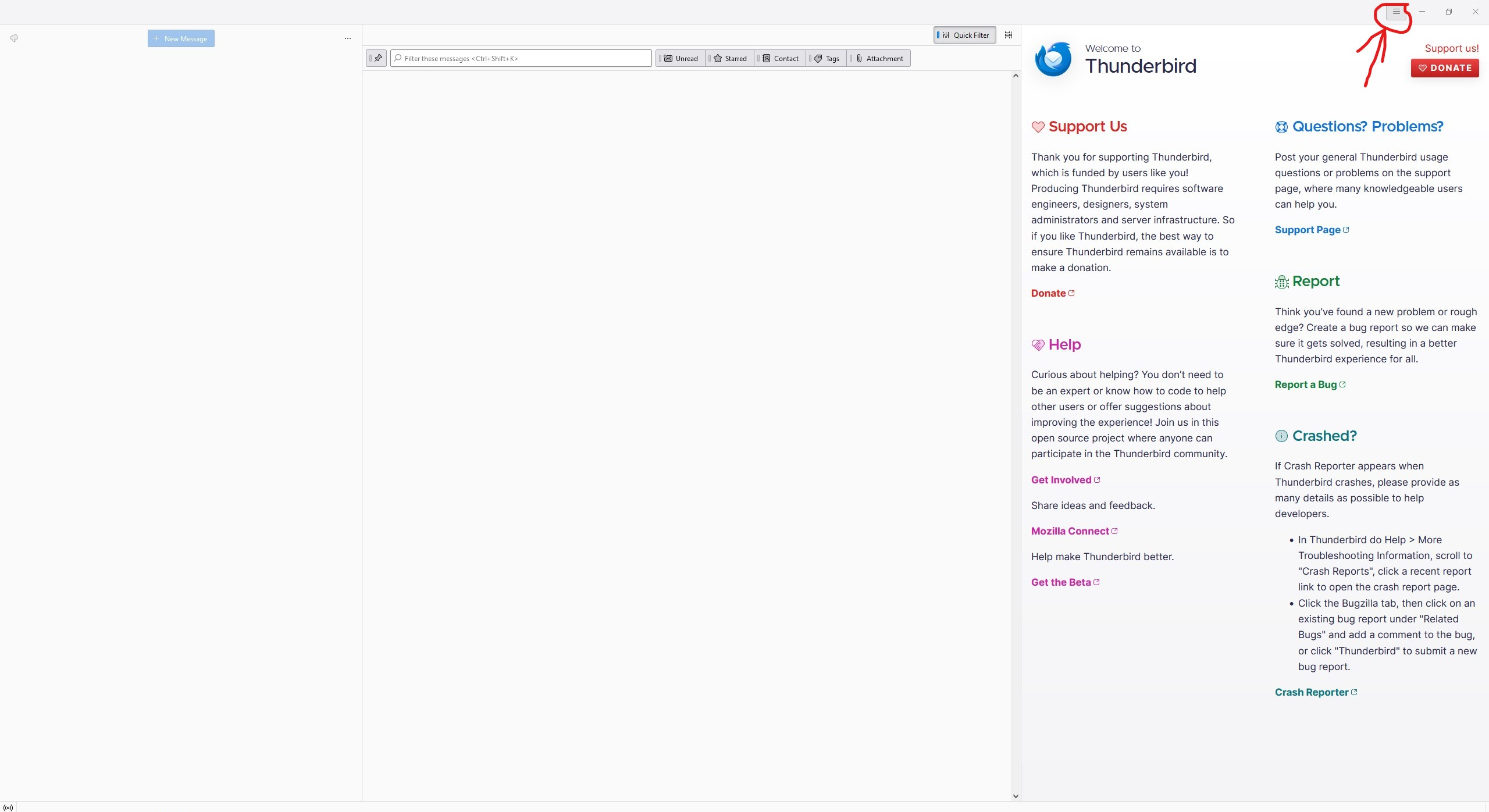
Hmmmm...I did do that part I am sure. However, this is the screen I am now looking at and I cannot see or do anything. The three lines button does no do anything.
Chosen Solution
Puzzled how you got there. Try clicking the alt key to bring up main menu. If that happens, click view>toolbars and tick menu bar to keep it up. Then click file>new>email account.
Fixed it! Thank you!! :)
You are most welcome. :)