

This thread was archived.
Please ask a new question if you need help.

Archived
Strange popup
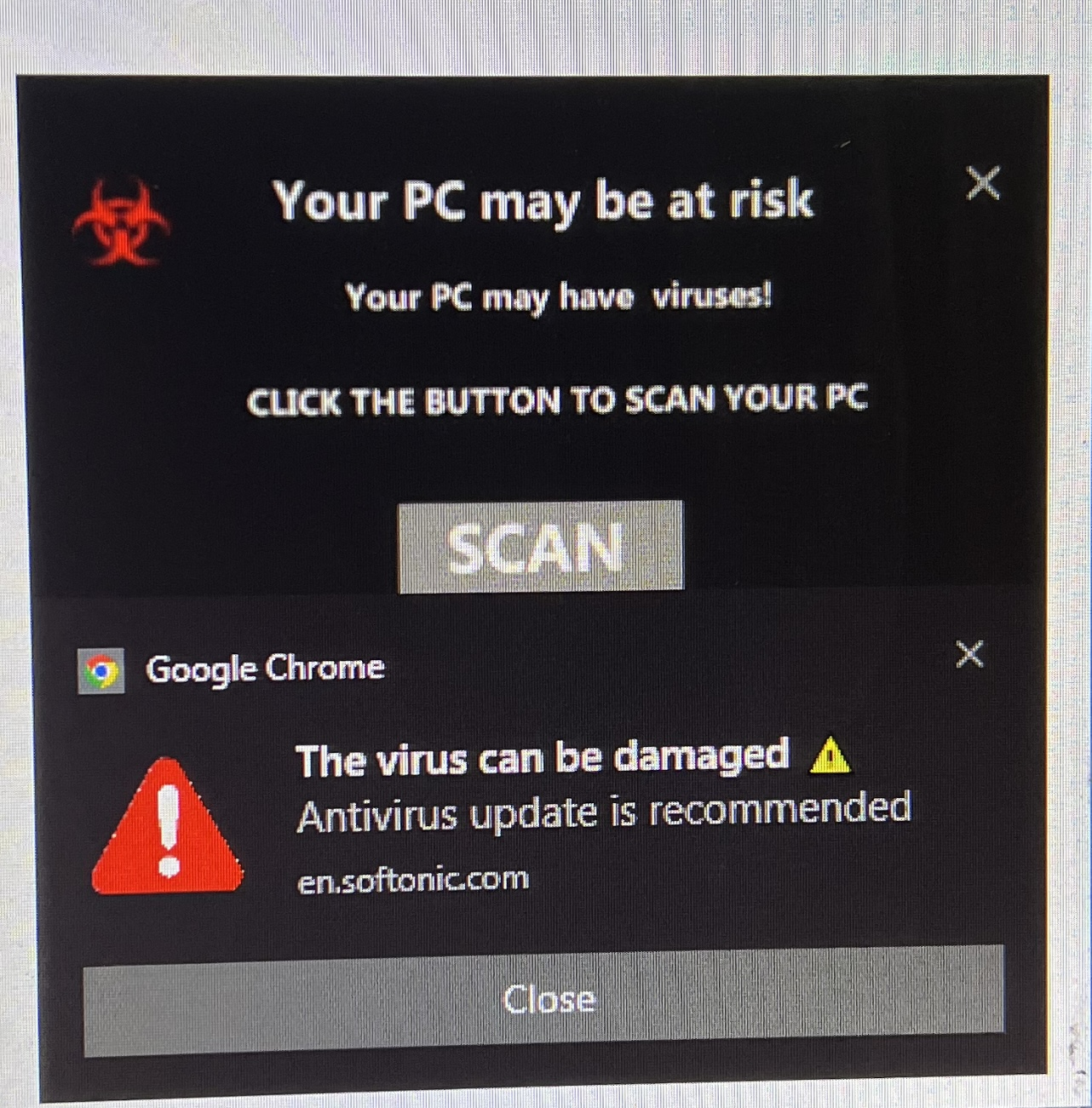
After downloading Firefox on my other computer this strange popup started appearing. I have uninstalled Firefox on that computer but the popup remains. How do I get rid of it?
After downloading Firefox on my other computer this strange popup started appearing. I have uninstalled Firefox on that computer but the popup remains. How do I get rid of it?
All Replies (2)

You can check some of the options here to help remove malware from your computer -
Troubleshoot Firefox issues caused by malware https://support.mozilla.org/en-US/kb/troubleshoot-firefox-issues-caused-malware
Note that you should never click on such a pop-up, but try to close the tab. See also the about:unloads page.