Windows 10 reached EOS (end of support) on October 14, 2025. If you are on Windows 10, see this article.

Search Support

Avoid support scams. We will never ask you to call or text a phone number or share personal information. Please report suspicious activity using the “Report Abuse” option.

Learn More
Archived

Mic won't appear as something I can select, unlike in other browsers.

Sam replied
Sam

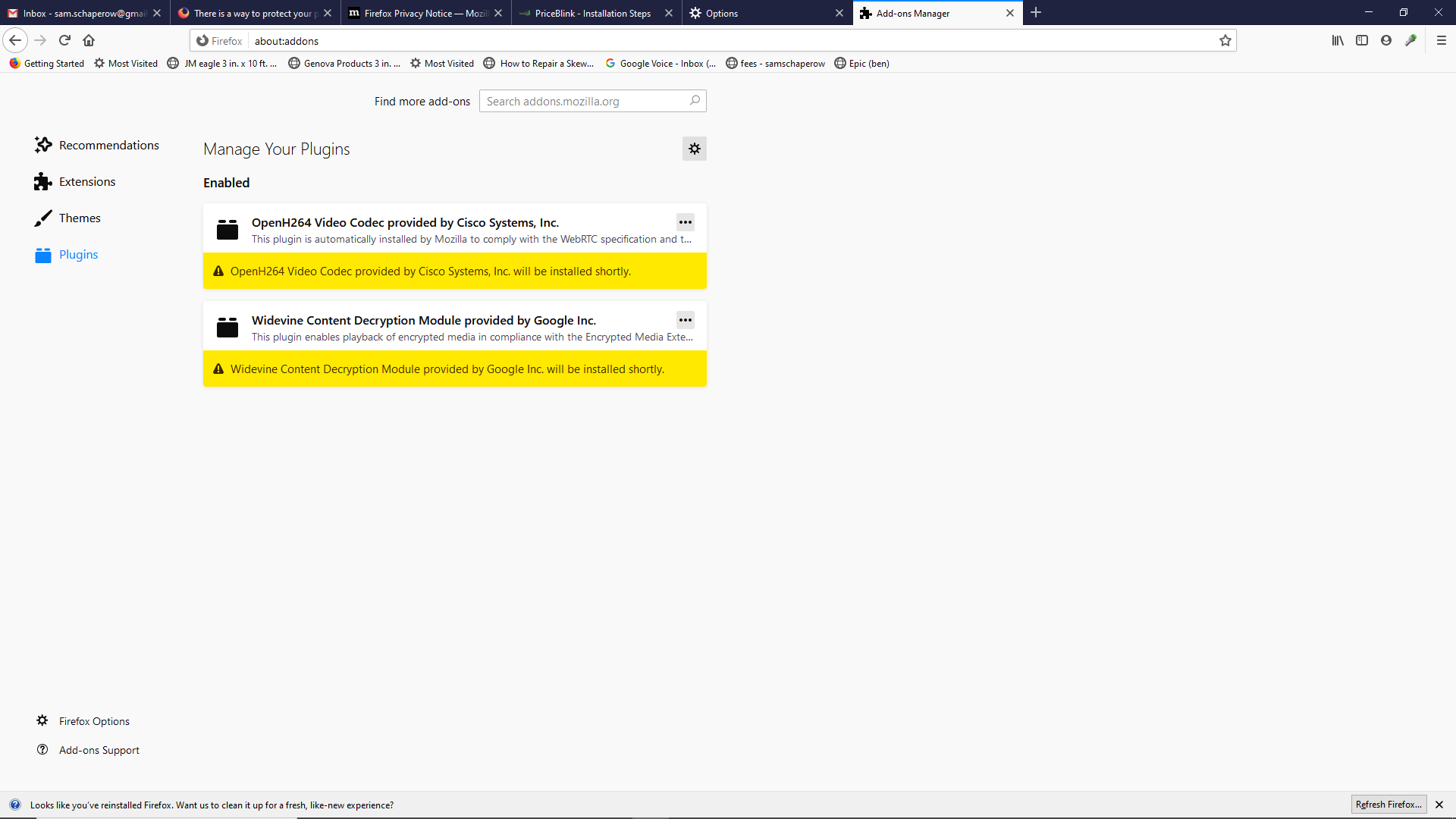
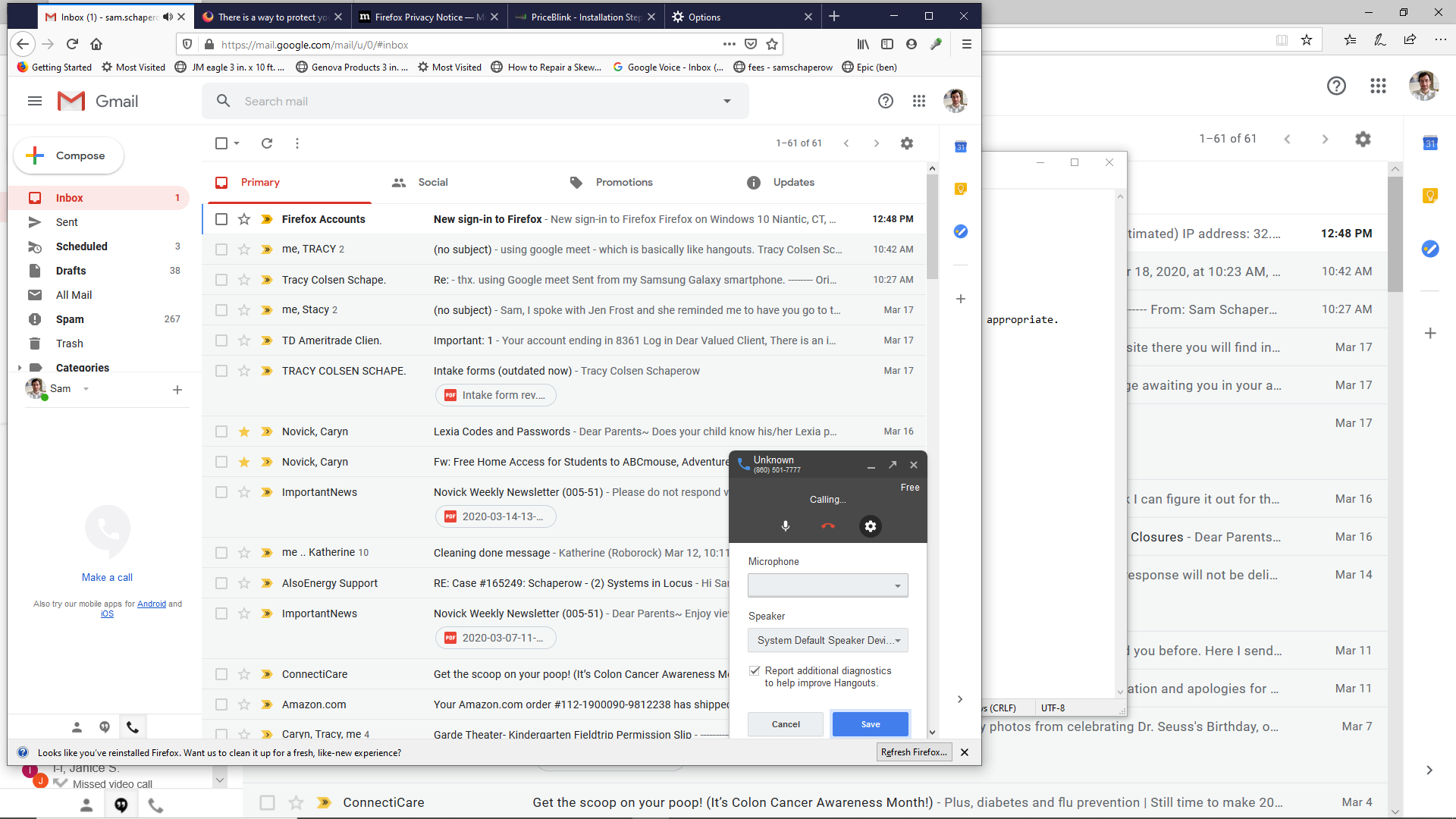
Mic won't appear as something I can select, unlike in other browsers. This is when I select to "make a call" on the left w/gmail open, then I try to make a call. On right when call is going forward, I select the options icon and see "microphone" with blank beneith it. "Speaker" does have something showing, though. I tried: 1. tried finding an unistall option for an addon, but nothing there seemed appropriate. 2. uninstalling Firefox, including to remove all addons, plugins, etc., & reinstalling. 3. uninstalled a google app of some sort. 4. firefox mic permissions show no exclusion for this, nor a request for this 5. Saw mic does work with using Internet Explorer.

See pics for details.
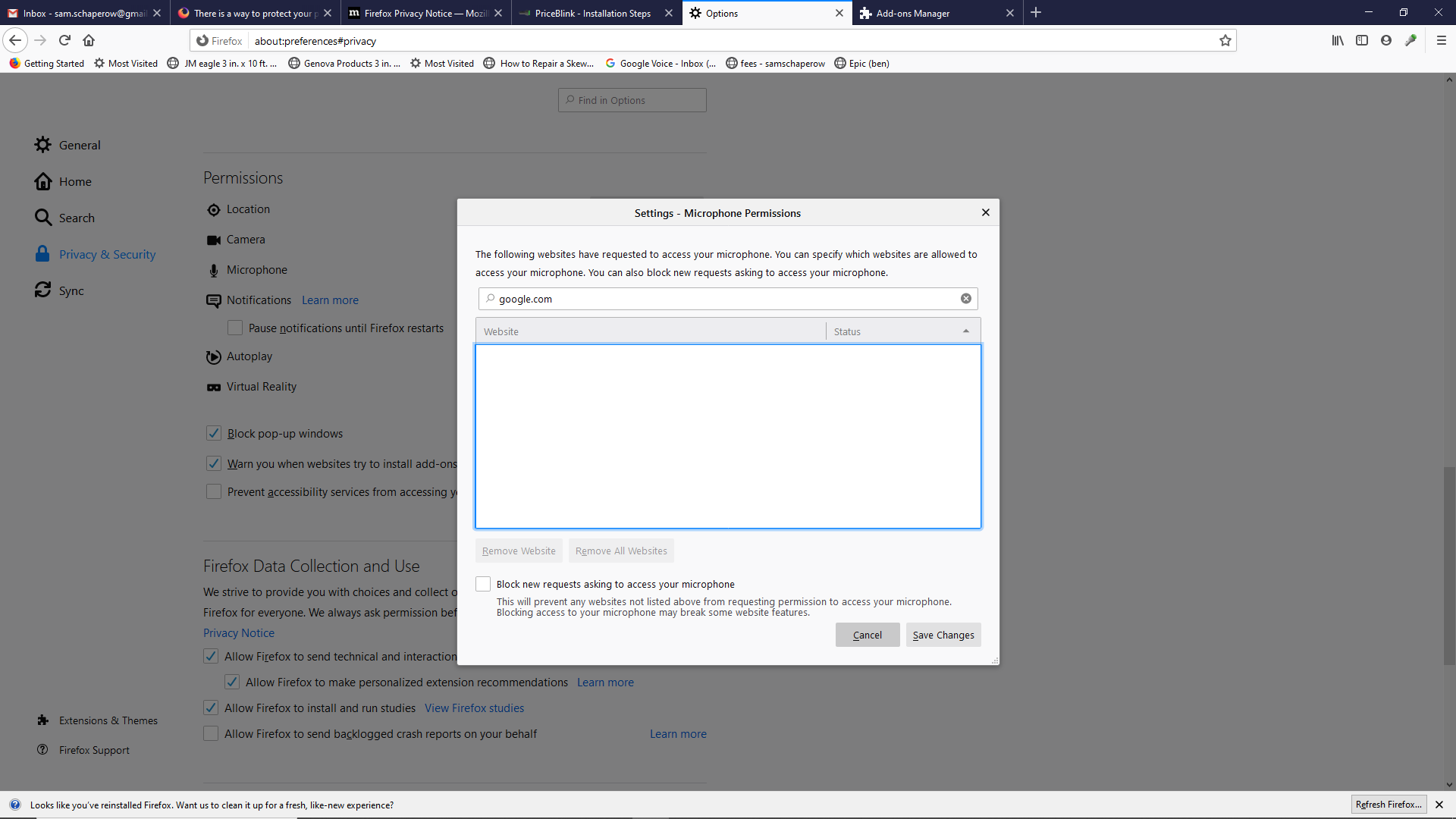
Mic won't appear as something I can select, unlike in other browsers. This is when I select to "make a call" on the left w/gmail open, then I try to make a call. On right when call is going forward, I select the options icon and see "microphone" with blank beneith it. "Speaker" does have something showing, though. I tried: 1. tried finding an unistall option for an addon, but nothing there seemed appropriate. 2. uninstalling Firefox, including to remove all addons, plugins, etc., & reinstalling. 3. uninstalled a google app of some sort. 4. firefox mic permissions show no exclusion for this, nor a request for this 5. Saw mic does work with using Internet Explorer. See pics for details.
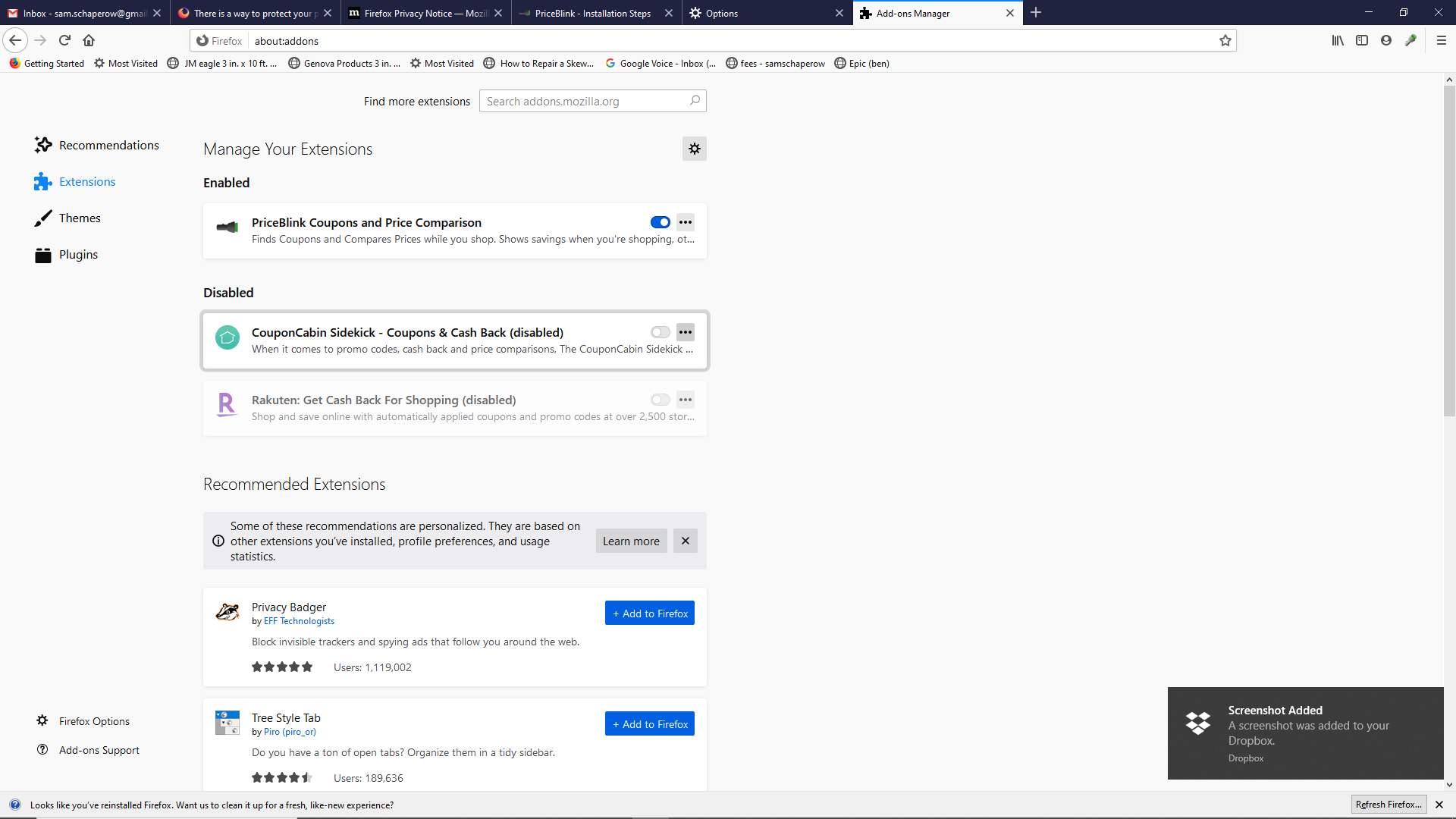
Attached screenshots

All Replies (1)

This specifically refers to using gmail to make a call, as seen in one of the pics.