


Import of Outlook file is not importing all PST files, only 2 are imported.

I currently installed the older version of Thunderbird (31.8) to be able to import the old Outlook files.
I have 5 PST files, and it only imported 2. I have tried a suggestion to compact the PST files, and also rebooted.
Anyone else here have the same issue before?
I know that the newer version does not support it, as it crashes. But anyone using the old TB that has encountered this and resolved it, care to advise.
Cheers
All Replies (2)
Try a much earlier version of Thunderbird eg: 17
Otherwise either: convert the .pst to mbox files OR if still using Outlook, save emails as .eml files
and then use the ImportExportTools addon extension to import the mbox or .eml files.
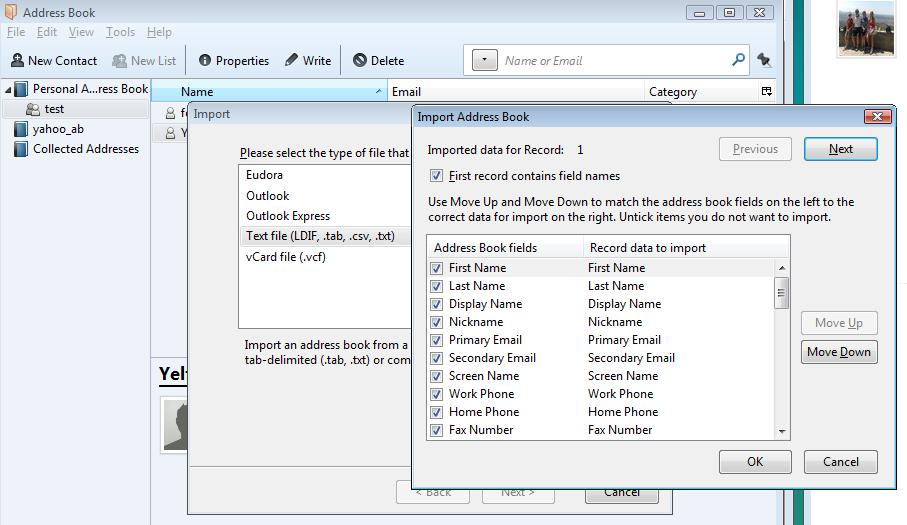
Address books: Export as .csv files Then import .csv file into Thunderbird. Tools > Import select Address books, click on next select: Text file (LDIF, .tab, .csv, .txt) and clickon next locte the file you will need to map the outlook fields to the thunderbird fields
Cheers Toad-Hall, ill give it a go.