


Apple support site looses encryption

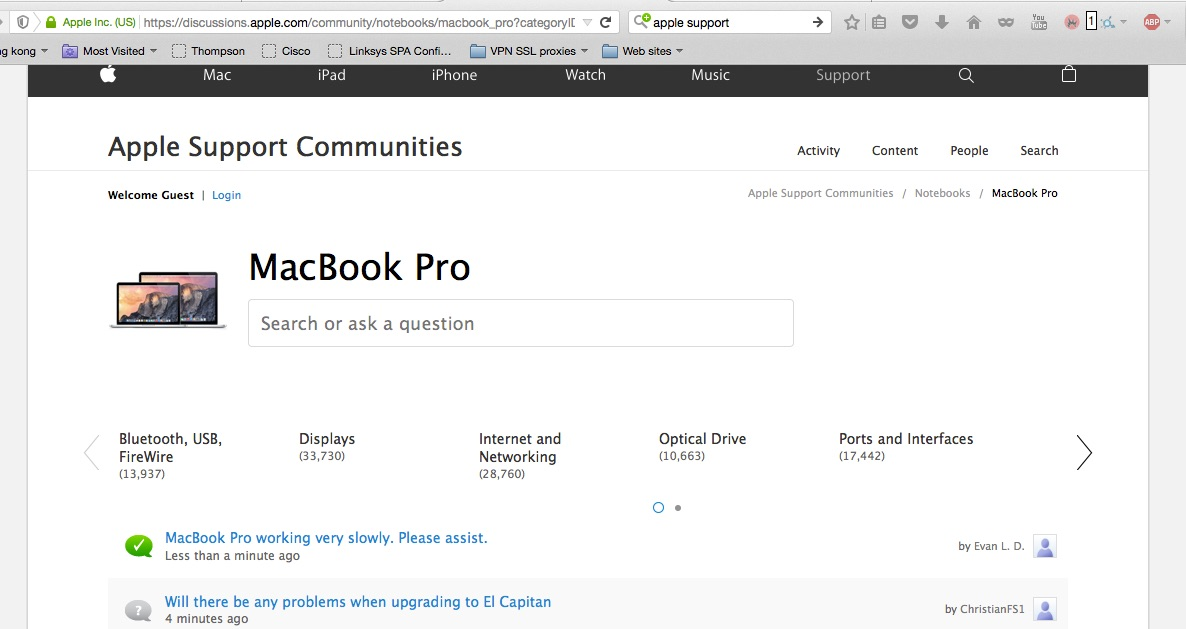
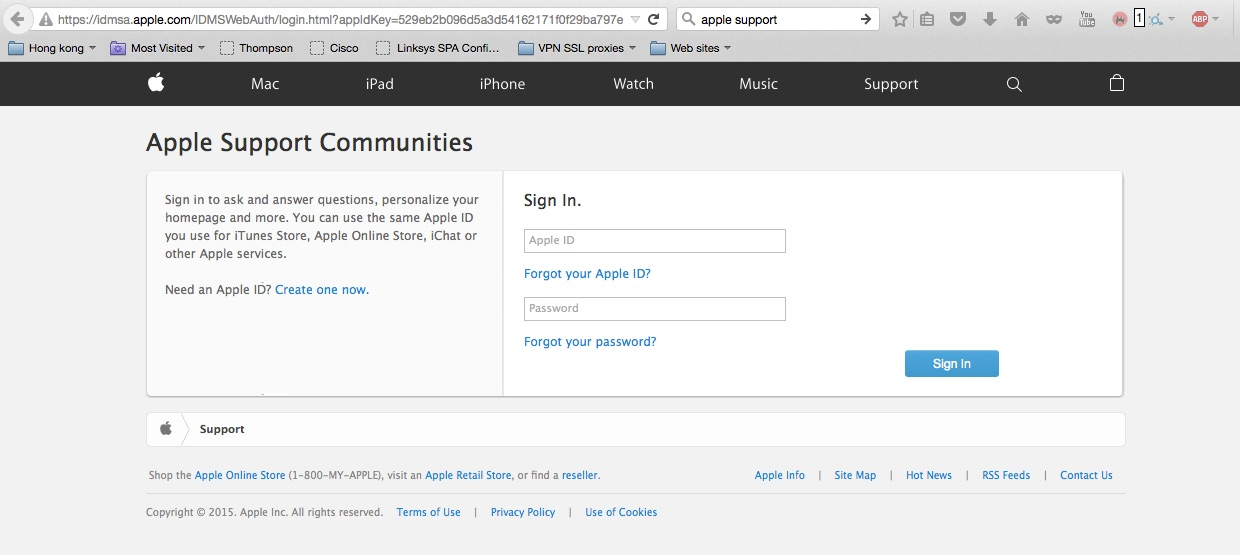
When I go to the Apple support site "https://discussions.apple.com/community/notebooks/macbook_pro?categoryID=190" which is a https E.V. site turns to a none encrypted site when I try to login by hitting the login pointer "https://idmsa.apple.com/IDMSWebAuth/login.html?appIdKey=529eb2b096d5a3d54162171f0f29ba797e602812660013123243e58bc7bedf56&path=%2F%2Fcommunity%2Fnotebooks%2Fmacbook_pro%3FcategoryID%3D190&instanceId=US&language=US-EN"
Apples site should be encrypted all the way through. Can any suggest why or how to correct?
See enclosed.
All Replies (1)
If there is mixed passive content (e.g. images) then Firefox shows an exclamation mark instead of "Site Identity Button" (globe/padlock) on the location/address bar.
- https://developer.mozilla.org/Security/MixedContent
- https://support.mozilla.org/kb/how-does-content-isnt-secure-affect-my-safety
You can open the Web Console (Firefox/Tools > Web Developer). The Net log has a red mixed warning on items that come from an insecure HTTP connection. You can also check the Network tab. You can reload web page(s) and bypass the cache to generate a fresh log.
- Hold down the Shift key and left-click the Reload button
- Press "Ctrl + F5" or press "Ctrl + Shift + R" (Windows,Linux)
- Press "Command + Shift + R" (Mac)