


When opening an e-edition newspaper link in gmail on Firefox browser, I am not directed to the intended link.

When I click on an e-edition link for a newspaper in gmail, the link doesn't direct to the correct site in Firefox. When I use Safari, and click on the e-edition link for the newspaper, the link works as it should and goes to the correct page. I would like to have the link work on the Firefox browser. Any suggestions. I think there might be some sort of security thing/action which is misdirecitng the link. In the past, this problem happened with other sites.
Thank you,
الحل المُختار
Denys ~
Thank you for all your suggestions. I tried them in sequence. Creating a new Firefox profile worked. I did not bring back all the extensions or add-ons.
I forget that I had gone back to the earlier home page. I did not like the new one created with all the reading options. I like things simple and clean rather than endless choices to click on for reading articles, watching videos, etc. I liked the earlier vesion with only a few links to sites. This time, I noticed Firefox had included a blocking option which I was able to use and eliminate a lot of stuff.
Thanks again for all your options and as much as I am not 100% pleased to be on the new home page, at least I can block the innumerable choies and I can now access the correct page for the Star Advertiser.
Sincerely,
Read this answer in context 👍 0All Replies (4)
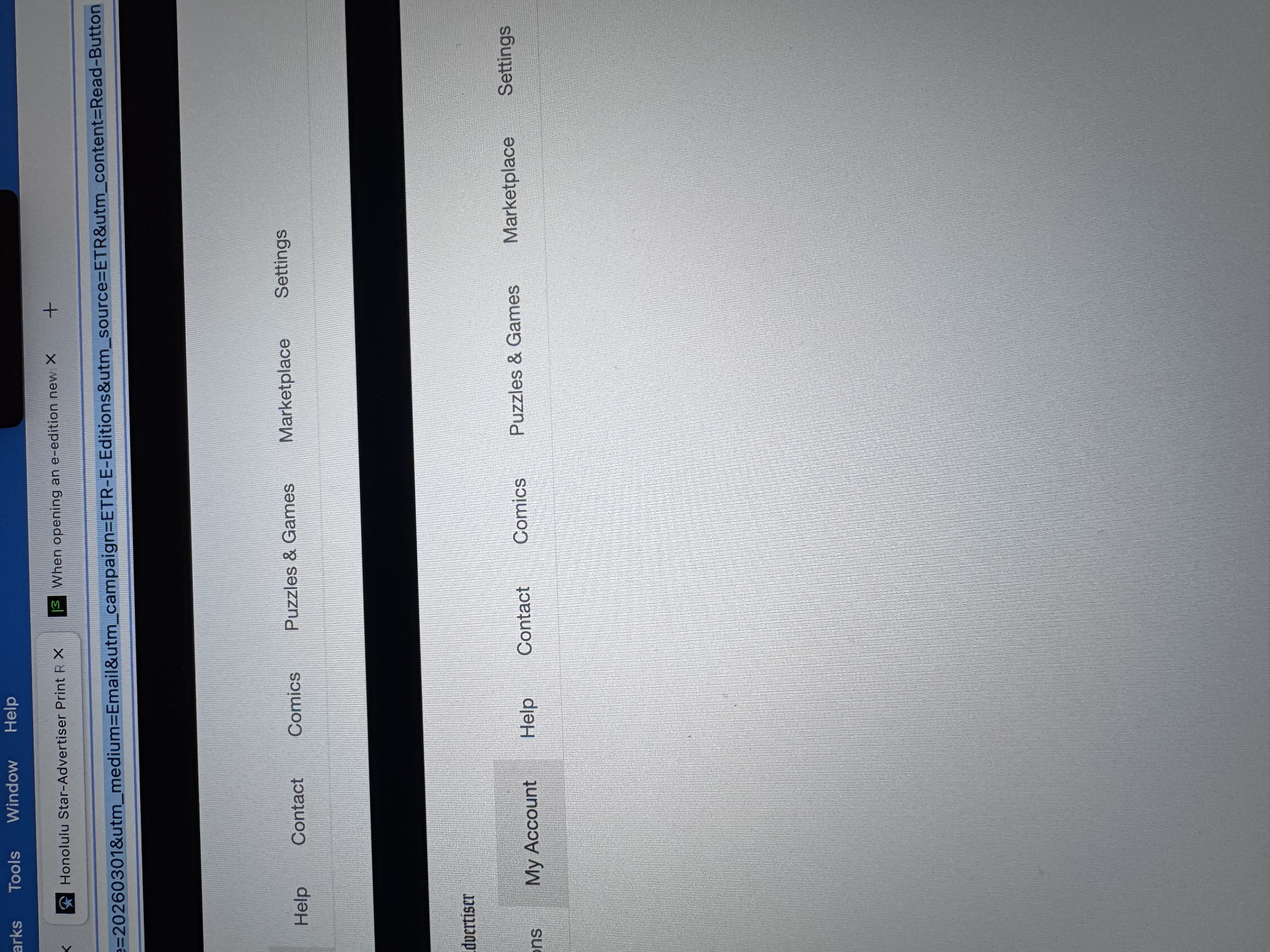
The photo shows the page that comes up. I should be getting the front page of the newspaper on a split page. The left side shows the page and the right side is for bringing up a specific article.
Here are some standard troubleshooting steps that may resolve the issue:
- Please check if you have Enhanced Tracking Protection (ETP) enabled. You can do that by clicking the shield
 icon in the left part of the address bar.
- If ETP is enabled, try disabling it.
- If the problem is not fixed, try clearing Firefox cache.
- If it does not help, try clearing cookies and data for the website you experience troubles with (warning: you will be logged out on this website).
- If it also does not help, try running Firefox in Troubleshoot Mode. If the problem doesn't persist, please follow the steps from this article to troubleshoot further.
- If nothing from the above helps, try creating a new Firefox profile and check if the issue persists there. If it doesn't, you can start copying files from your old profile to the new one to identify which one causes the issue. See this article on what files to copy.
Does any of the above help? Looking forward to your update on how it goes!
الحل المُختار
Denys ~
Thank you for all your suggestions. I tried them in sequence. Creating a new Firefox profile worked. I did not bring back all the extensions or add-ons.
I forget that I had gone back to the earlier home page. I did not like the new one created with all the reading options. I like things simple and clean rather than endless choices to click on for reading articles, watching videos, etc. I liked the earlier vesion with only a few links to sites. This time, I noticed Firefox had included a blocking option which I was able to use and eliminate a lot of stuff.
Thanks again for all your options and as much as I am not 100% pleased to be on the new home page, at least I can block the innumerable choies and I can now access the correct page for the Star Advertiser.
Sincerely,