Join us to show up for other Firefox users 🦊. Earn fun badges and Mozilla swag vouchers! Find out more: https://mzl.la/askafox150

Windows 10 reached EOS (end of support) on October 14, 2025. If you are on Windows 10, see this article.

ابحث في الدعم

Avoid support scams. We will never ask you to call or text a phone number or share personal information. Please report suspicious activity using the “Report Abuse” option.

Learn More

sync to iphone

  • 6 ردود
  • 0 have this problem
  • 404 views
  • آخر ردّ كتبه SuMo Bot
  • المُؤرشفة

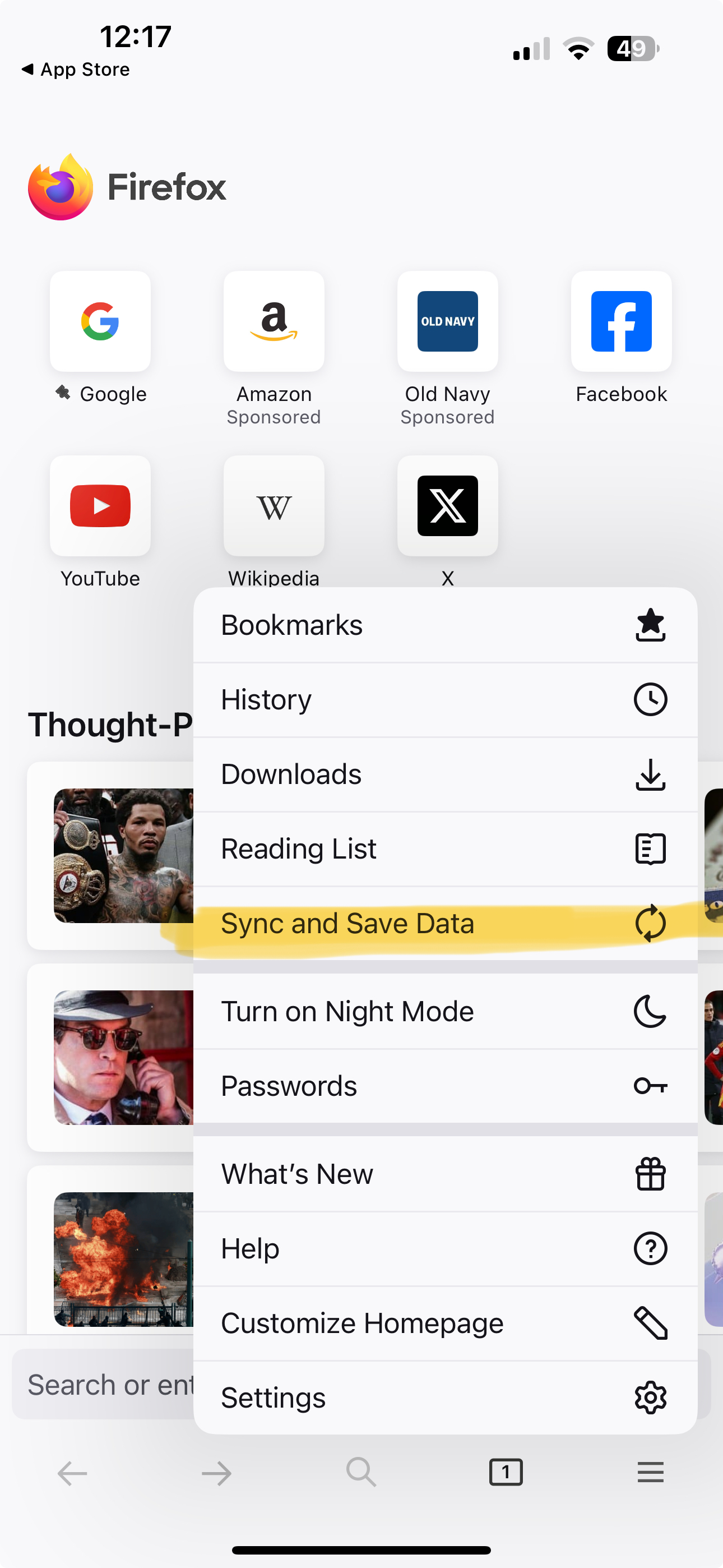
Sync instructions on desktop browser include: Sync Firefox on your phone or tablet 1. Open Firefox on your mobile device. 2. Go to the menu ( on iOS or on Android) and tap Sync and save data 3. Tap Ready to Scan and hold your phone over this code

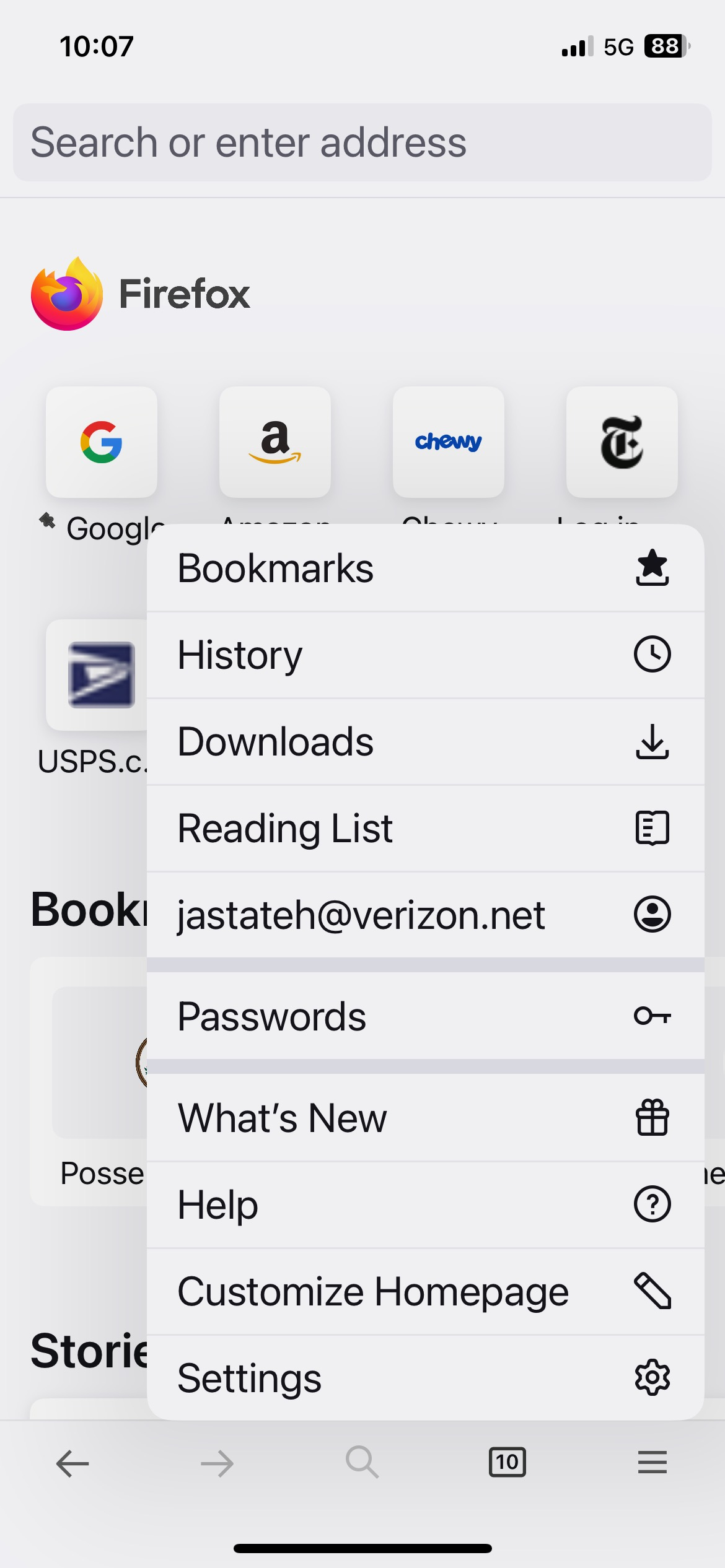
There is no "Sync and save data" that I can see on menu

Sync instructions on desktop browser include: Sync Firefox on your phone or tablet 1. Open Firefox on your mobile device. 2. Go to the menu ( on iOS or on Android) and tap Sync and save data 3. Tap Ready to Scan and hold your phone over this code There is no "Sync and save data" that I can see on menu

All Replies (6)

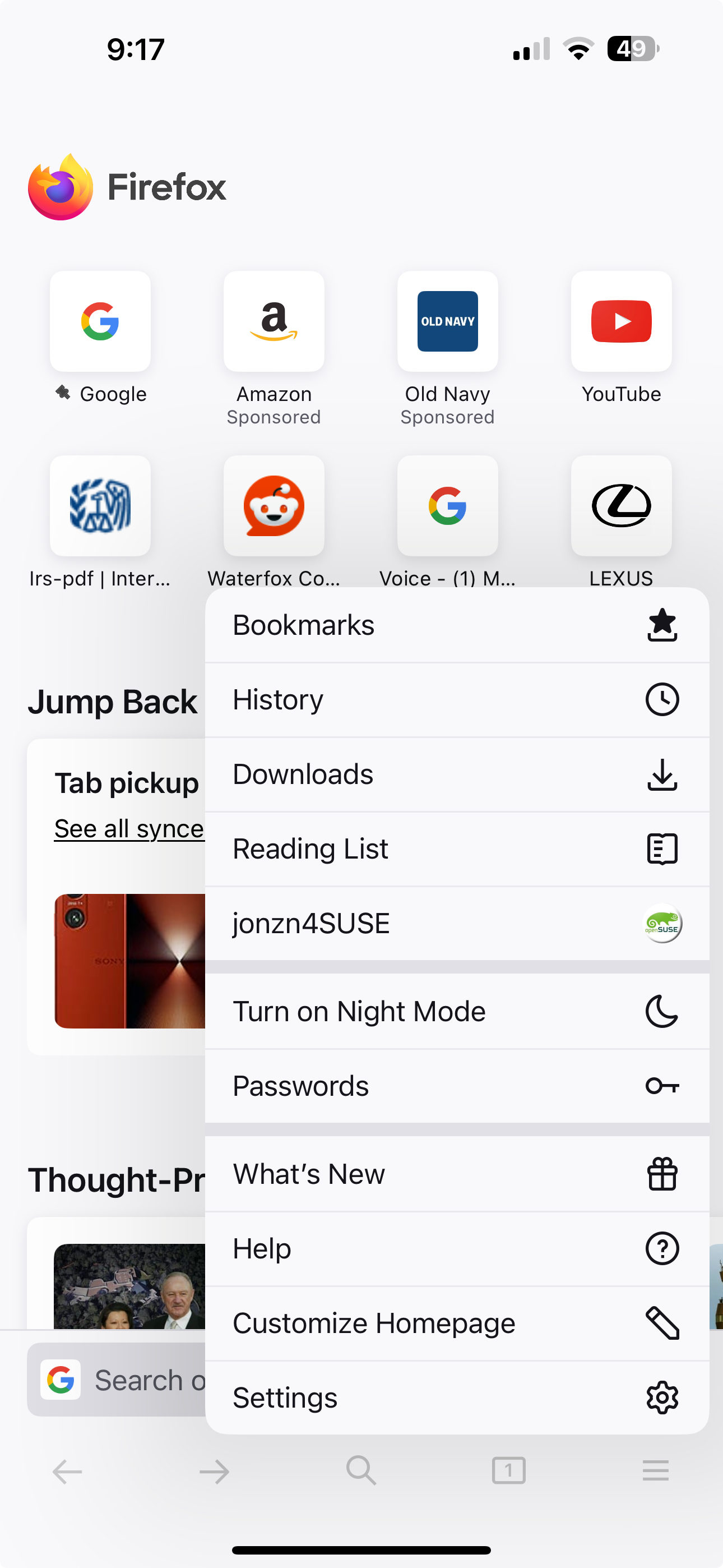
Post a screenshot of your menu from your phone. Just sign in with your account info. I found images from my wife iphone 15 pro. see screenshots
Modified by jonzn4SUSE

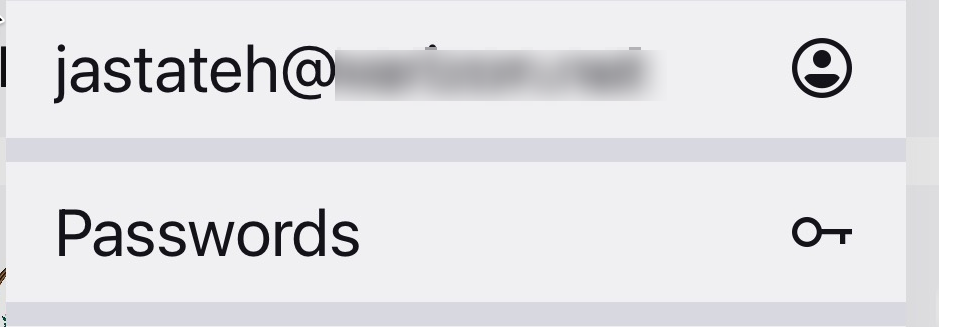
You're already logged in. see your screenshot
I'm not trying to log in, I'm trying to sync.

Hi

If you select your email address on the mobile app menu, you will be able to access the Firefox Sync settings.

It does look like you have already signed into Firefox Sync.

jastateh said

I'm not trying to log in, I'm trying to sync.

Modified by jonzn4SUSE