


My spell check hardly ever works, I tried suggested remedies.

My spell check generally doesn't work, but occasionally comes back to life, I have tried the about config, and change value to 2, I have tried uploading dictionary, and making sure check as I type is ticked, but the setting on config seems to keep reverting to 1, and I'm sure if I have successfully uploaded a dictionary, I clicked on language pack, Ironically while I'm typing this, my spell check is actively involved.
All Replies (8)
Note Language Packs are not used by the inline spellchecker as they are used to change the language of the UI like the menus and such. You can have one Firefox install but be able to switch the language of the Firefox UI between two or more languages instead of having multiple Firefox installs.
The spellchecker only uses dictionaries though only a few language locales of desktop Firefox (like enUS) comes with a dictionary due to licensing reasons. https://support.mozilla.org/en-US/kb/how-do-i-use-firefox-spell-checker#w_add-dictionaries
Oki I'm in Britain, so probably do need to add dictionary, but if I right click on text, nothing happens, no options come up, and spell check is not visible.
I have done other things like go into about:config and change my setting from 1-2, at first it kept changing back, but it now stays at 2, and the other values are set to true.
Hi I'm in the UK and have no problem English UK [GB] is the preferred language.
When I installed it provided UK
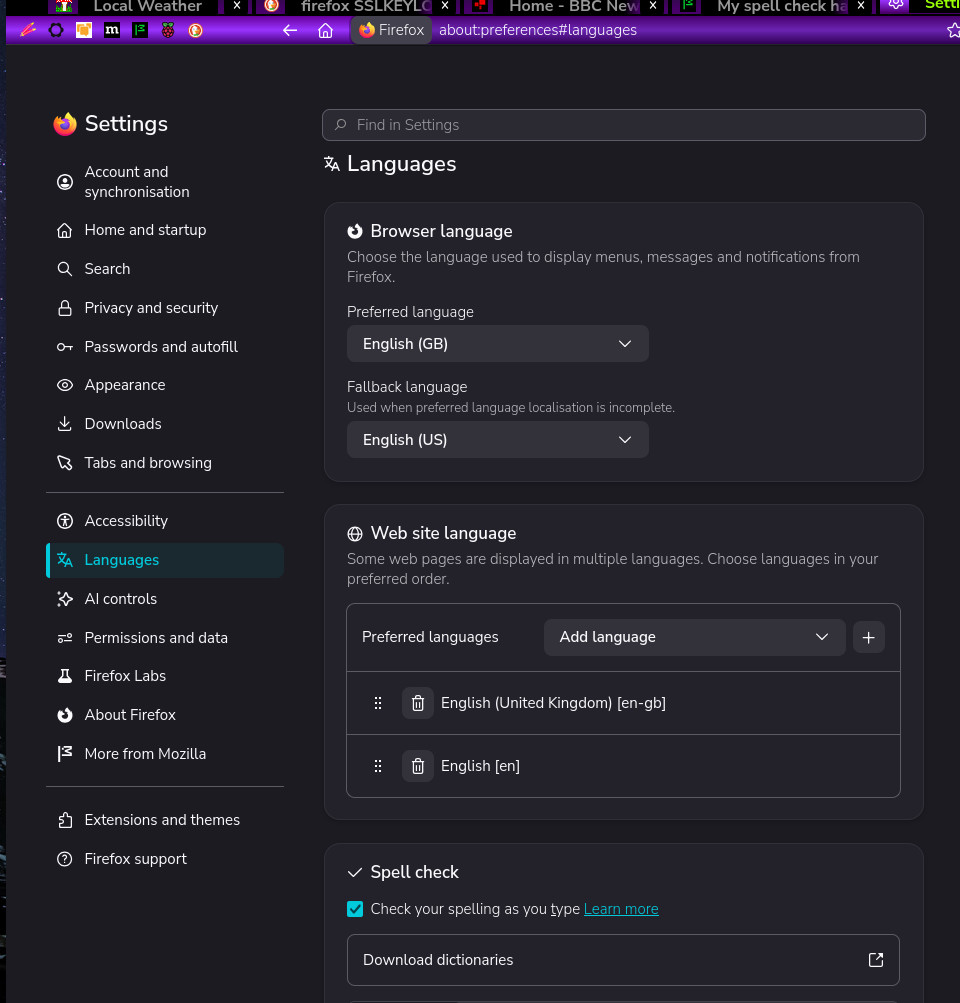
Gewysig op deur amoun
The Dictionaries are listed on https://addons.mozilla.org/firefox/language-tools/ on the right side list as the language packs on left side list does not work with the spell checker. On top of the page it says
Installing a dictionary add-on will add a new language option to your spell-checker, which checks your spelling as you type in Firefox. Language packs change your browser’s interface language, including menu options and settings.
Right-click on the Post a Reply box > Languages > Add Dictionaries to get the above language tools link.
amoun said
Hi I'm in the UK and have no problem English UK [GB] is the preferred language. When I installed it provided UK
The Browser Languages part is about the language of the UI like the menus and such and not related to the inline spell checker. It looks like you may have at least one language pack installed to have both en-GB and en-US as a option.
I have uploaded both language packs and dictionary, I enclose the dictionary I had installed. Nothing works, I have no spell check option, it is not visible when I right click on page, and does not respond when I write.
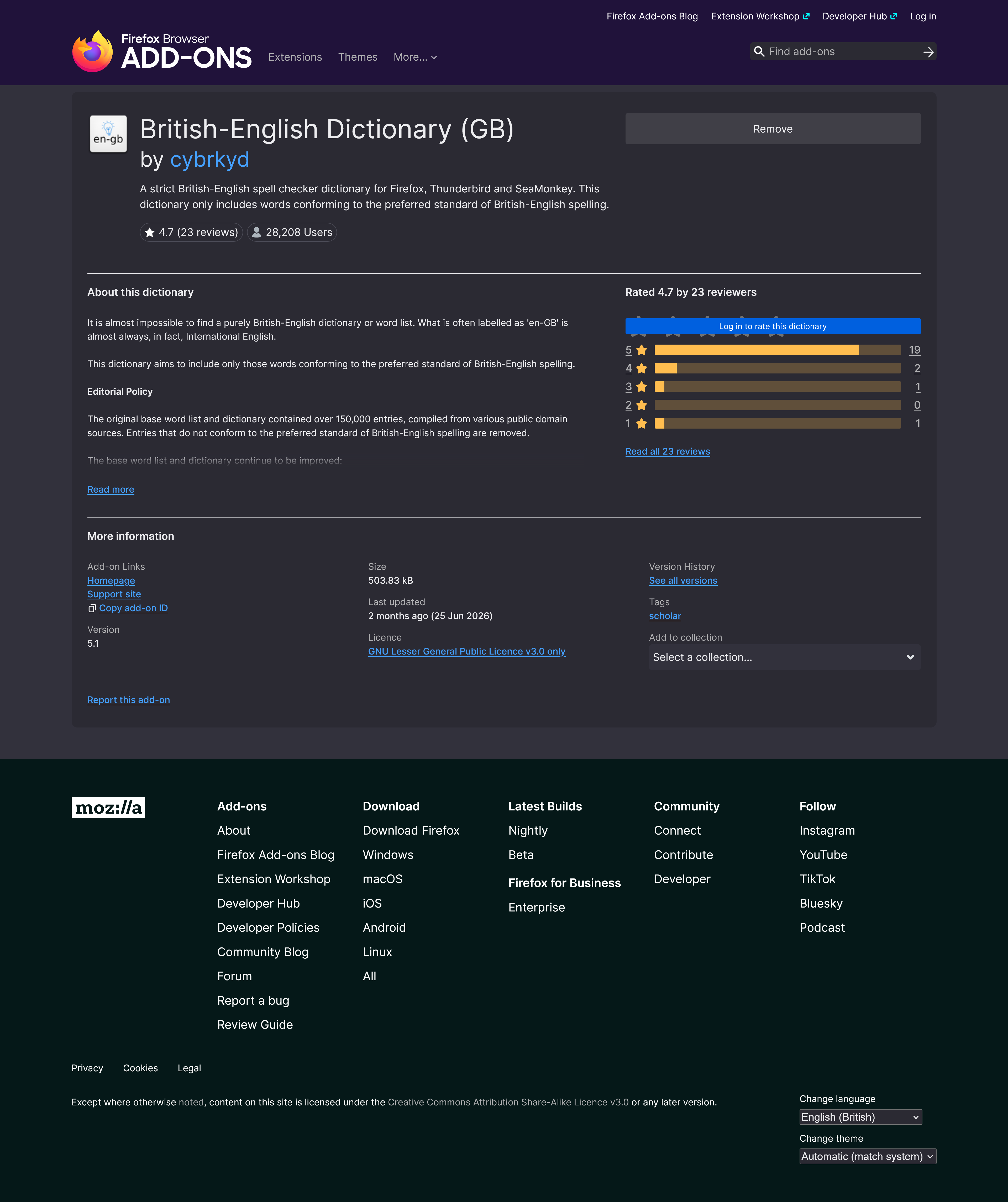
@James
The Browser Languages part is about the language of the UI like the menus and such and not related to the inline spell checker.
Yeap! OK
Thanks again.
I do have the dictionary installed as an extension, probably for ever :)
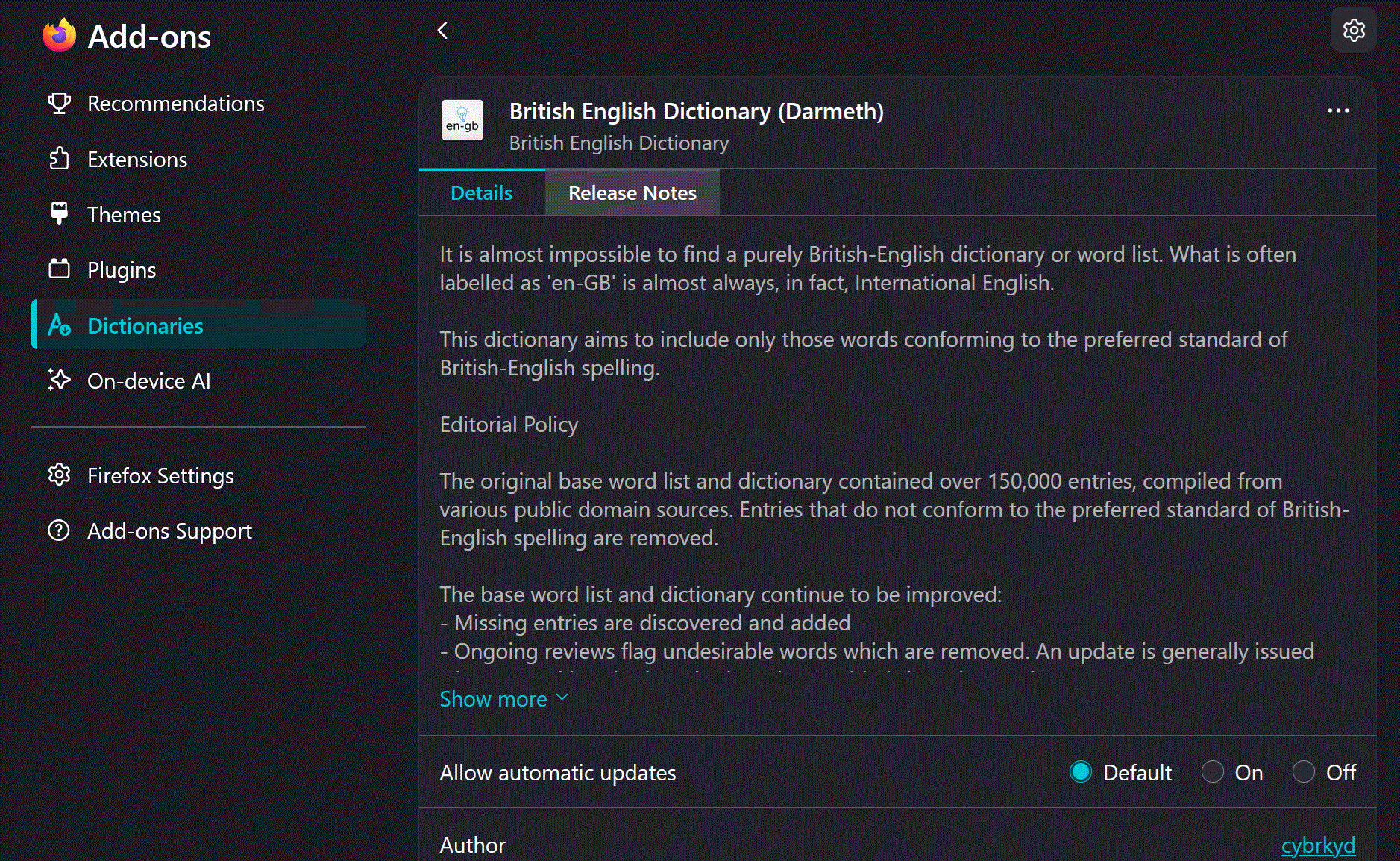
Gewysig op deur amoun
The dictionaries that ship with localized builds, as their licenses are compatible: https://vanilla.pascalc.net/dictionaries/
en-GB — English (UK) — Yes — 2026.05.01 — 2026: Added — May 2026 — LGPL-3 https://bugzilla.mozilla.org/show_bug.cgi?id=2041377
That means a download requested for en–GB version on firefox.com/download/all will include that spelling dictionary out of the box as well.
jbr said
The dictionaries that ship with localized builds, as their licenses are compatible: https://vanilla.pascalc.net/dictionaries/
Huh it seems like it was only a few language locales that came with a dictionary for so long.
sparrow08, right-click on this Post a Reply box and Check Spelling should be checked and under the Check Spelling look in Languages > as there should be a dictionary checked.