


Another "Thunderbird Wont Accept Password Thread" 2026

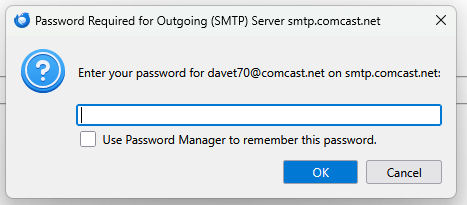
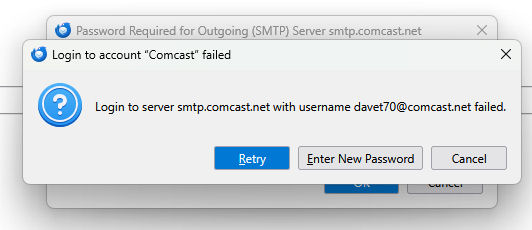
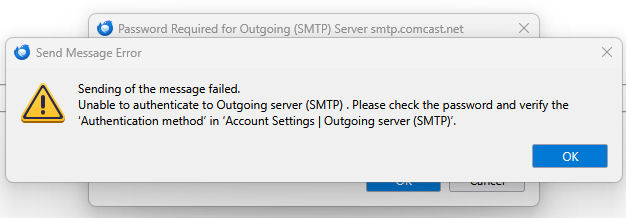
I have been using thunderbird for years now with no issues at all. within the last month or so i started getting errors that my outgoing pw was incorrect. Then things seemed ok for a bit and as of today I just cant send anything at all. It will download mail just fine. But absolutely will not send.
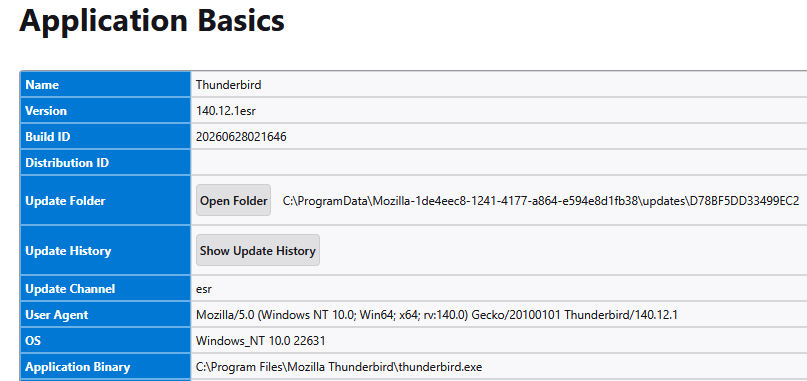
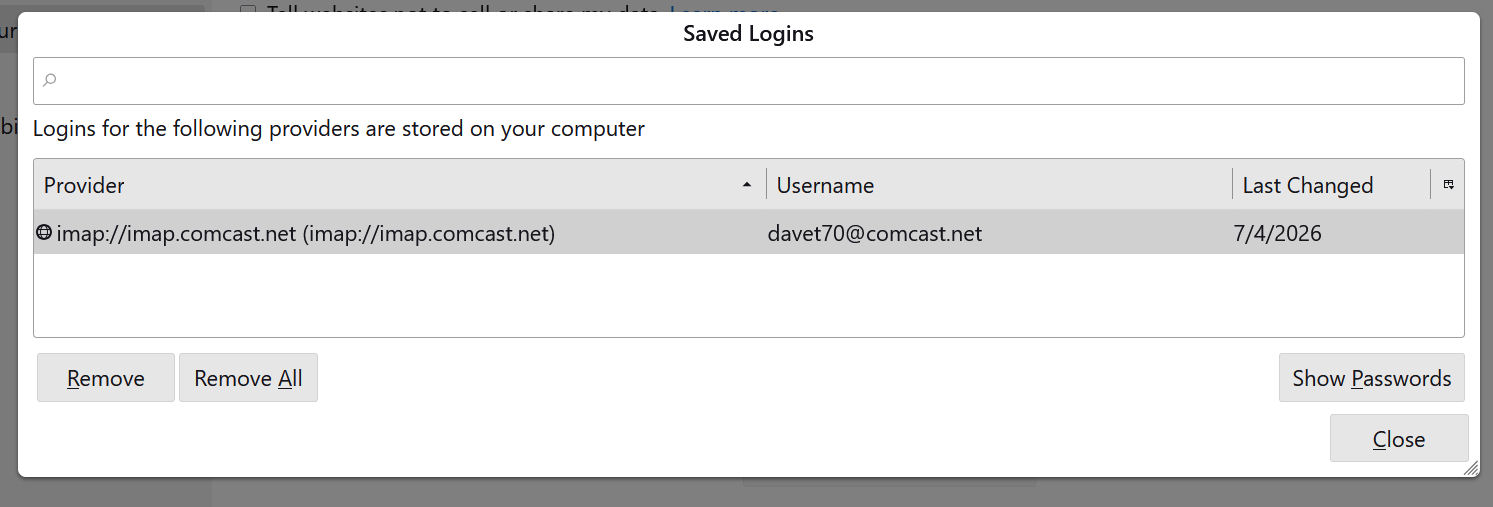
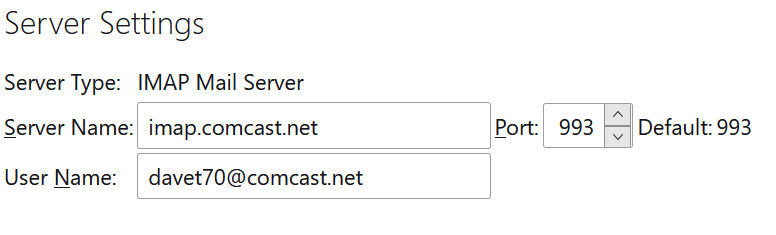
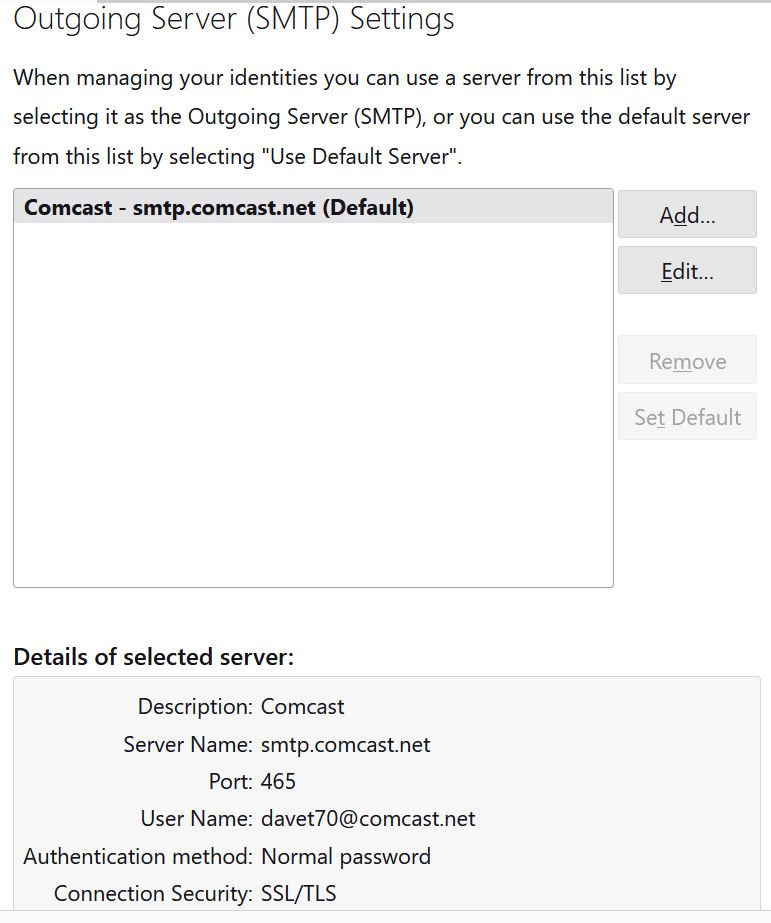
  After checking all the settings, as shown below, and triple verifying everything is correct for the server and settings, ports etc.  I cant figure this out.  I have the exact same settings in my iphone mail and it downloads and sends mail just fine.  I can send an email from the phone and get it on my desktop through thunderbird, but i can not send anything back...  Both have had the same settings for years.  But the thunderbird app just decided it no longer wants to accept my outgoing password.  I have deleted the saved password within thunderbird and even after re entering it when the popup comes up, it just refuses to accept it.  I have a feeling this may have been one of the prior TB updates???
   Here are some images.  Can anyone help figure this out please... It's driving me bonkers
Dave T

All Replies (2)

Gekose oplossing
I wonder if Xfinity is changing things over there? I used to use Normal Password for authentication, which was and still is what they list on their recommended settings page ( https://www.xfinity.com/support/articles/email-client-programs-with-xfinity-email ). However, I accidentally discovered that you could also use OAuth2, and in fact, that's what Thunderbird's setup wizard chooses for you. I wouldn't be surprised to find that they are now REQUIRING OAuth2... but not bothering to tell anyone.
My current working Xfinity settings are:
IMAP (Incoming): Incoming Server Type: IMAP Mail Server Incoming Server Name: imap.comcast.net Port: 993 User Name: <my email address> Connection Security: SSL/TLS Authentication method: OAuth2
SMTP (Outgoing): SMTP Server Name: smtp.comcast.net Port: 465 Connection Security: SSL/TLS Authentication method: OAuth2 User Name: <my email address>
To force an OAuth authorization you may need to do the following:
- Make sure cookies are allowed (<Settings | Privacy & Security | Web Content | Accept cookies from sites>);
- Delete all cookies for that account (<Settings | Privacy & Security | Web Content | Show Cookies>);
- Delete all passwords for that account from saved passwords (<Settings | Privacy & Security | Passwords | Saved Passwords>);
Now restart Thunderbird. You will be asked for your credentials, an OAuth2 token will be set, and hopefully they will be accepted and mail retrieval will resume.
Woo hoo.... I tried all the settings for the authentication and nothing worked... but after i deleted all the cookies, everything worked!!!! Thank you so much!!!!!