


Thunderbird seems to have replaced my login password for comcast.net with a bogus, several hundred character long password.

I have been using Thunderbird for several years to read and send my Comcast.net email. As of 5/23/26 Thunderbird is no longer showing my new emails. However, when I login directly to my Comcast.net email account their are plenty of new emails.
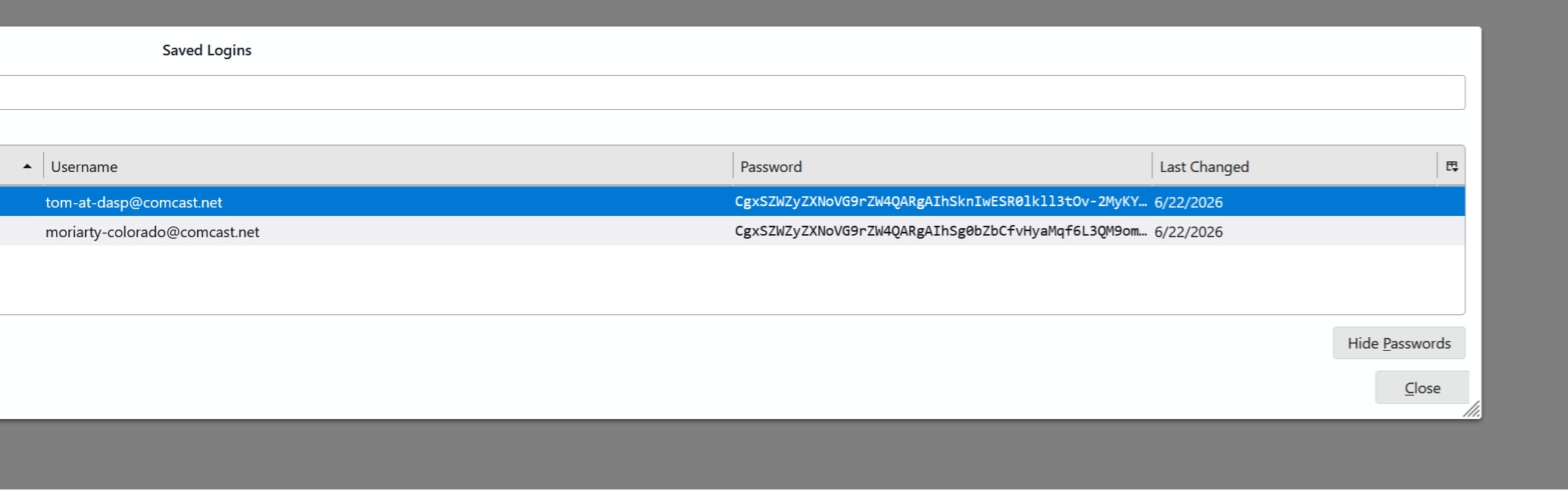
I thought that perhaps Thunderbird is using the wrong password to try to get my comcast.net email. So I examined my password by going to Menu > Settings > Privacy & Security > Saved Passwords , which opens the "saved logins" window. Then I pressed "show passwords." I found that instead of showing my usual comcast.net password, it showed something that is bogus and several hundred characters long. I right clicked on the bogus password, selected "edit password" and entered my usual correct password. The "saved logins" window then showed the correct password. Finally I closed the "saved logins" window.
Then I opened the "saved logins" window again and confirmed that the password was still correct.
Then I exited Thunderbird and restarted it. Usually, when I start Thunderbird it simply opens my inbox window and shows me my new emails. But now a separate browser window opened from xfinity (comcast) showing my email account name and asking me to sign in. I pressed the "Let's Go" button and is prompted me for my password to the comcast.net account, which I entered. This password was entered in a browser window with URL "https://login.xfinity.com/login" so it seems legitimate. The browser window then disappeared and I assumed Thunderbird would now show my emails.
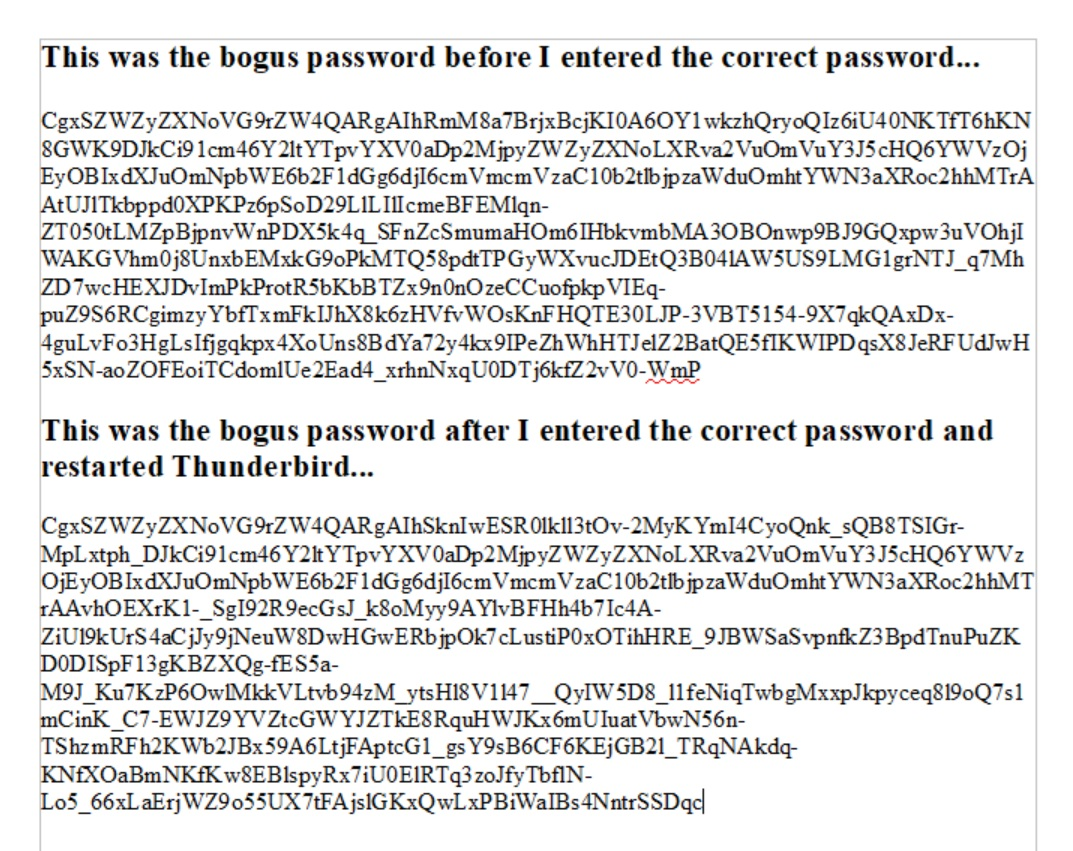
Sadly, Thunderbird did not show updated emails. So I went back to Menu > Settings > Privacy & Security > Saved Passwords and checked the password. For some reason is had changed to another, different, bogus and several hundred characters long.
I have attached a screen shot of the "Saved Logins" window showing the bogus password and another screenshot of the entire bogus passwords before and after I entered the correct password.
I have been pleased with Thunderbird for a long time, but this has me worried.
Can you give advice?
Tom Moriarty
All Replies (3)

This is normal. Comcast uses OAuth2 for security, and what is stored in your password vault is not the password, but what's known as an "Access Token" which indicates that you have been authorized, in this case, by supplying your password.
Here's a technical explanation of OAuth2:
https://auth0.com/intro-to-iam/what-is-oauth-2
and here:
https://www.digitalocean.com/community/tutorials/an-introduction-to-oauth-2
Most major email providers such as Gmail, Yahoo, and Microsoft use OAuth2, which is more secure than the older password-only protection. Comcast silently introduced Oauth2 sometime in the past couple of years, but hasn't required it - you could use either method. But maybe they are now. And Thunderbird, when it sets up a new account, will set it up to use OAuth2.
Hi Lin,
Thanks for the quick response. I have read your links about OAuth2, and it makes sense,
But the main problem still persists. That is, I am not seeing any emails after 5/23/26 in Thunderbird, even though there are a lot of emails after that date in my webpage access to comcast.net.
Any suggestions about what I may be overlooking?
thanks, Tom
I think you need to initiate the OAuth2 authorization process afresh. First verify that you have the correct server settings. I will assume you are using IMAP rather than POP3. Here are my settings for comparison:
IMAP (Incoming): Incoming Server Type: IMAP Mail Server Incoming Server Name: imap.comcast.net Port: 993 User Name: <my email address> Connection Security: SSL/TLS Authentication method: OAuth2 (Normal Password used to work and may still)
SMTP (Outgoing): SMTP Server Name: smtp.comcast.net Port: 465 Connection Security: SSL/TLS Authentication method: OAuth2 (Normal Password used to work and may still) User Name: <my email address>
=====
To force a re-authorize:
- Make sure cookies are allowed (<Settings | Privacy & Security | Web Content | Accept cookies from sites>);
- Delete all cookies for that account (<Settings | Privacy & Security | Web Content | Show Cookies>);
- Delete all passwords for that account from saved passwords (<Settings | Privacy & Security | Passwords | Saved Passwords>);
Now restart Thunderbird. You will be asked for your credentials, and hopefully they will be accepted and mail retrieval will resume.