


I am trying to reinstall Thunderbird but cannot re-enter my Emails because Google is taking over

I am trying to re-install THUNDERBIRD I have done this several times before but Google is causing problems When I reenter my Name email address and password Thunderbird finds the email but then it takes me to google and I have to click allow but then it takes me back to the email install and then tells me it cannot find the Email address with the settings
THE SAME SETTINGS IN FOUND 1 MINUTE EARLIER
I have 2 email addresses and it does the same with both so Thunderbird does not now work on a Computer that I have used Thunderbird for Years
All Replies (4)
Try again and do NOT enter password until prompted for it by Google. That often works.
it does not work just takes me round in circles
It used to be straight forward I reinstalled many times and never seen The Google page come up until I upgraded about 4 years ago
Since then my Plusnet email has not worked at all in Spain but because I have not updated in England both my Plusnet and google accounts work as always
But now I have to access my Google account via there website and also plusnet via their own website
I like your set up much better when it works BUT DOES NOT WORK AT ALL WHY HAS GOOGLE TAKEN OVER
I have taken screen shots of every step from clicking on Thunderbird
Your Sincerely Ron Goldthorpe
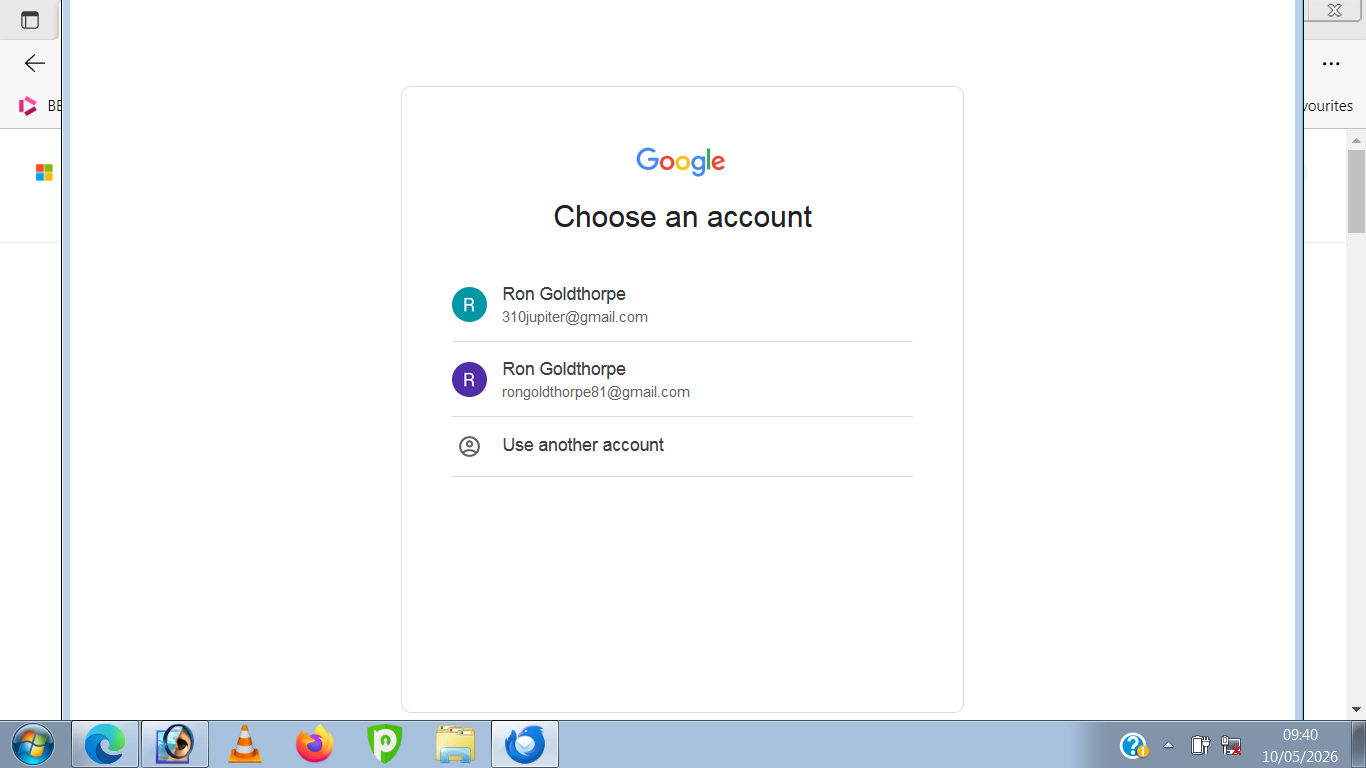
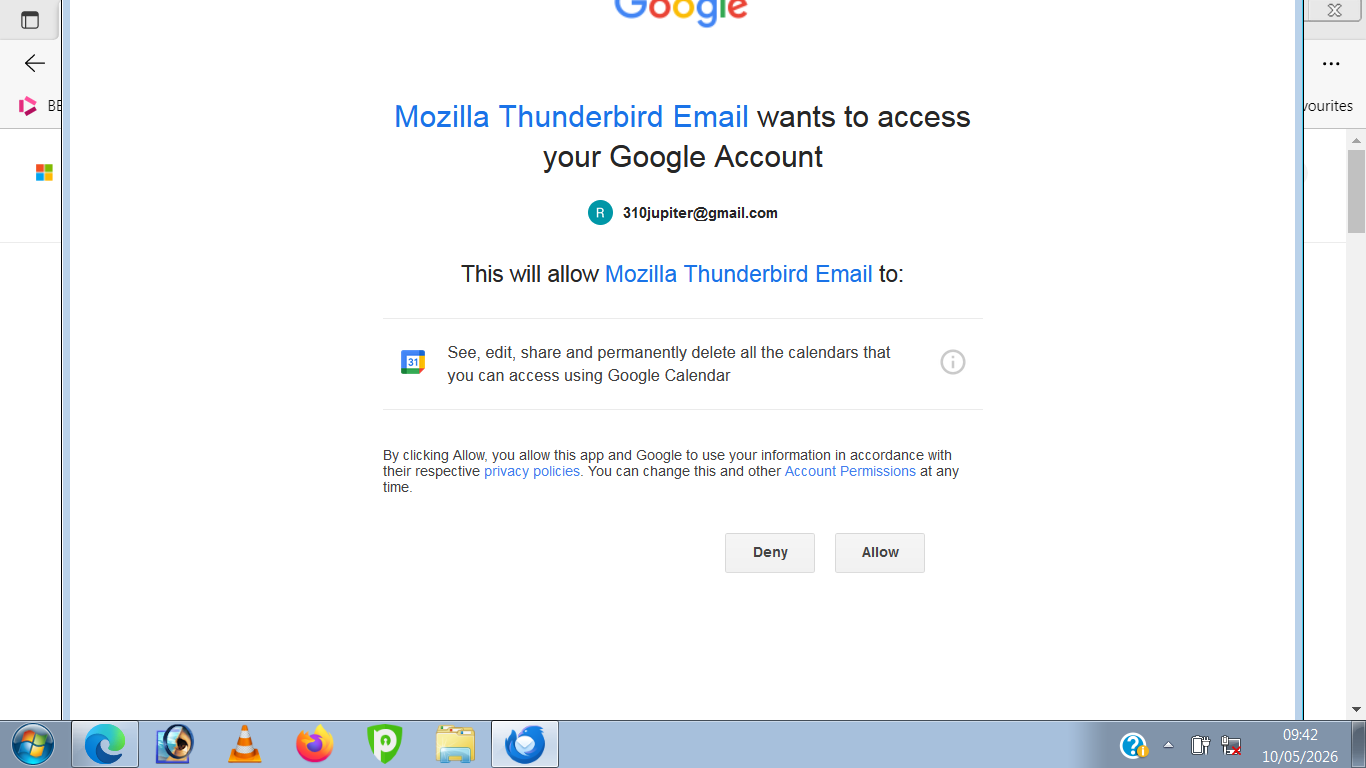
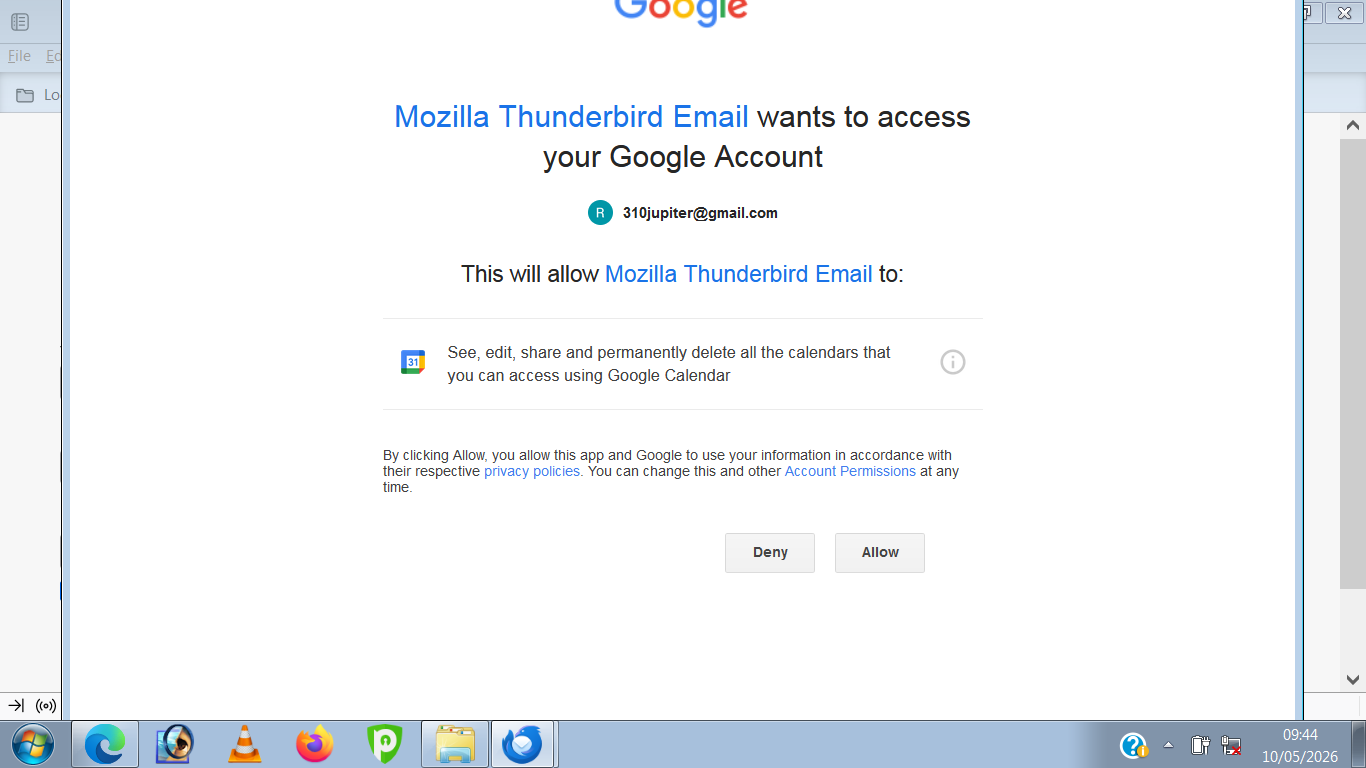
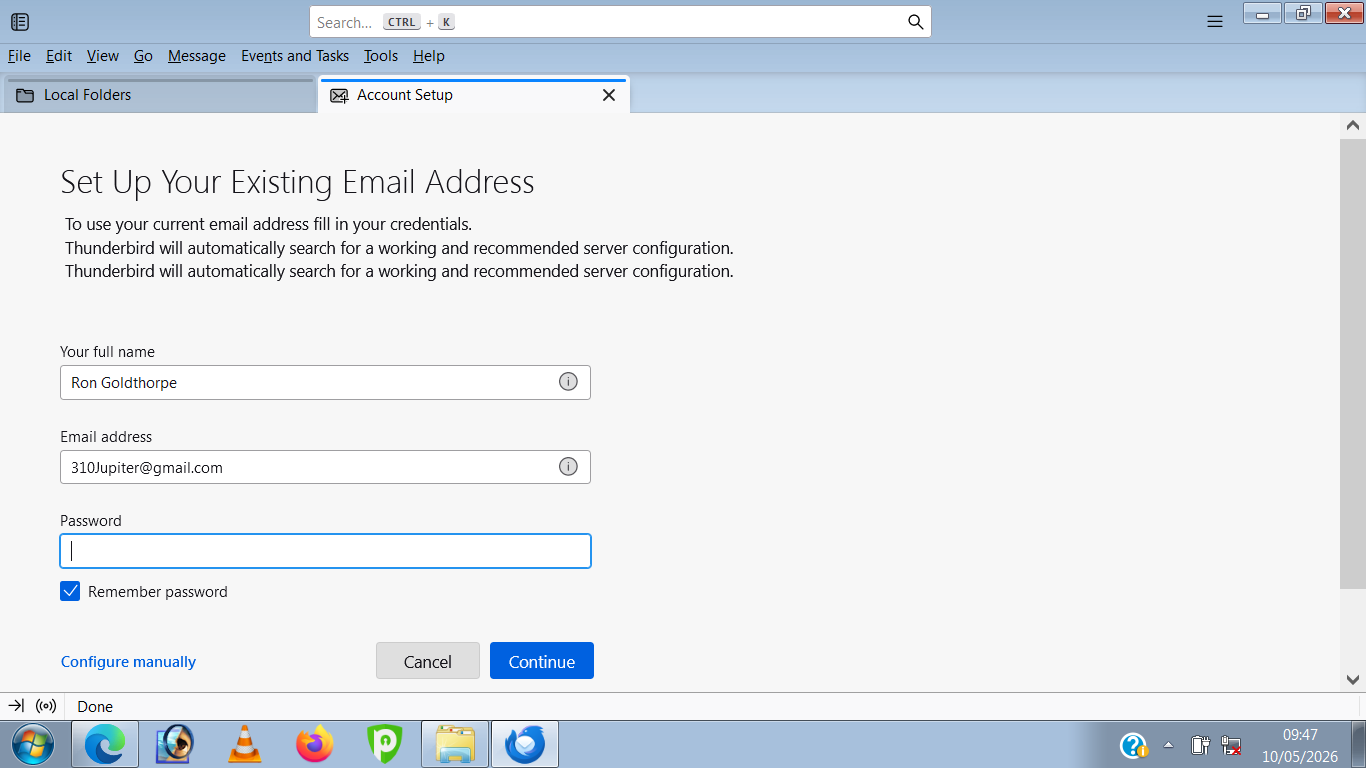

Make sure cookies are allowed in Thunderbird. Do not use a VPN while authenticating. Don't run a local web server or any other service listening on TCP port 80 while authenticating.
Also see https://support.mozilla.org/kb/automatic-conversion-google-mail-accounts-oauth20
Gewysig op deur christ1
I am struggling to put this in order. So I will concentrate on what I think is the issue.
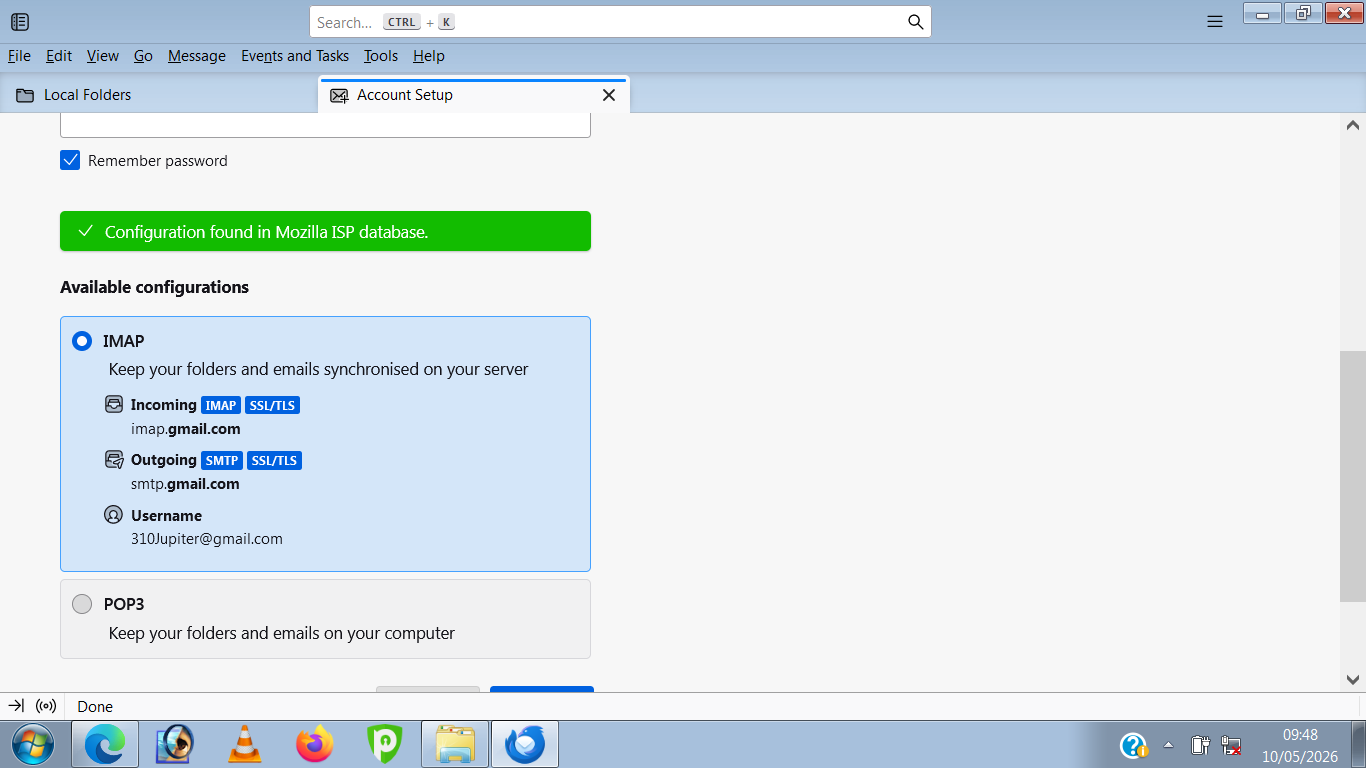
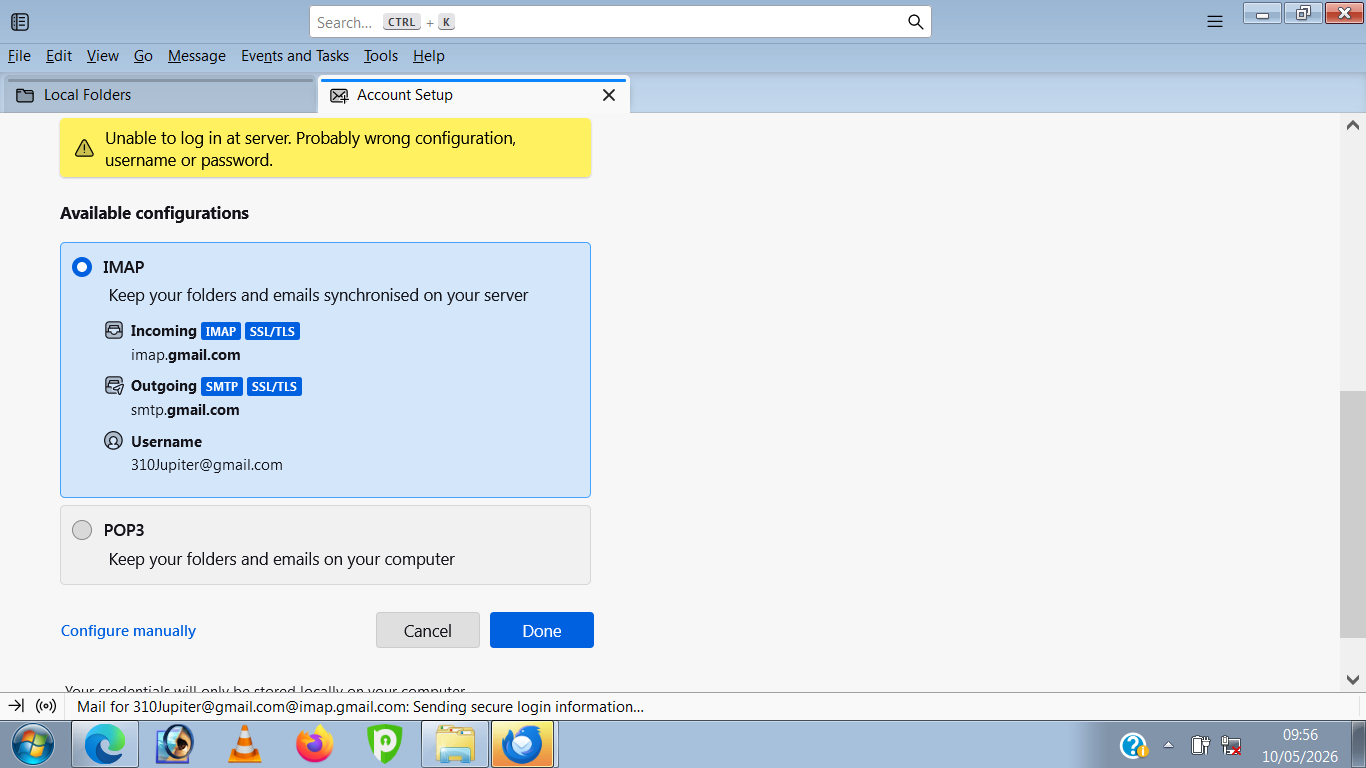
This is the settings post Thunderbird fetching them from here. https://autoconfig.thunderbird.net/v1.1/gmail.com
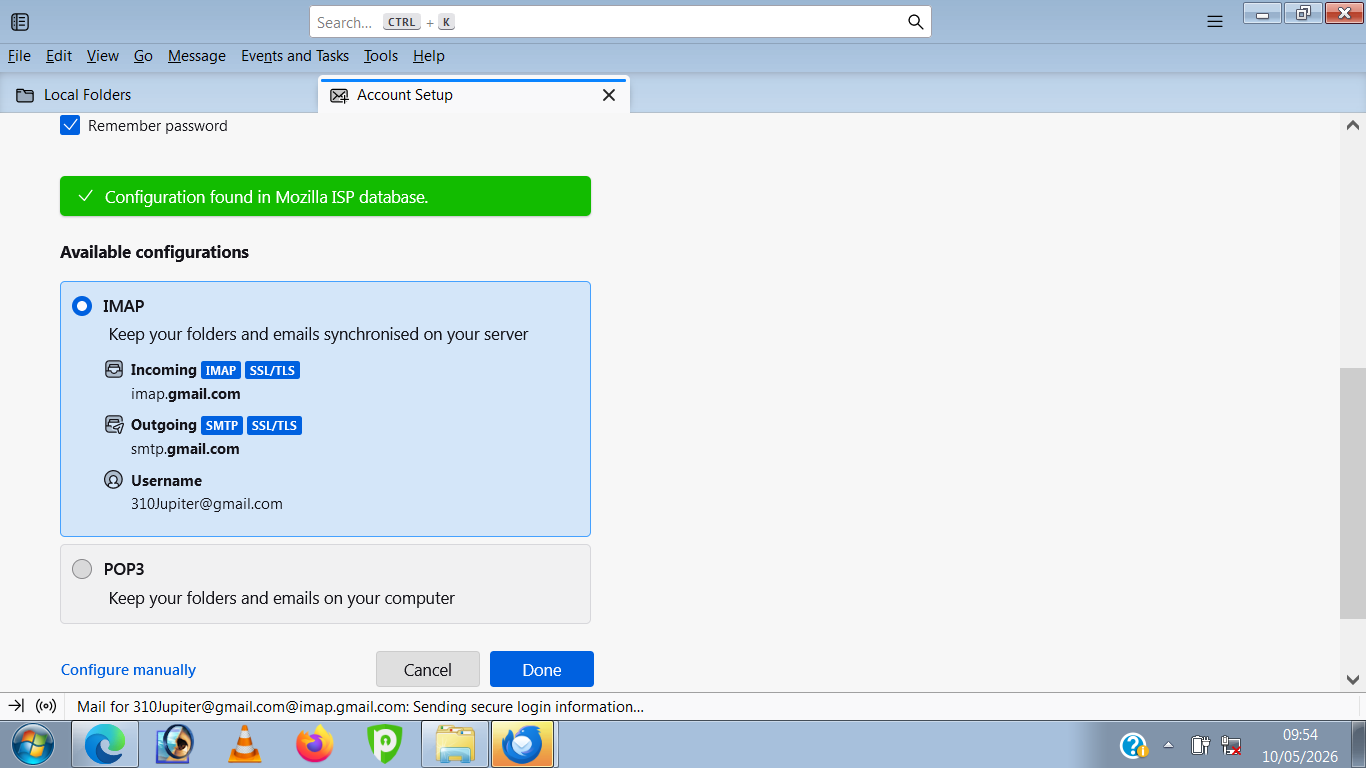
This is Thunderbird telling you it can not connect to the mail server
Right after you told is everything was OK.
Now what we have is the first image is a data download. Nothing else, but it does show to me that your firewall is not blocking Thunderbird from accessing the internet.
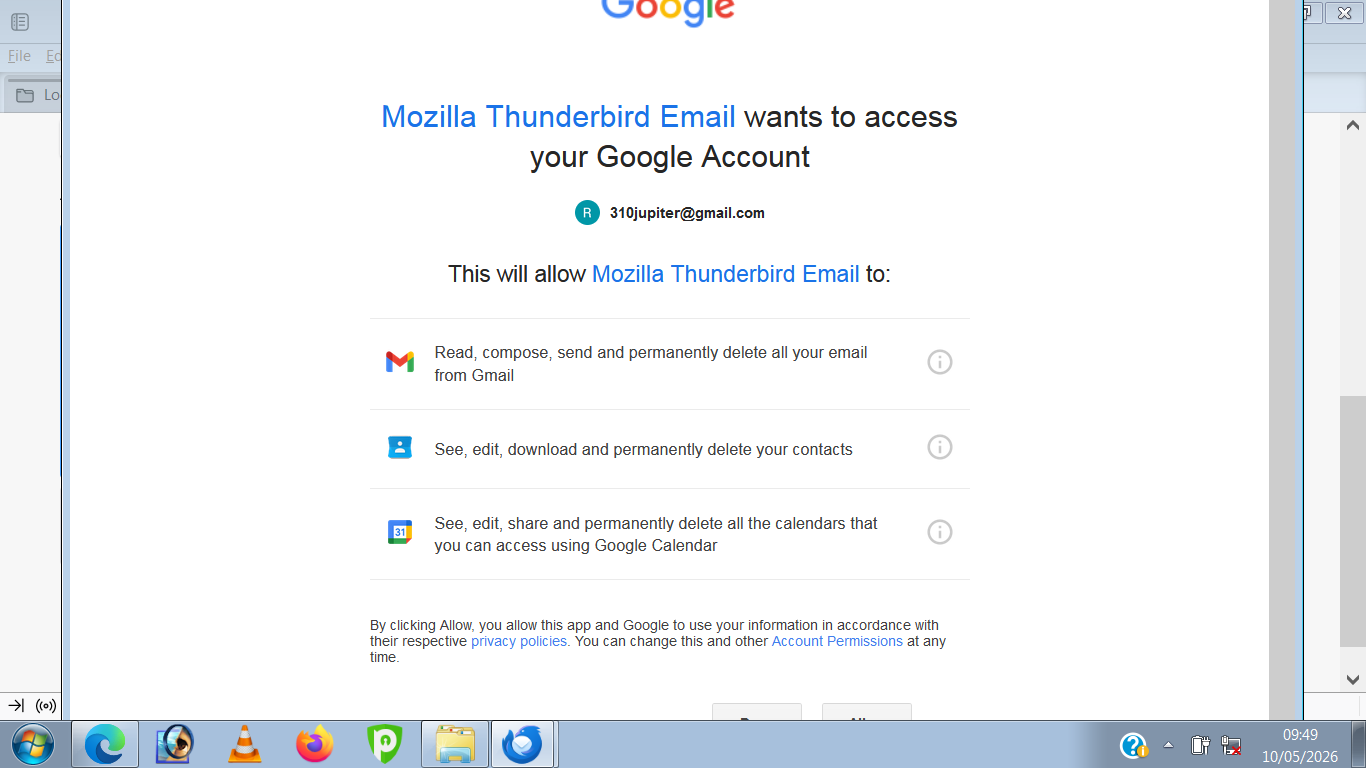
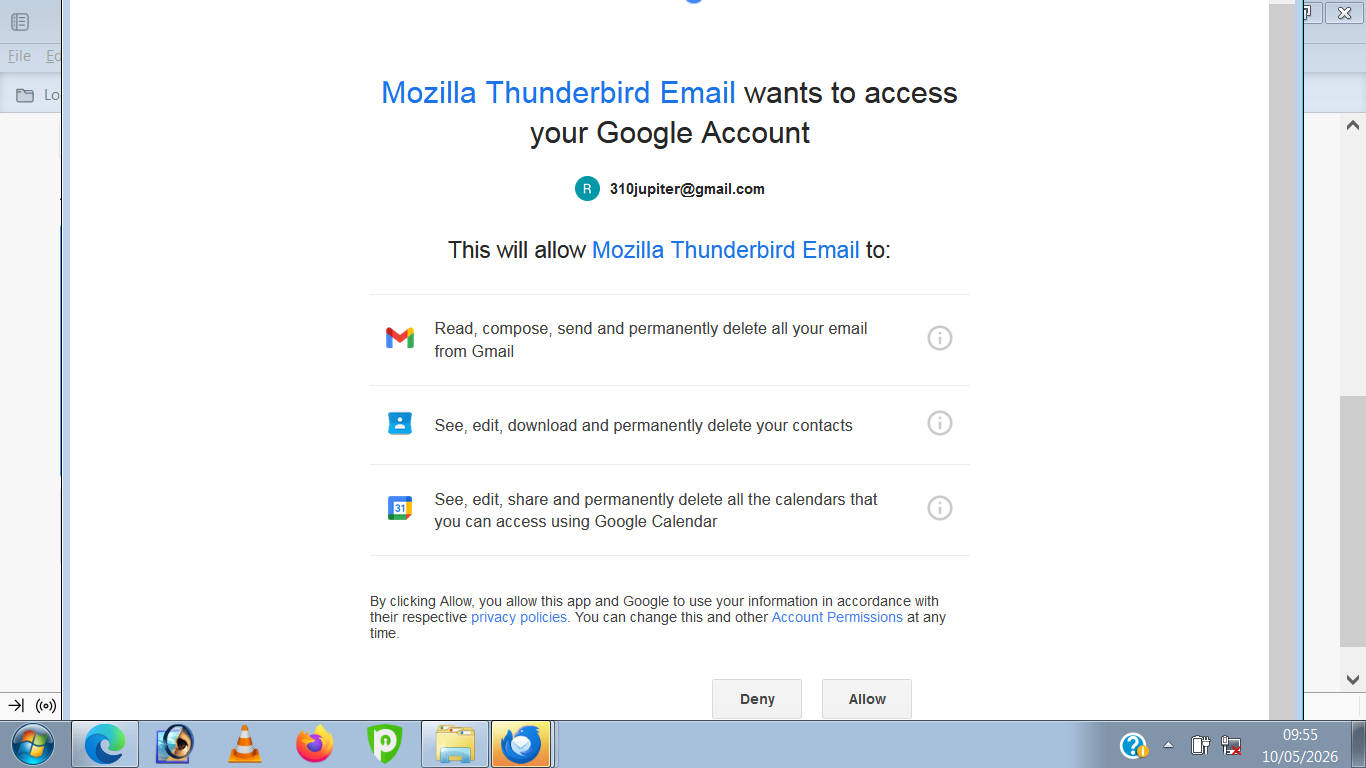
The last image is actually a webpage accessed served from Google via a browser and it does not access your mail at all. Hence you confusion that is allows access and then refuses in the second image where the first real attempt is made to access you email on the mail server.
The next step is check in the saved passwords that there is an entry for the account as oauth. What is stored as a password is an oauth authentication token issued in the web part of the authentoication process. What we are checking is it actually got beck to Thunderbird.
Some things can prevent that, including antivirus blocking the localhost that is used to pass the information back to Thunderbird from the browser. Development environments and other software that monitor and consume data on the HTTP ports such as web server implementations can also see the pass back fail. So check there is an entry.
Next look to your antivirus product. If is has an option to scan email turn it off. They are terribly keen to just stop the flow by using self signed encryption certificates to hack the connection. About the only antivirus 5that does not cause email issues routinely is defender, by virtue of the fact it does not scan email at all.
So why has google taken over? Because they championed the use of oauth authentication and it is a web protocol, but that is not why you email is not working as you expect.
One outcome of this is Thunderbird never actually has your Google password stored anywhere. You enter it into a Google web page and they issue a token to Thunderbird that Thunderbird uses going forward to connect, until Google decides they again need your permission., This does appear to be quite frequently for those using a VPN.