


I can’t access a website on Firefox
It is impossible to access a certain website using Firefox mobile. Edge, Chrome and safari work fine. I tried to turn protection off but it makes no difference. Why is this happening? Site is www.hlc.bike a large b2b distributor in the cycling world.
Been like this ever since I installed FF mobile.
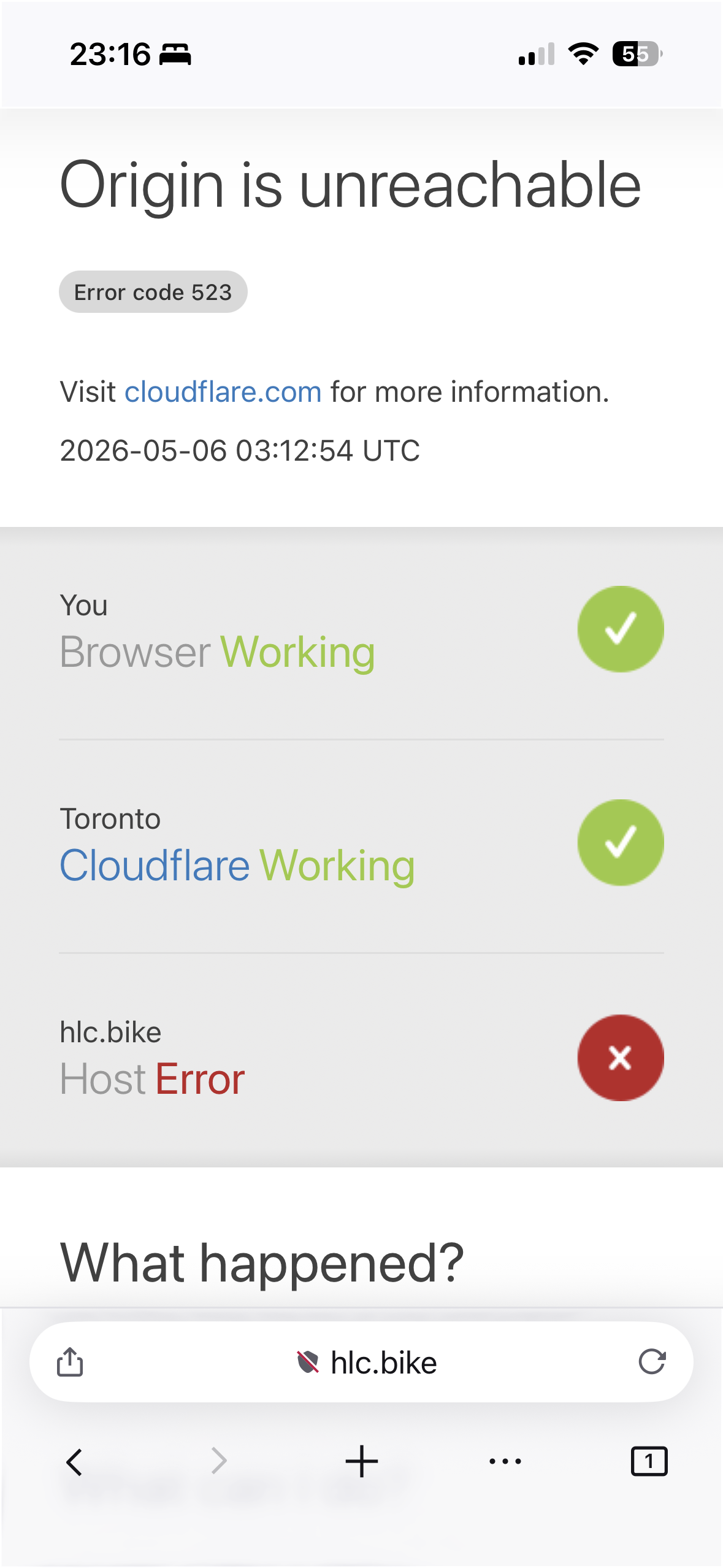
Gekose oplossing
You have it in bookmarks or history, or how do you access the site?
Because it works fine as secure: https://www.hlc.bike/
It errors out accessed insecure: http://www.hlc.bike/
(Your attachment shows the insecure padlock — so you'd have explicitly accessed the insecure variant yourself — question is why/where from.)
So you possibly just need to update your bookmarks.
Lees dié antwoord in konteks 👍 0All Replies (10)
As the error diagram shows, the issue is not your browser apparently.
The connection according to the content delivery provider is broken between their cache, and the website's app origin. Basically it's not responding to them. Can the website be crashing based on your cookies or browser data? Plausible, but you'd need to get in touch with them reporting they have something broken. Can the origin be rejecting your connection based on being from Firefox iOS? Plausible, but doesn't look like it as I can open it just fine (see attachment). Might be ISP/IP based block? Might be, but if you can access from the same device immediately after that's also weird.
1. Try enabling "desktop site" mode from site menu — that completely masks that you're using Firefox iOS so there's no distinction from e.g. Safari to the opposite side, so they can't do any shenanigans based on the device.
2: See if using the site from private browsing mode makes any difference, to start with a fresh session.
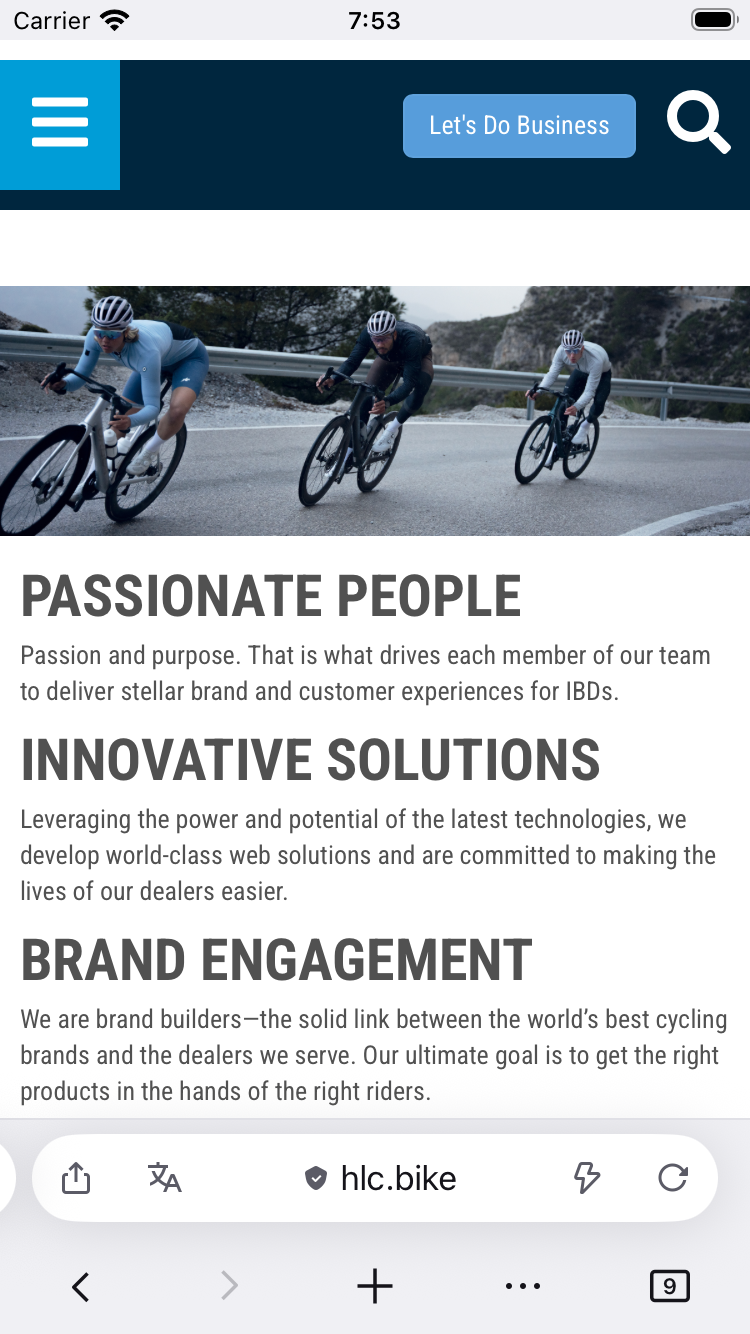
I’ve tried clearing all cache etc. Uninstalled and reinstalled the app. Turning off all integrated protection. I do use ControlD for dns filtering. I turned it off and used default dns and I still get the issue. Going for desktop site doesn’t change anything either.
Private browsing doesn’t work either.
This is weird. (I have tried with AdGuard DNS on and off, both fine.) — There's something making their server location to stop responding to their upstreams, internally, for some reason.
I'll try to get someone from the general Ontario location to see if they can reproduce connecting to the same CDN region.
I see you haven't posted this question from Firefox, could you visit www.whatsmybrowser.org in the affected browser and paste here the link they generate for your user agent? (it does not contain any sensitive info)
Ah the reason I am not using FF is because I need that site to work for work and it’s preventing me from moving to FF full time.
Here are my results from the link you provided https://www.whatsmybrowser.org/b/L38BJ
No one around me has issues with the site. I did try to disable my Control D dns. Used google’s dns or cloudflare’s and I still can’t access it yet it works on every other browser I’ve tried.
Thanks!
Gekose oplossing
You have it in bookmarks or history, or how do you access the site?
Because it works fine as secure: https://www.hlc.bike/
It errors out accessed insecure: http://www.hlc.bike/
(Your attachment shows the insecure padlock — so you'd have explicitly accessed the insecure variant yourself — question is why/where from.)
So you possibly just need to update your bookmarks.
Ohhhh that’s it. It’s the https. I was only typing hlc.bike not the https or www so I guess something makes it load the non secure version by default.
Thank you!!!
Normally this would have been upgraded to secure connection first, and only if that fails less secure options would have been tried in connecting. But it might be something the site sends to prevent the "ideal" behavior — I'm taking that as a fun example to investigate why the "right" host was not picked first. (But TL;DR is they're sending the upgrade redirects in the wrong order most likely — so your best bet is to use the full address if possible for now.)
OK it's the other way around — the service actually broadcasts its secure alternative — but given it serves that along with an error code, it's not being followed further, so the secure upgrade does not happen because a) the service answers, b) there's a status code raised — so the alt-svc: h2=":443" is not honored there.
It's an interesting edge case — sorry for not noticing earlier, and thanks for providing it! It's an intriguing situation to figure out.
(There's already a feature in Beta that will only ever attempt secure connections first… and only try the plain ones when the secure attempts fail, that would work around this particular case — and, coincidentally, I'm running this feature so I was upgraded right away without seeing the error, so I can already confirm these misconfigurations will actually be handled better in the future versions…)
So should contact the company to let them know of the issue with their broadcast or its not worth it since other browsers don’t seem to have the issue?
Oh they definitely have a gap somewhere, the request should not have been rejected internally under those circumstances in the first place, so if you're in touch with them, you can let them know. (Just the "523" error code should be a good clue for them to look up the issue in their systems.) — My guess is the internal request "crashes" silently somewhere on the inside, so they have an unhandled case in there before handing out the session, locale/region etc. — might be worth tightening that up on their side if they have the headspace for it.
Basically the minimal reproduction is inspecting via a simple check like this: https://httpstatus.io/?url=http://hlc.bike