How do I get rid of the Firefox Terms of Use and Privacy Notice page?

Please see summary
Please see summary
All Replies (2)
Hello
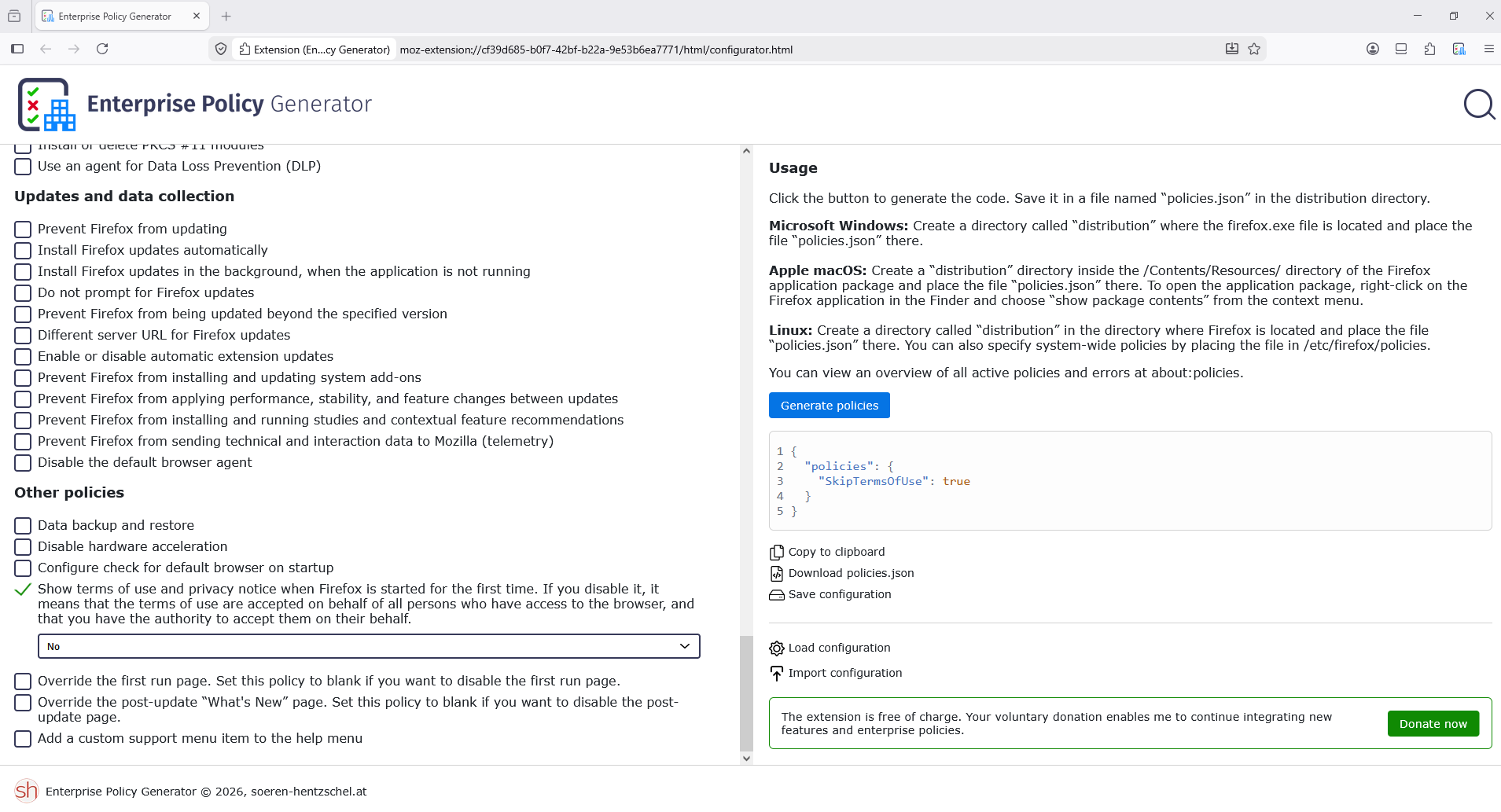
Firefox policies https://mozilla.github.io/policy-templates/#skiptermsofuse Enterprise Policy Generator https://www.camp-firefox.de/artikel/1182-großes-update-enterprise-policy-generator-8-0-firefox-firefox-veröffentlicht - https://addons.mozilla.org/firefox/addon/enterprise-policy-generator
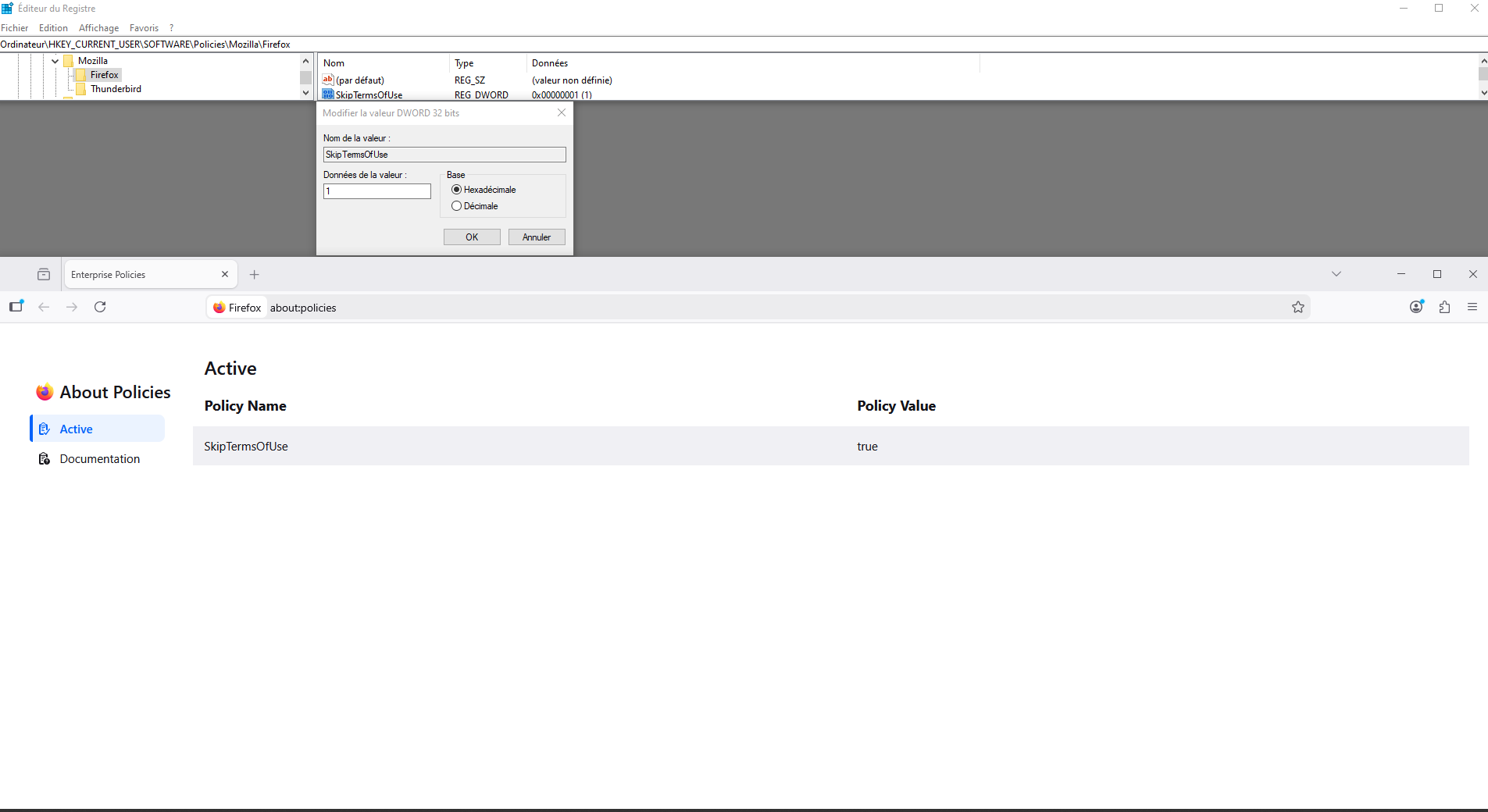
Another way, you can use the Windows registry. HKEY_LOCAL_MACHINE\SOFTWARE\Policies\Mozilla\Firefox Or HKEY_CURRENT_USER\SOFTWARE\Policies\Mozilla\Firefox