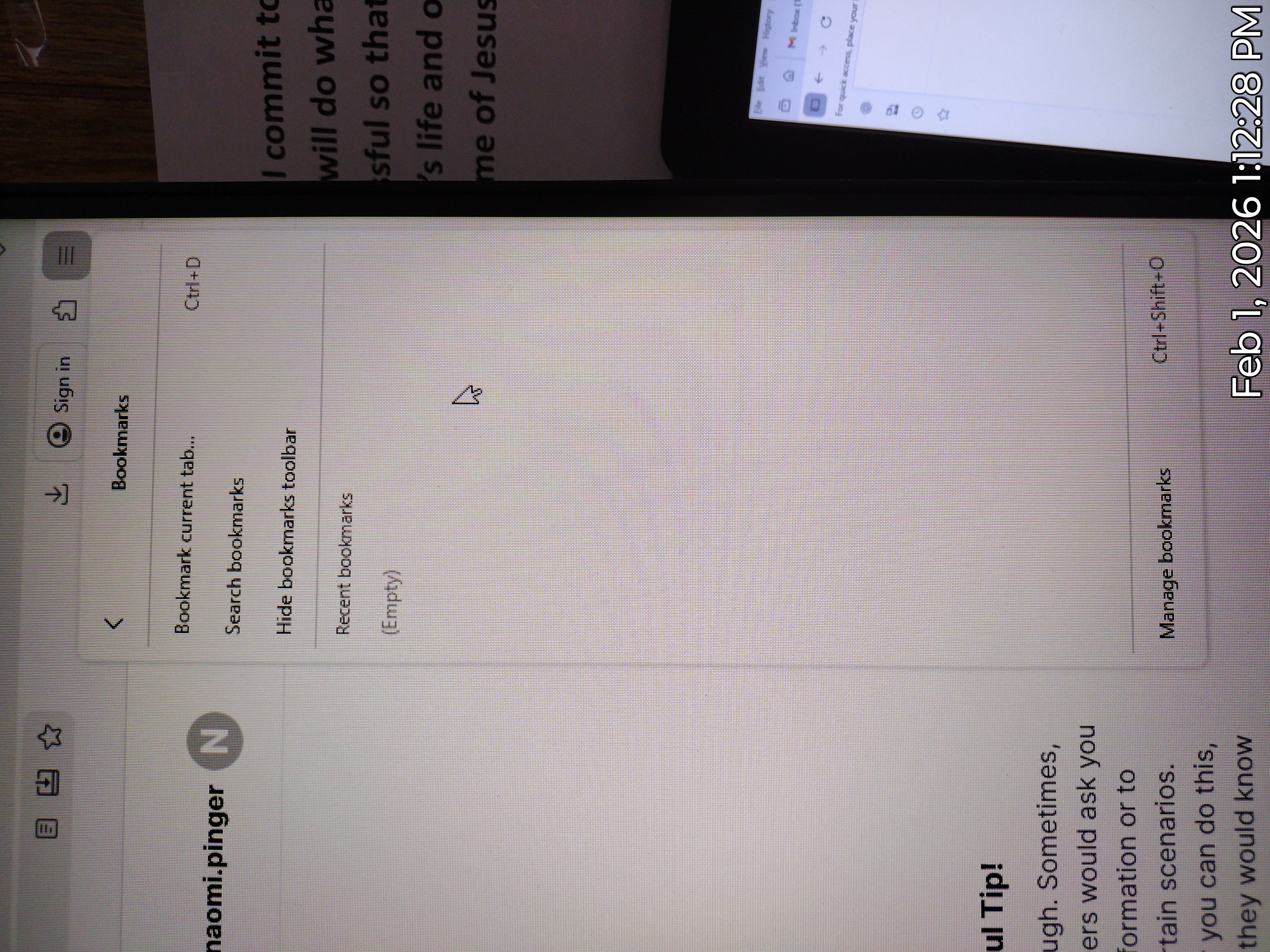
My bookmarks are gone.

This morning this was at the top of my screen when I logged into my computer. "For quick access, place your bookmarks here on the bookmarks toolbar. Manage bookmarks..."
I did click on it however nothing happened or so I thought. I later go to the upper right hamburger and click on it and go to the bookmark tab only to find all my bookmarks are gone.
Can anyone tell me how to get them back since that is my quick access to my business sites? Is there a way to find them or are they just gone?
I cannot get the tab to stay out so I can take a screen shot. Sorry.
Any help will be greatly appreciated. Thank you.
This morning this was at the top of my screen when I logged into my computer.
"For quick access, place your bookmarks here on the bookmarks toolbar. Manage bookmarks..."
I did click on it however nothing happened or so I thought. I later go to the upper right hamburger and click on it and go to the bookmark tab only to find all my bookmarks are gone.
Can anyone tell me how to get them back since that is my quick access to my business sites? Is there a way to find them or are they just gone?
I cannot get the tab to stay out so I can take a screen shot. Sorry.
Any help will be greatly appreciated. Thank you.