

Hierdie gesprek is in die argief.
Vra asseblief 'n nuwe vraag as jy hulp nodig het.

In die argief
Search screen

When I search on Firefox on my iPhone 14, the search results are in a tiny font. This just started happening this summer. Everything, all the search results are tiny. So, I no longer use Firefox. How can I change it back to the way it used to be?
When I search on Firefox on my iPhone 14, the search results are in a tiny font. This just started happening this summer. Everything, all the search results are tiny. So, I no longer use Firefox. How can I change it back to the way it used to be?
All Replies (3)
See image below.
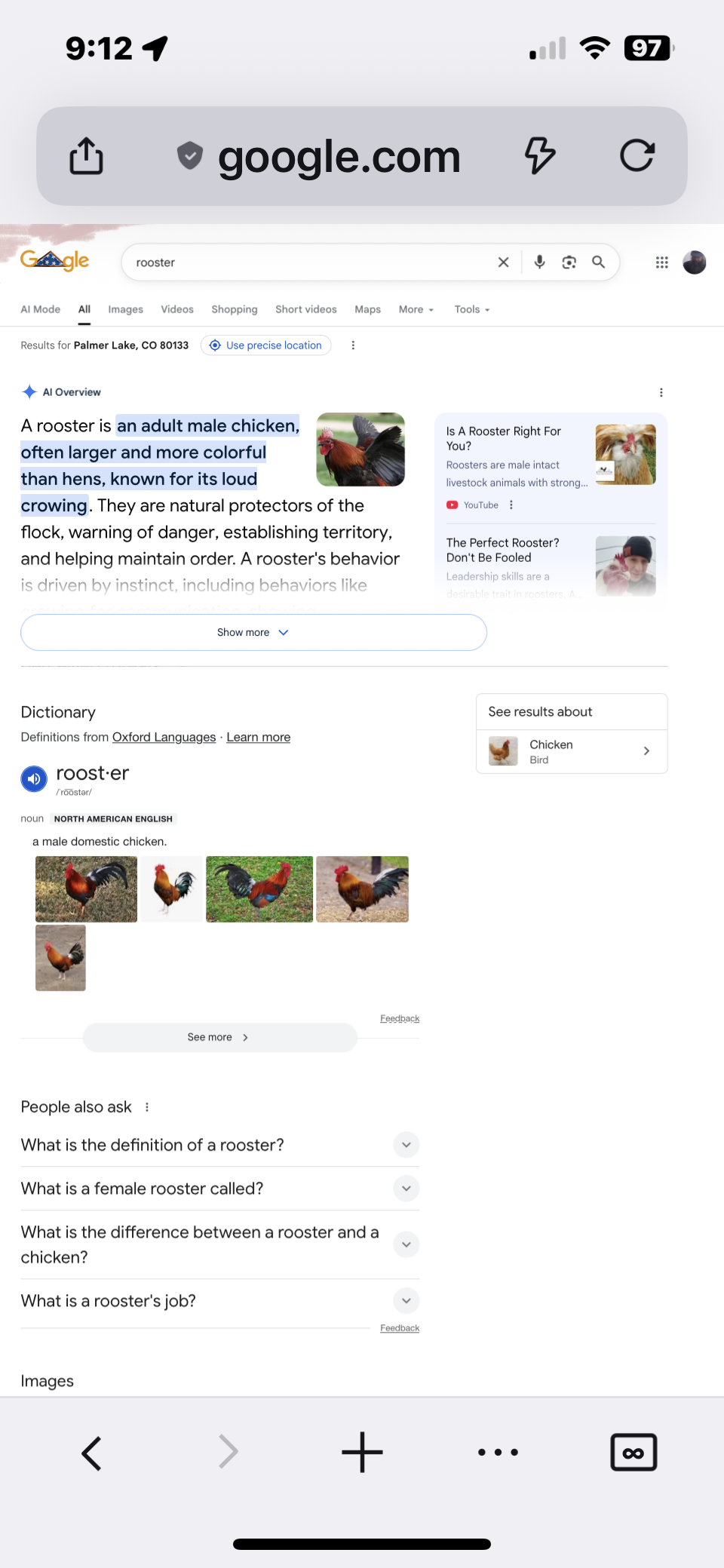
- Try to tap the page actions menu (three dots) in the address bar.
- Tap Request Mobile Site.

The correction was “desktop site OFF”