


mail.proton.me does not load
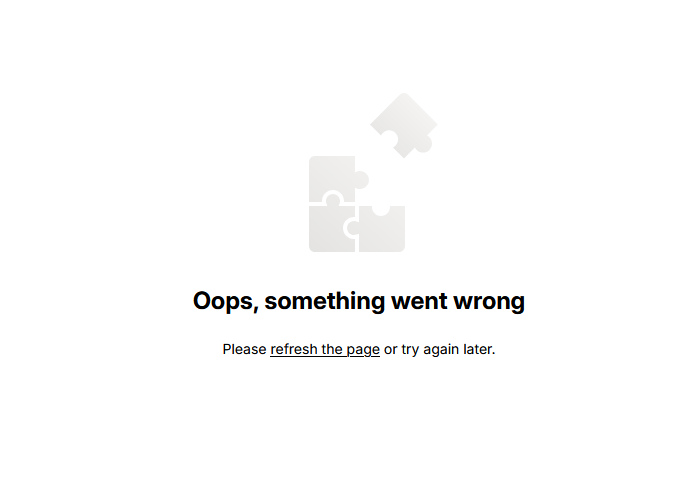
Hello After last firefox update this page mail.proton.me (specifically: https://mail.proton.me/u/0/inbox) does not load for me.
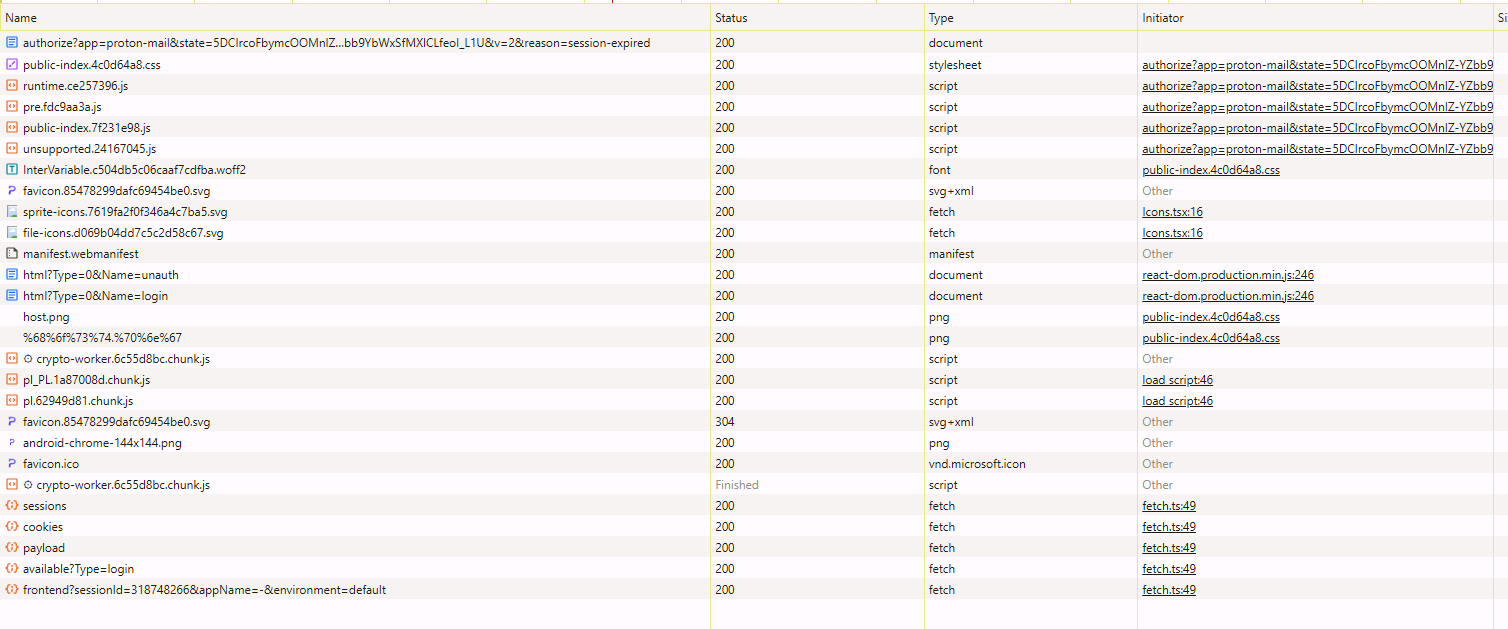
It works in chrome and edge but not firefox. I cleared my cookies and cache but it did not help. All I get is blank white page and sometimes error message. I attach screen from my F12 menu when I try to load page. In brave for example there is much more activity than in FF.


Gekose oplossing
It looks like issue fixed itself. No add-on was updated, no firefox update too. Maybe it was emsisoft signatures update, but disabling AV completely did not help before. Very weird and disappointing :(
Lees dié antwoord in konteks 👍 0All Replies (5)
Sometimes after refreshing 5-15 times, site finally loads. I tried disabling all my addons, runing FF in safe mode and disabling AV but nothing helps.
What OS? I'll guess Windows... If windows, home or pro? If Windows Pro version, try testing in Windows Sandbox (VM) to see if you have the same issue. https://www.howtogeek.com/399290/how-to-use-windows-10s-new-sandbox-to-safely-test-apps/ What AV are you using? What version of Firefox?
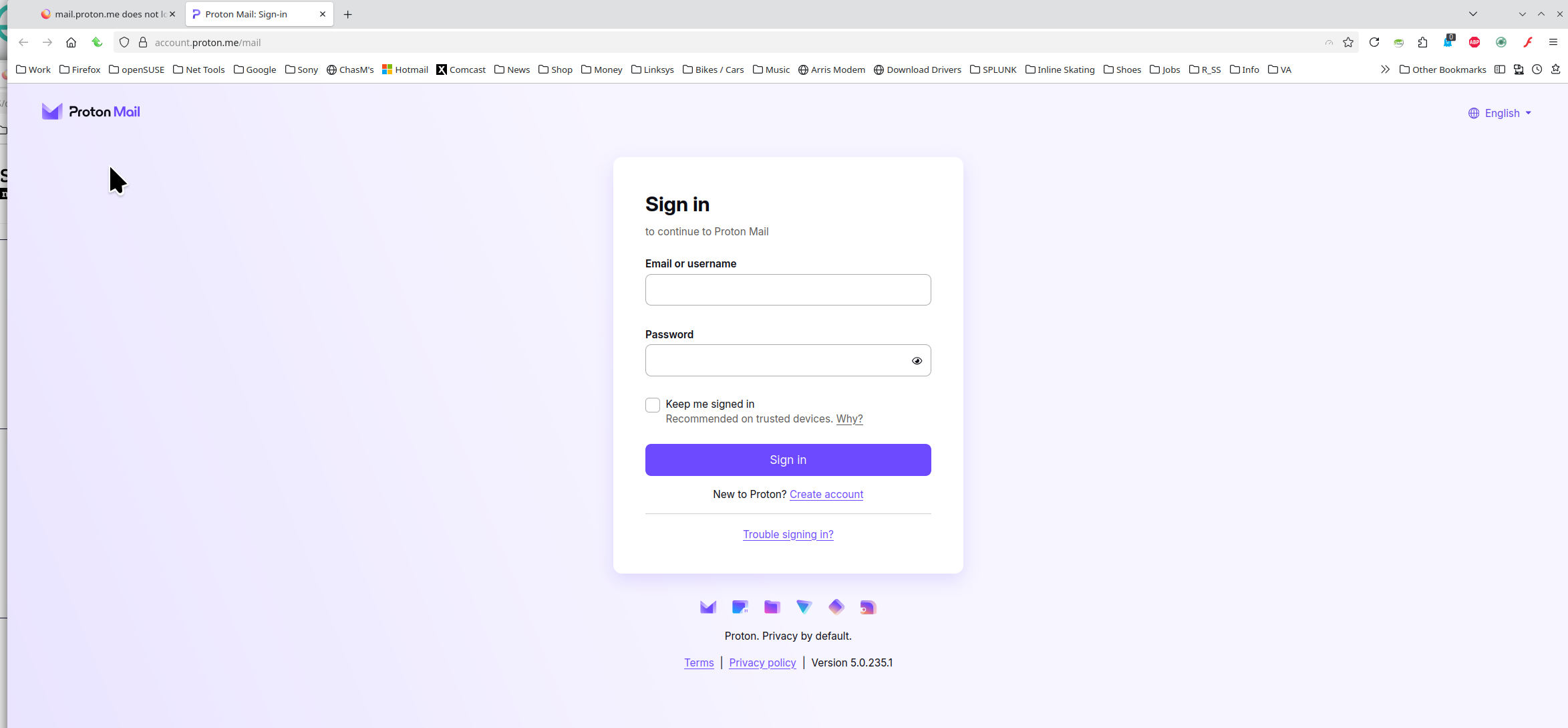
I tried sandbox but it gave me naked OS. I installed FF there but it worked fine in default profile. When I copied over my own profile it stopped working again so it must be sth wrong with my profile :( AV is emsisoft anti malware home. FF is 137.0.2 stable.
I blame emsisoft.
Gekose oplossing
It looks like issue fixed itself. No add-on was updated, no firefox update too. Maybe it was emsisoft signatures update, but disabling AV completely did not help before. Very weird and disappointing :(