

Hierdie gesprek is in die argief.
Vra asseblief 'n nuwe vraag as jy hulp nodig het.

In die argief
Vertraging in verzenden mails

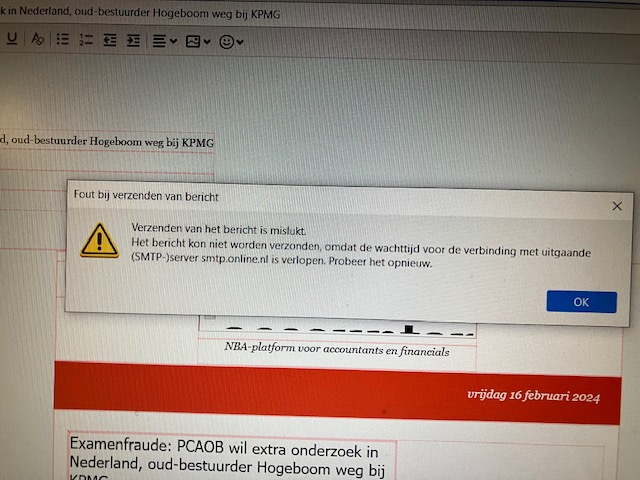
Bij het verzenden van mails ontvang ik sinds kort regelmatig de melding "Verzenden van het bericht is mislukt. Kon niet worden verzonden omdat de wachttijd voor de verbinding met uitgaande (SMTP)server is verlopen."
Hoe kan dat en wat kan ik hier tegen doen?
Bij het verzenden van mails ontvang ik sinds kort regelmatig de melding "Verzenden van het bericht is mislukt. Kon niet worden verzonden omdat de wachttijd voor de verbinding met uitgaande (SMTP)server is verlopen."
Hoe kan dat en wat kan ik hier tegen doen?
All Replies (2)
All I can suggest is that, if you post screenshot of the SMTP server settings, there may be suggestions. Or, it might be a network problem that is temporary.
f.flentge said
When sending mails, I have recently started receiving the message "Sending message failed. Could not be sent because connection waiting time to outgoing (SMTP) server has expired." How is this possible and what can I do about this?
Timeouts are often caused by antivirus scanning of outgoing mail. Run Windows in safe mode to bypass startup apps and see if the error remains.