


I imported bookmarks from a windows machine to a linux machine and I have a problem now.

I got a new machine, and exported from a windows 10 machine running firefox and got a "bookmarks.html " file that was saved to my desktop. I then used a USB drive to put it on a new LINUX box with firefox running on it. something happened with the "other bookmarks" folder in my bookmarks list. It is empty and I cannot access it. PLUS there is ANOTHER "other bookmark" folder on the bottom of the list that I cannot access or select.
The "other bookmarks" on the bookmarks tab is empty (the one on the top of the list). I can't move a URL to it. There is also another "other bookmarks" on the bottom. which I cannot select and therefore cannot get rid of. And I have a link to some place that I also cannot select (and therefore cannot get rid of).
All the bookmarks in my folders and lists are ok and they work. I think the bookmarks list (which I cannot find in the linux file system) is corrupted. How can I find it, delete it, and then try to import my new "bookmarks.html" again ? Using Linux POP-os ver 22. Most recent release.
All Replies (2)
Keep It Simple... I would suggest using Sync to get your data on other devices and versions of Firefox. https://support.mozilla.org/en-US/kb/how-do-i-set-sync-my-computer https://support.mozilla.org/en-US/kb/how-do-i-choose-what-information-sync-firefox
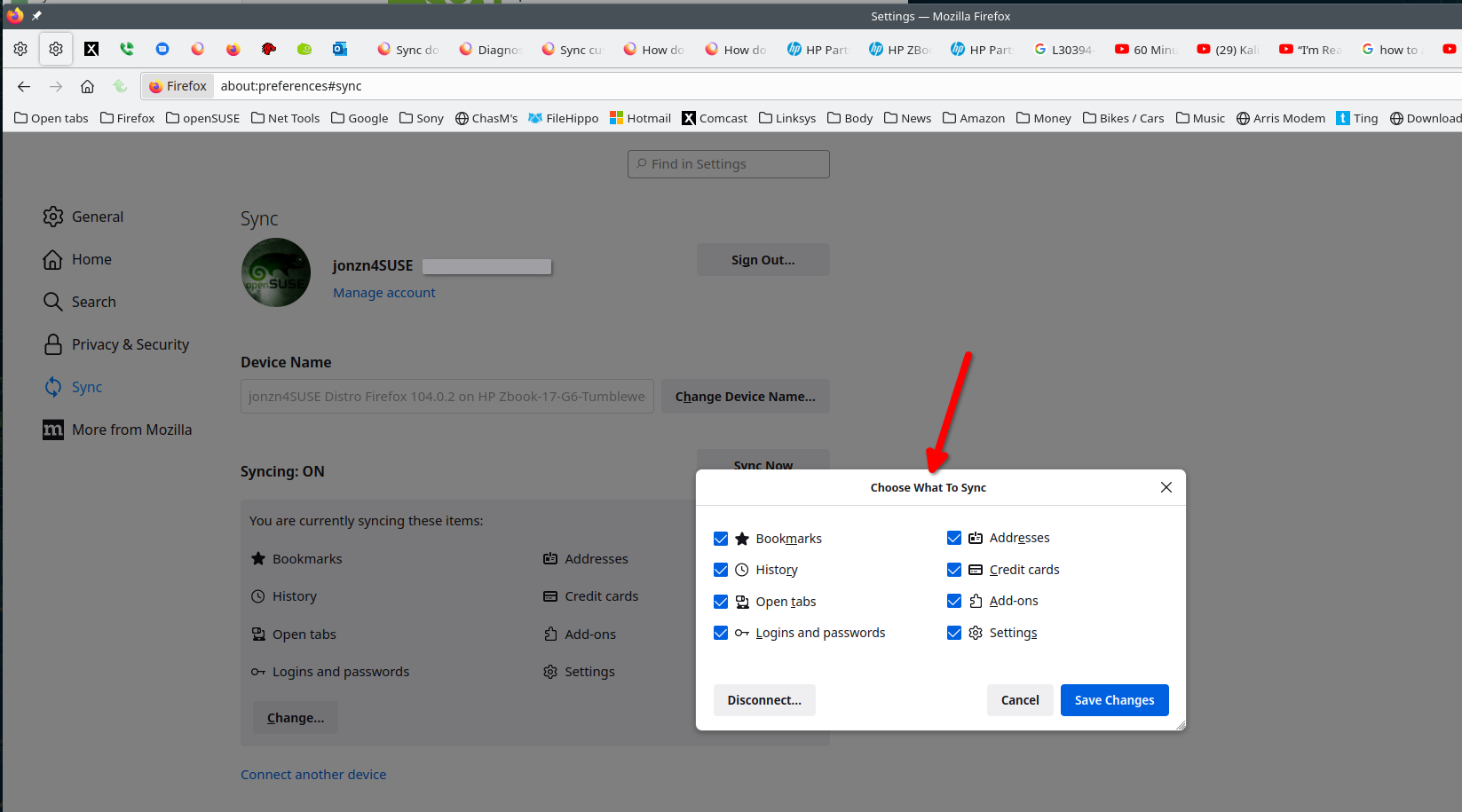
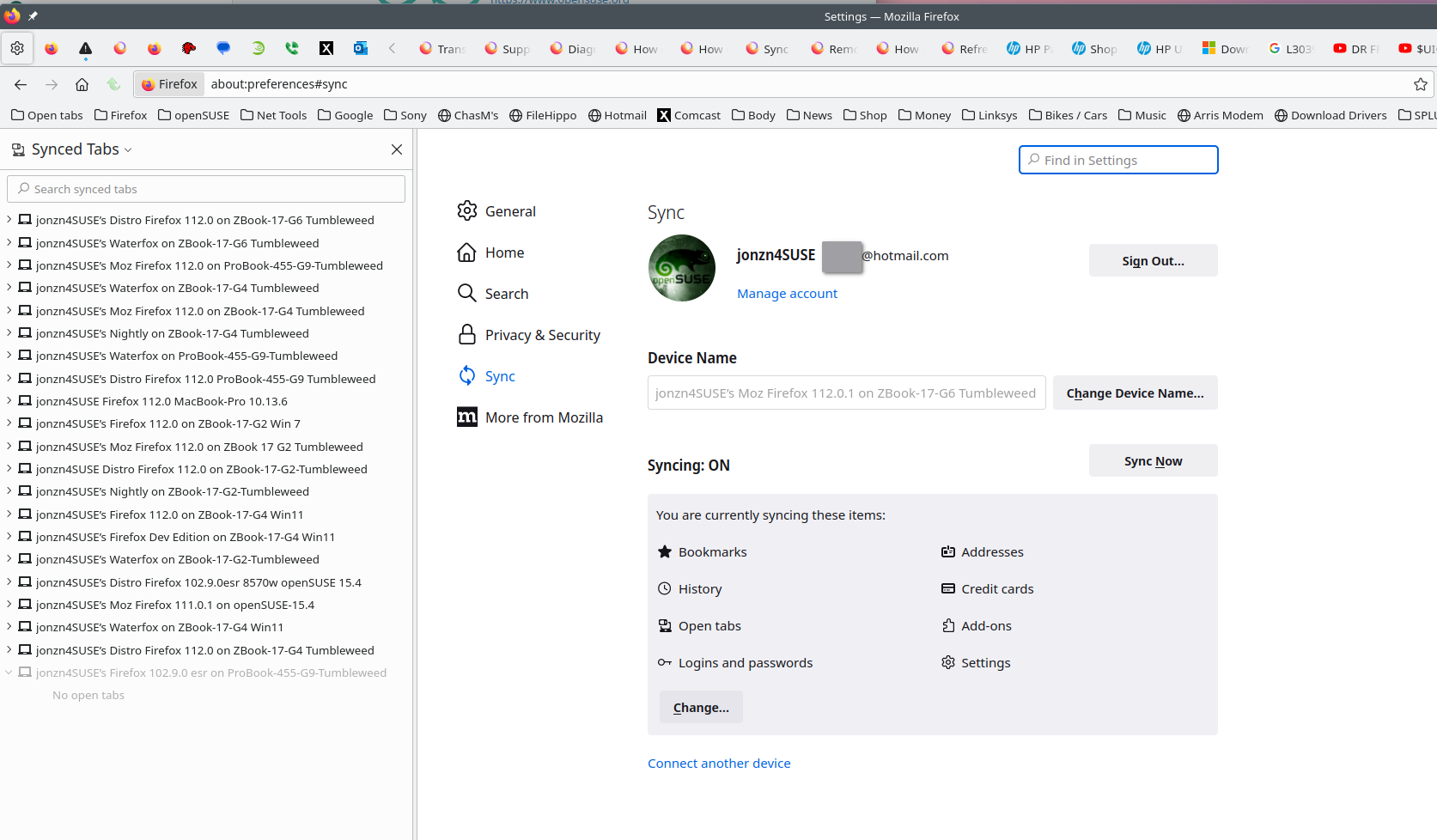
Gewysig op deur jonzn4SUSE

If you export a bookmarks backup in json format (by selecting Backup from the Import and Backup menu in the bookmarks library), and then import it on the new machine, do you still have problem folders?
But be aware that this might overwrite any pre-existing bookmarks on the new machine.
Gewysig op deur TechHorse
This question has been locked because the original author has deleted their account. While you can no longer post new replies, the existing content remains available for reference.