


Thunderbird 144 eats all memory in troubleshoot mode (win10)

Since i updated to 144 Thunderbird works well once started for a few minutes and then starts eating memory and in a few minutes it uses all system memory (64GB) and when virtual memory is exhausted it crashes
Now using 145 beta with same problem.
Using google calendar and only one plugin (Clippings for Thunderbird), tried to disable plugins, calendar, hardware acceleration, tried to compact folders, clear cache, clear msf with no success
Okulungisiwe ngu Wayne Mery
All Replies (11)
Also happens in Troubleshoot Mode, only using Microsoft antivirus/firewall, no gmail accounts

Please check Help > About. Is it shown as 32bit? Or 64bit?
Please first try version 143 installed from https://ftp.mozilla.org/pub/thunderbird/releases/143.0.1/win64/en-US/Thunderbird%20Setup%20143.0.1.exe
You need to start
thunderbird.exe --allow-downgrade
it's 64 bits, i tried to downgrade before but it was not possible due to backwards incompatible changes (now using 145.0b2), anyway it worked well when i had 143
david768 said
it's 64 bits, i tried to downgrade before but it was not possible due to backwards incompatible changes (now using 145.0b2), anyway it worked well when i had 143
You missed "You need to start thunderbird.exe --allow-downgrade"?
If you're sure it worked in 143, try a new profile as I suggested.
both options (create a new profile or downgrade to 143) may solve the problem for me but won't allow to find what is exactly causing the problem and fix it.
I visited all local folders one by one i found some ones that make Thunderbird fail that way. I repaired them and it started working well again. After one week working well it started again to fail. This time it did not eat all memory but Thunderbird totally hanged and become unsreposnsive (same as before but without memory exhaustion). I did the same procedure and found the local folder that make it crash and repaired it. It's curious because that folder had no new messages for two years (why did it get corrupted?). After being repaired it showed a pattern i saw in the firsts folders i repaired previously: many empty messages with identical date (screenshot attached) that i had to delete.
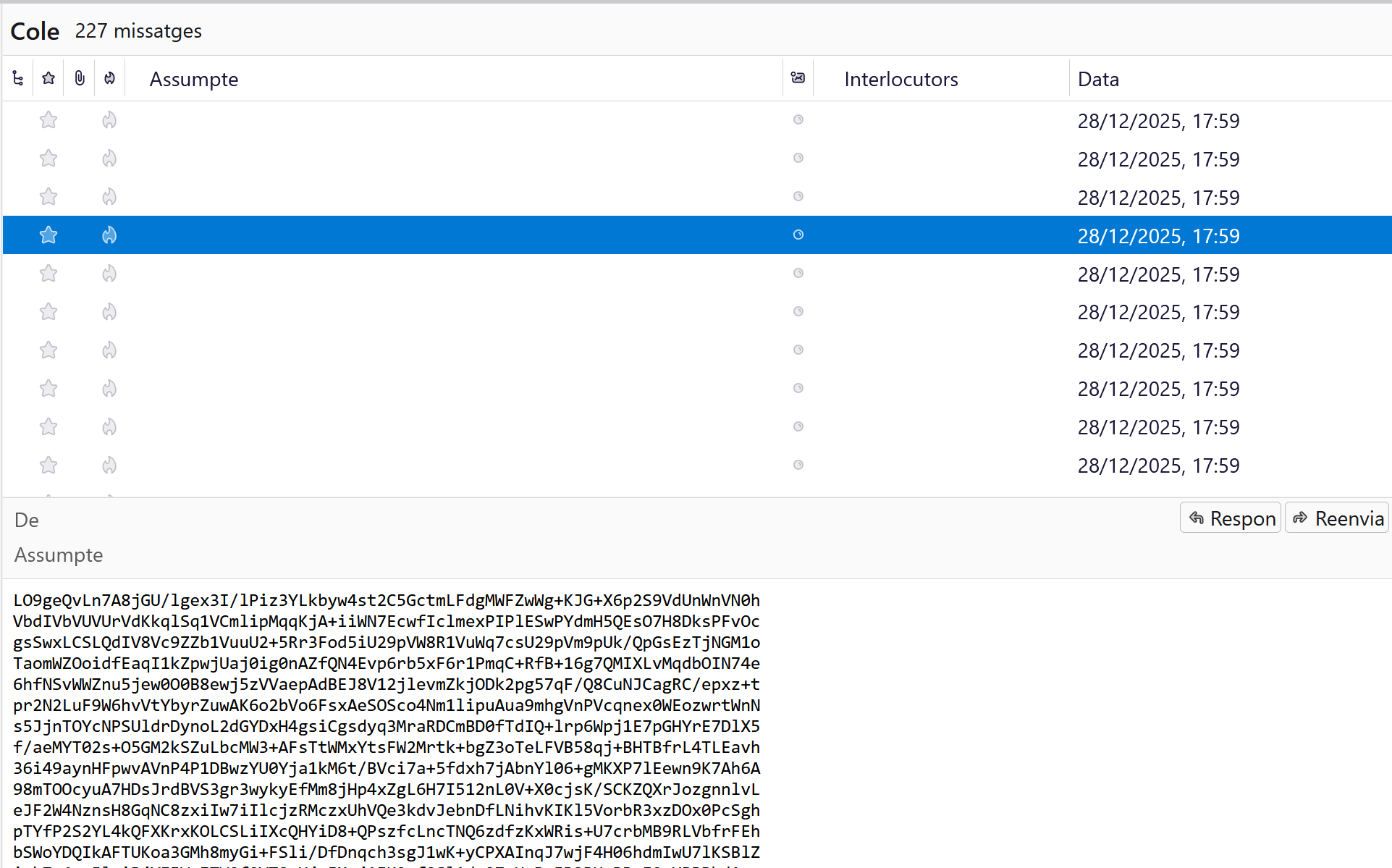
i didn't downgrade or make a new profile, just repair the folders that made Thunderbird crash
david768 said
i didn't downgrade or make a new profile, just repair the folders that made Thunderbird crash
>why did it get corrupted?
Nobody will ever know specifically, but it likely will continue so IMO you should seriously consider making a new profile.