

Lolu chungechunge lwabekwa kunqolobane.
Uyacelwa ubuze umbuzo omusha uma udinga usizo.

Solved
Okugcinwe kunqolobane
Password Manager on Win 11

Every time the browser autofills a password it asks me for my Windows password. I don't want this behavior, as this makes password autofill completely pointless. How do I disable this "feature"?
Every time the browser autofills a password it asks me for my Windows password. I don't want this behavior, as this makes password autofill completely pointless. How do I disable this "feature"?
All Replies (2)
Isisombululo Esikhethiwe
Hello,
Try the following:
- Click the menu button
 and select Settings.
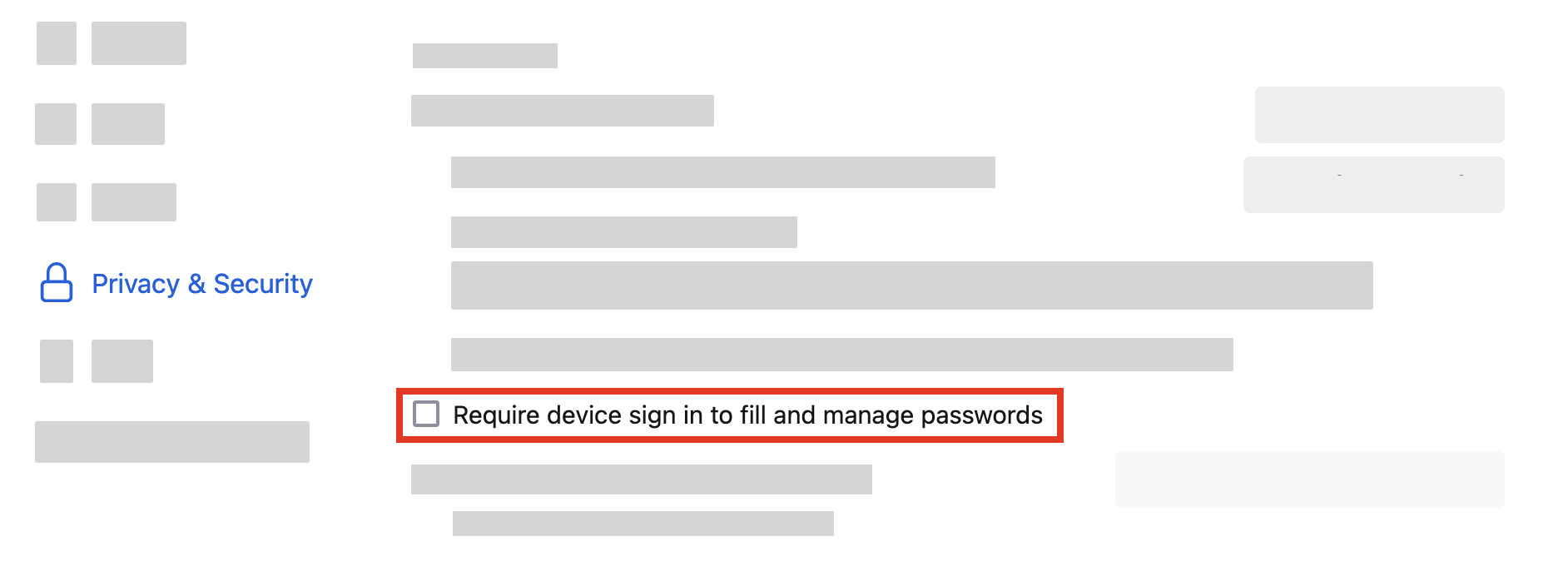
- Select Privacy & Security on the left.
- Go down to the Passwords section, and uncheck "Require device sign in to fill and manage passwords".
-
Does it help?
Thank you for responding. I had that unchecked, but I could have sworn the popup happened after I changed that setting. Either way, thank you for your help. If it continues I'll repost.