


gem.cbc.ca
cbc gem is a Canadian comedy/video program (cbc.gem.ca) which I have enjoyed for years. But recently, they require the subscriber to allow TRACKING in order to enhance their viewing experience. Since I don't allow TRACKING on my FireFox browser .... you guessed it. I can't login. The ribbon only says "loading..." continuously, no error message, just "loading..."
Tim Emard [email removed]@gmail.com
Okulungisiwe ngu Denys
All Replies (5)
Hi Tim, for sites you trust, you can disable the built-in Tracking Protection feature. While viewing a page on the site, click the "shield" icon at the left end of the address bar (next to the lock). On the drop-down, click the blue slider switch to disable protection. Firefox should reload the page, but you also can use Ctrl+Shift+R to reload the page bypassing the cache.
Any improvement?
Hello J S , thanks for responding. I did as you said and slid the shield's blue slider to disable tracking protection. The shield became one with a line through. Clicking on it indicates Not Blocking Tracking Content but it gives 7 addresses which are allowed to track, apparently, including facebook.com and ping chartbeat.net. Never heard of the last one or the other 5. I've included these 2 pages below. There's also "Manage Protection Settings" which is dubious.
After resigning in with your cntrl-shift-r, I'm back to the login page as before followed by "Loading..." running continuously. The Contact CBC on the page bottom poses a lot of AI questions for someone to figure out.
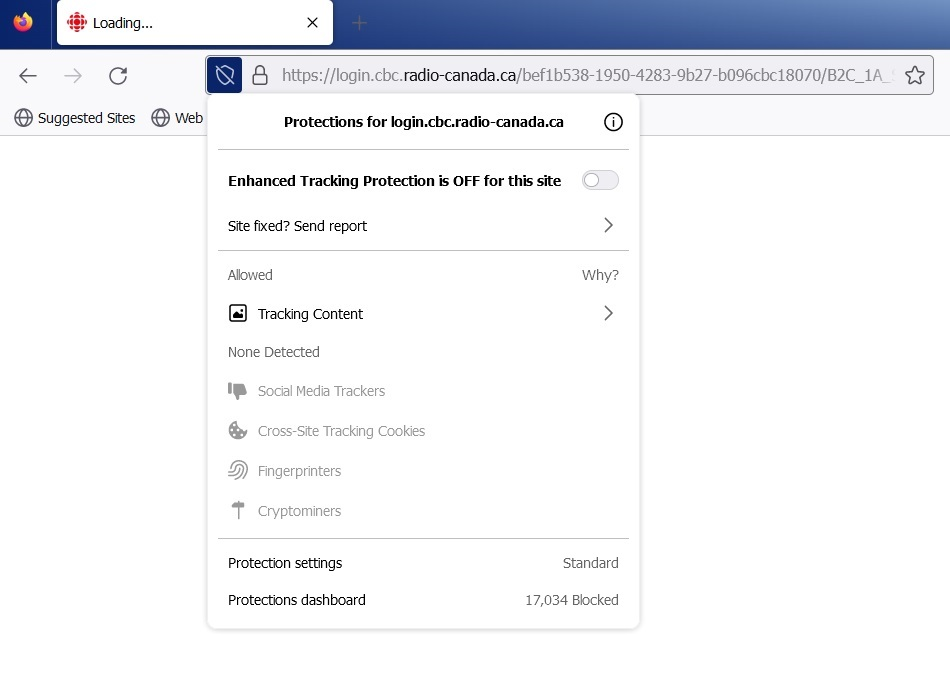
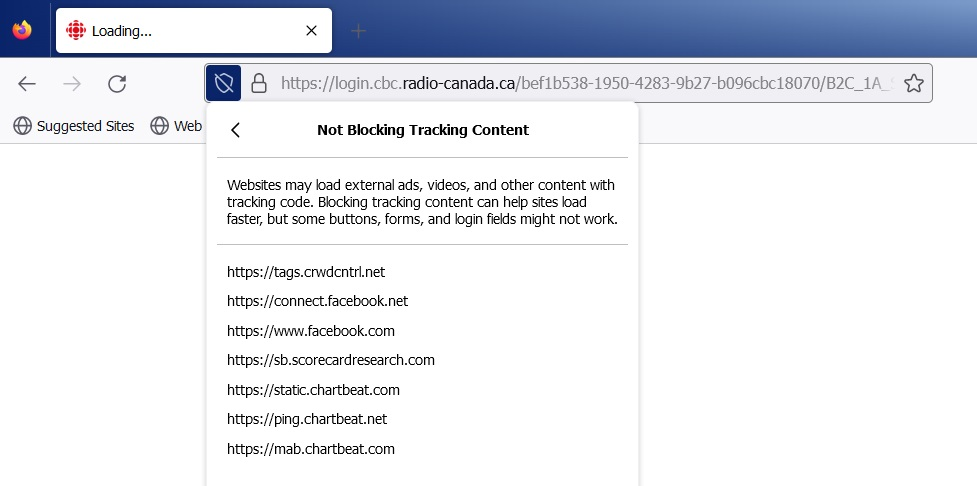
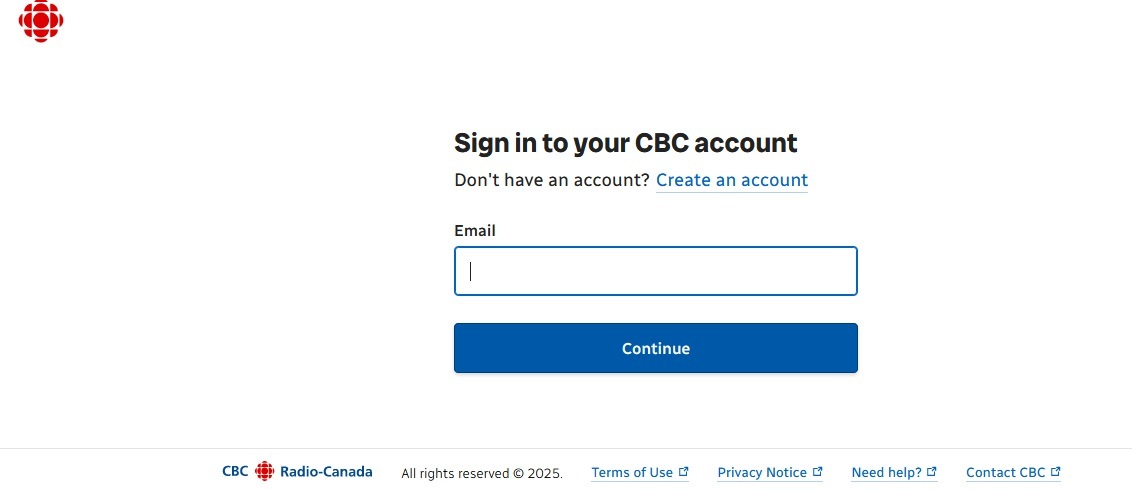
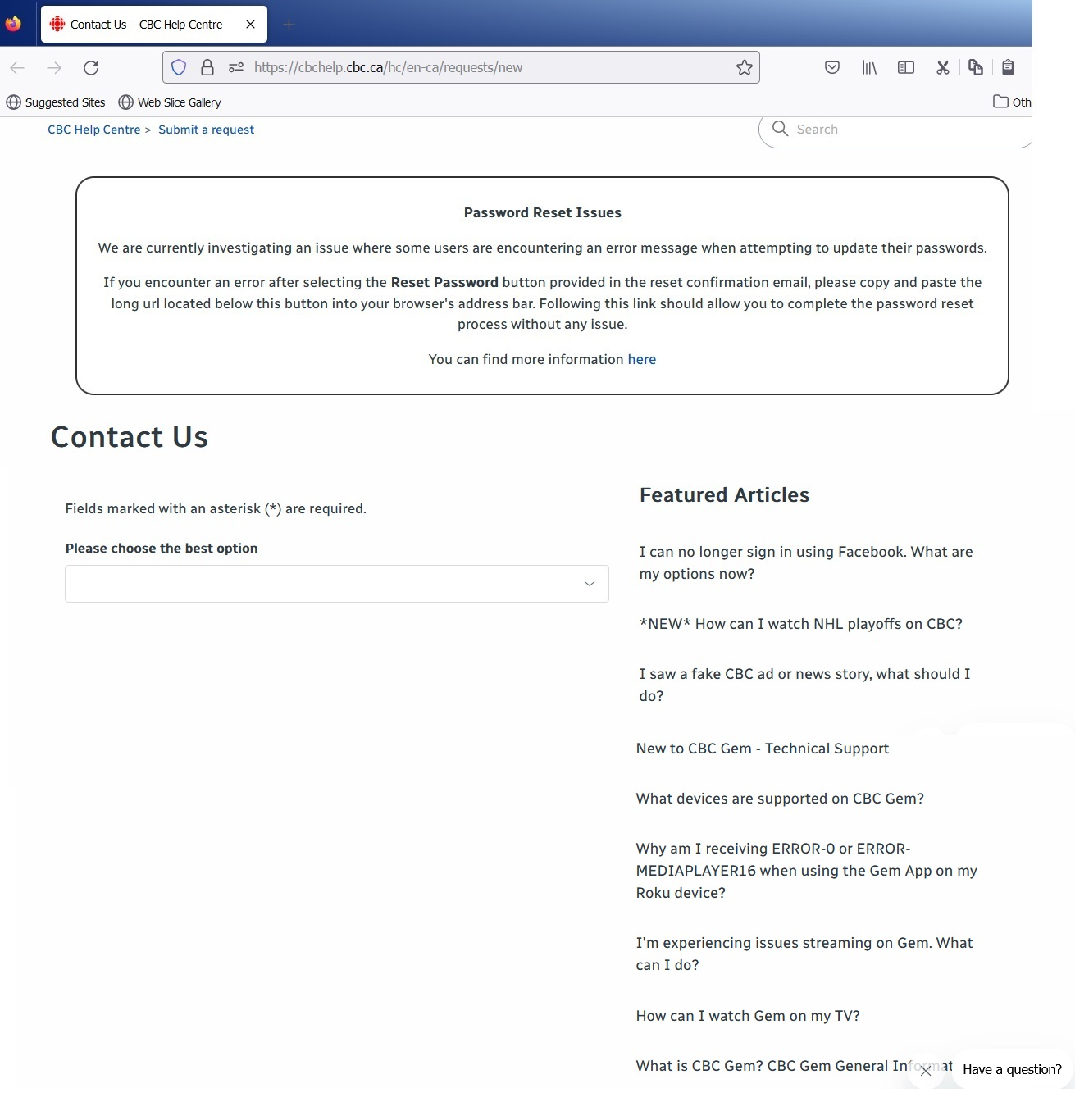
cbc gem "Loading ..." has not been solved. I use Windows 7 with Firefox version 115.
Hi Tim, does the site still accuse you of blocking tracking, or has that problem been solved and now there is a different problem?
Hi J S, there is no accusation, simply a reference given to all subscibers on the first page to allow tracking and to have no ad-blocking from your browser. So, I am assuming that to be my problem because I use Windows 7 and Firefox 115. This problem only started a month ago. A Windows laptop is not a "device" which is not allowed. I will continue to investigate my Firefox browser. Or just give up on CBC Gem. Everything else online works.
Question: Why does "Post Reply" not say Send or Reply. It just gives me a new blank Post a Reply message box? Not a Done or Send.